Invoking a Neurons Bot
Ivanti Neurons Bots provide powerful hyper-automation capabilities. Neurons Bots capability within Ivanti ITSM provides an integration between ITSM and Ivanti Neurons, and enables you to invoke a Neurons Bot from ITSM.
You invoke a Neurons Bot by running a Neurons Bot Quick Action from a record. The target type set on the Quick Action determines what the Neurons Bot runs against, and which record must be linked before the Quick Action can run. To Configure Neurons Bot Quick Action refer to Neurons Bot Quick Action.
Target Type | You can invoke from | Required identifier |
|---|---|---|
Device | A Business Object that has relationship to a CI record. | A single linked CI record with an Agent ID is mandatory. |
Person | A record that is linked to an Employee record, or an Employee record directly. | A single linked Employee record with a Discovery ID is mandatory. |
Universal | Any business object record. | No pre-conditions required. |
Neurons Bots can be invoked from a business object that has a relationship (link) to, or can be invoked from, a CI business object record. Also note that, if the business object from which a Neurons Bot is invoked has a relationship with more than one CI record, an error is displayed.
Target types require the Context for Neurons Bots feature flag (EnableContextForNeuronsBots). Without this feature flag, a Neurons Bot can be invoked only from a business object that is linked to a CI record.
Contact the Ivanti Cloud Operations team and request that the EnableContextForNeuronsBots feature flag is enabled.
Supported OOTB (Out Of The Box) business objects you can invoke a Neurons Bot from if linked to a CI record are:
- Incident.
- Change.
- Problem.
- Knowledge.
- Employee
Target Type
The target type determines what the Neurons Bot runs against, and which record must be linked before the Quick Action can run. You must select a target type before you can select a bot.
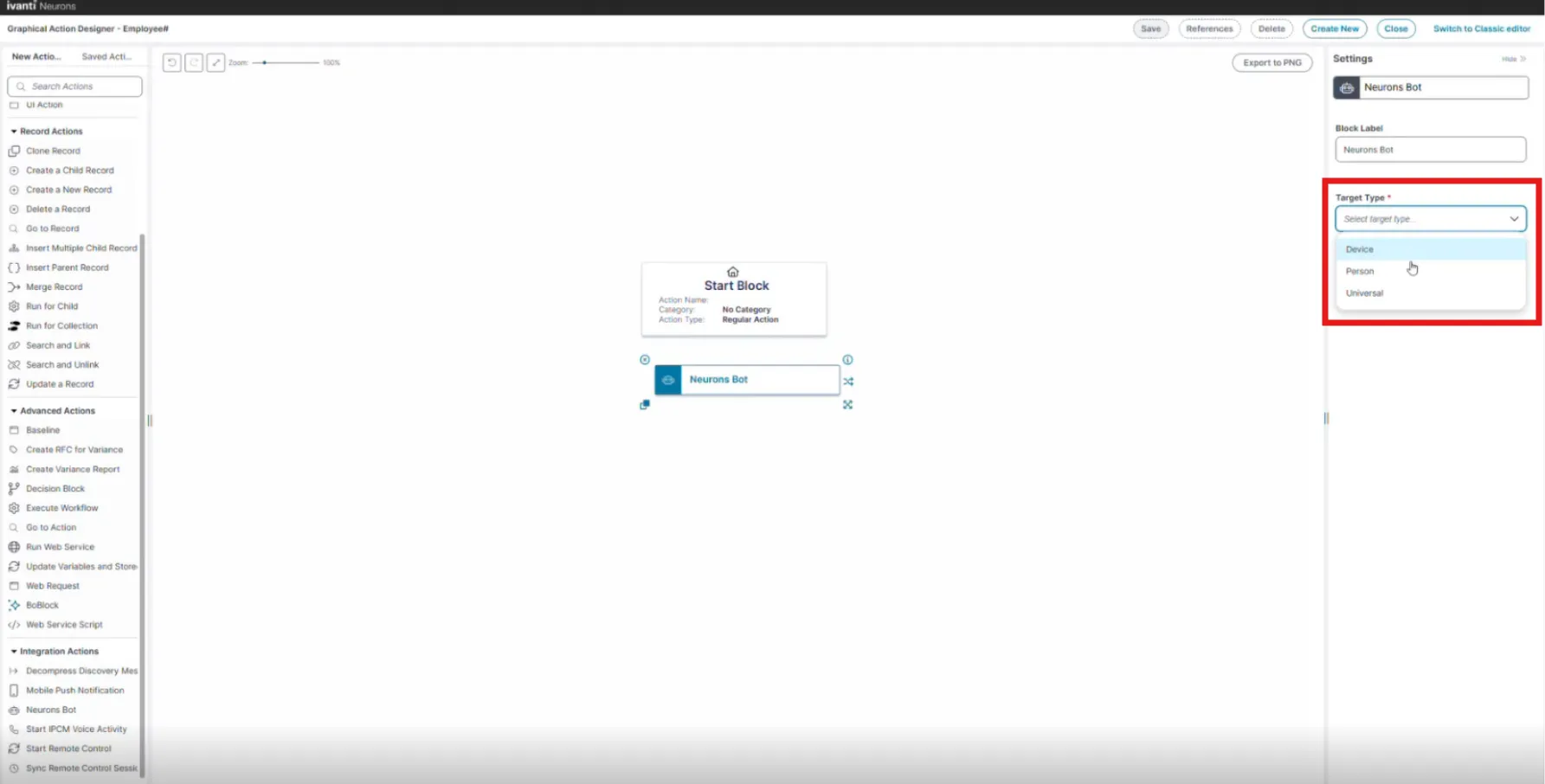
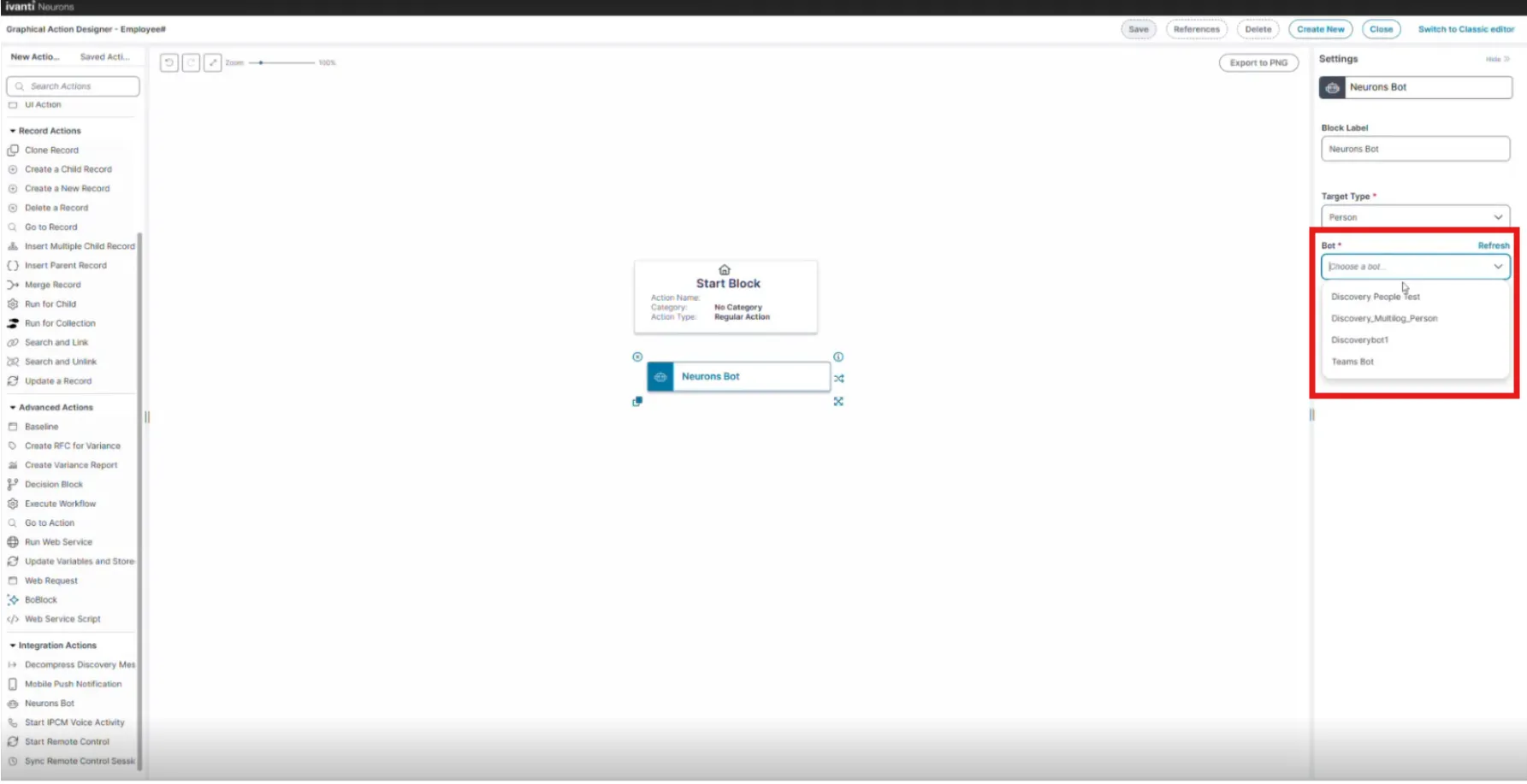
Target Type | You can invoke from | Required identifier |
|---|---|---|
Device | A Business Object that has relationship to a CI record or CI directly. | A single linked CI record with an Agent ID is mandatory. |
People/Person | A record that is linked to an Employee record, or an Employee record directly | A single linked Employee record with a Discovery ID is mandatory. |
Universal | Any business object record | No pre-conditions required |
When you configure the Neurons Bot Quick Action, you select the target type first, and then select the Neurons Bot. The Bot list displays only the Neurons Bots that match the target type you selected.
A Neurons Bot Quick Action with the target type set to Universal has no requirements, and you can invoke it from any business object.
For the Device and People/Person target types, record must be linked:
- For the Device target type, the record must be linked to a single record with an Agent ID or an error is displayed.
- For the People/Person target type, the record must be linked to a single record with a Discovery ID or an error is displayed.
A Neurons Bot can be invoked from a record that is linked to the target record, or directly against the target record. For information, see Neurons Bot Quick Action.
In this topic:
For more information, refer to Neurons Bots.
For information on enabling a Neurons Bot you can invoke from within ITSM, refer to Neurons Bots Integration for ITSM.
Invoke a Neurons Bot
- Open the business object record that is linked to the CI record you want to invoke a Neurons Bot upon.
The business object selected to invoke the Neurons Bot must only be linked to a single CI record; if it is linked to more than one CI record, an error is displayed.
For the Device target type, open a record that is linked to a single CI record with an Agent ID. For the People/Person target type, open a record that is linked to a single Employee record, or open the Employee record directly. Only the Employee business object has the Discovery ID field. For the Universal target type, open any business object record.
Click More, and select the required Neurons Bot Quick Action. If the Neurons Bot Quick Action requires user input, a dialog box opens.
- Enter the required input into the dialog box, and click OK. Skip this step if no input is required. The Neurons Bot is invoked and performs the action.
When the Neurons Bot invokes successfully, a Neurons Bots Invocation confirmation is displayed.
Invoke a Neurons Bot from a Workflow
You can invoke a Neurons Bot from a workflow by configuring it to trigger a Neurons Bot Quick Action. For example, you may want to trigger a Neurons Bot when a record field is updated, or certain field conditions are met.
To configure a workflow with a Neurons Bot:
- Create a new workflow, or edit an existing workflow:
- To create a new workflow, refer to Creating a Workflow.
- To edit an existing workflow, refer to Modifying a Workflow.
- Configure the workflow to trigger the Neurons Bot (refer to Configuring a Trigger).
Example:
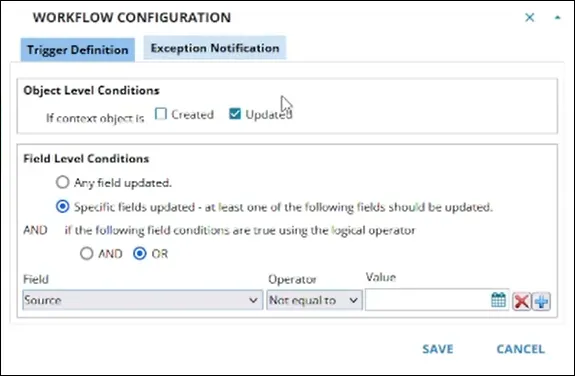
In this example, a workflow (Run WorkflowAction) is created to trigger a Neurons Bot Quick Action named WorkflowAction. The workflow is configured to trigger the Quick Action when the Source field in an Incident record linked to a CI is updated.
Workflow Properties Block configured to run the WorkflowAction Neurons Bot Quick Action
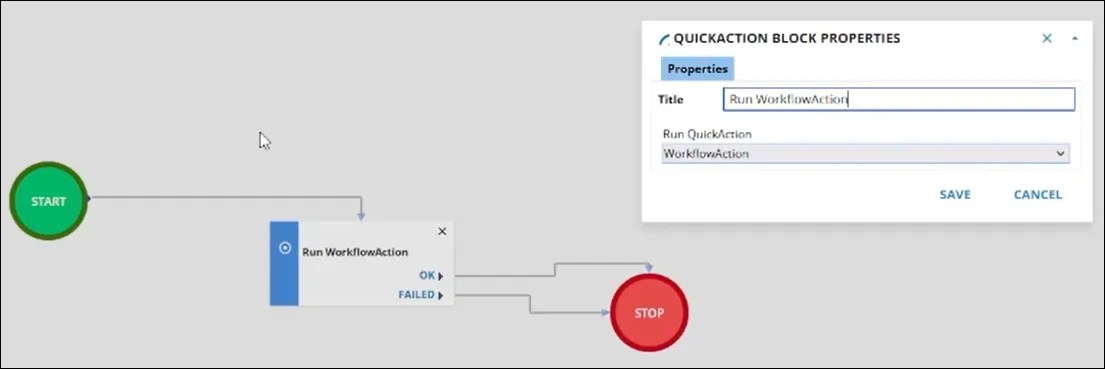
Workflow configured to trigger the Neurons Bot when the Source field of a linked Incident record is updated.
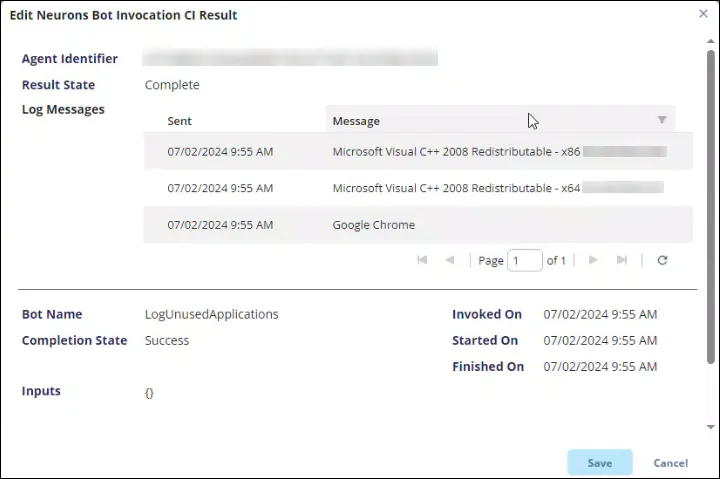
Check a Neurons Bot Invocation and Invocation Results
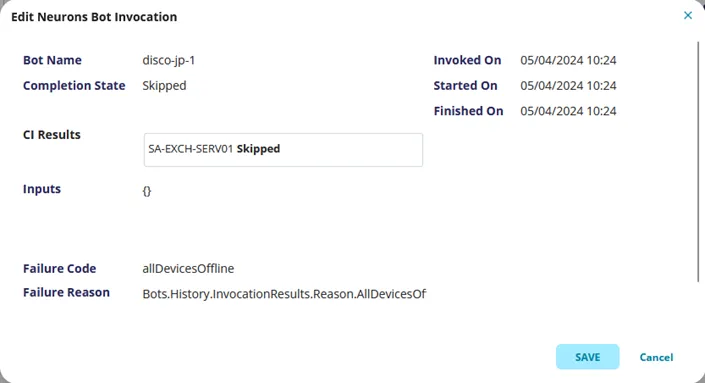
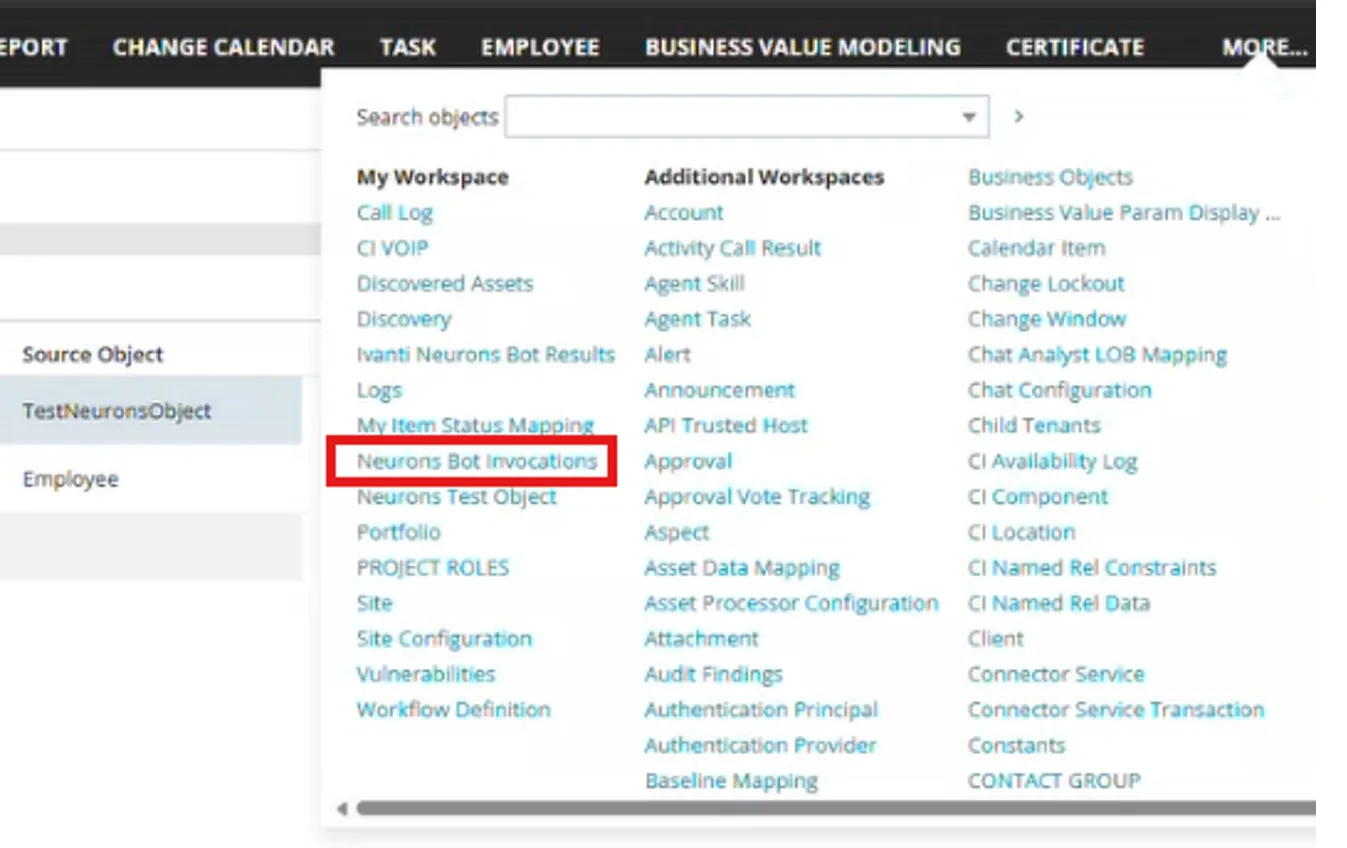
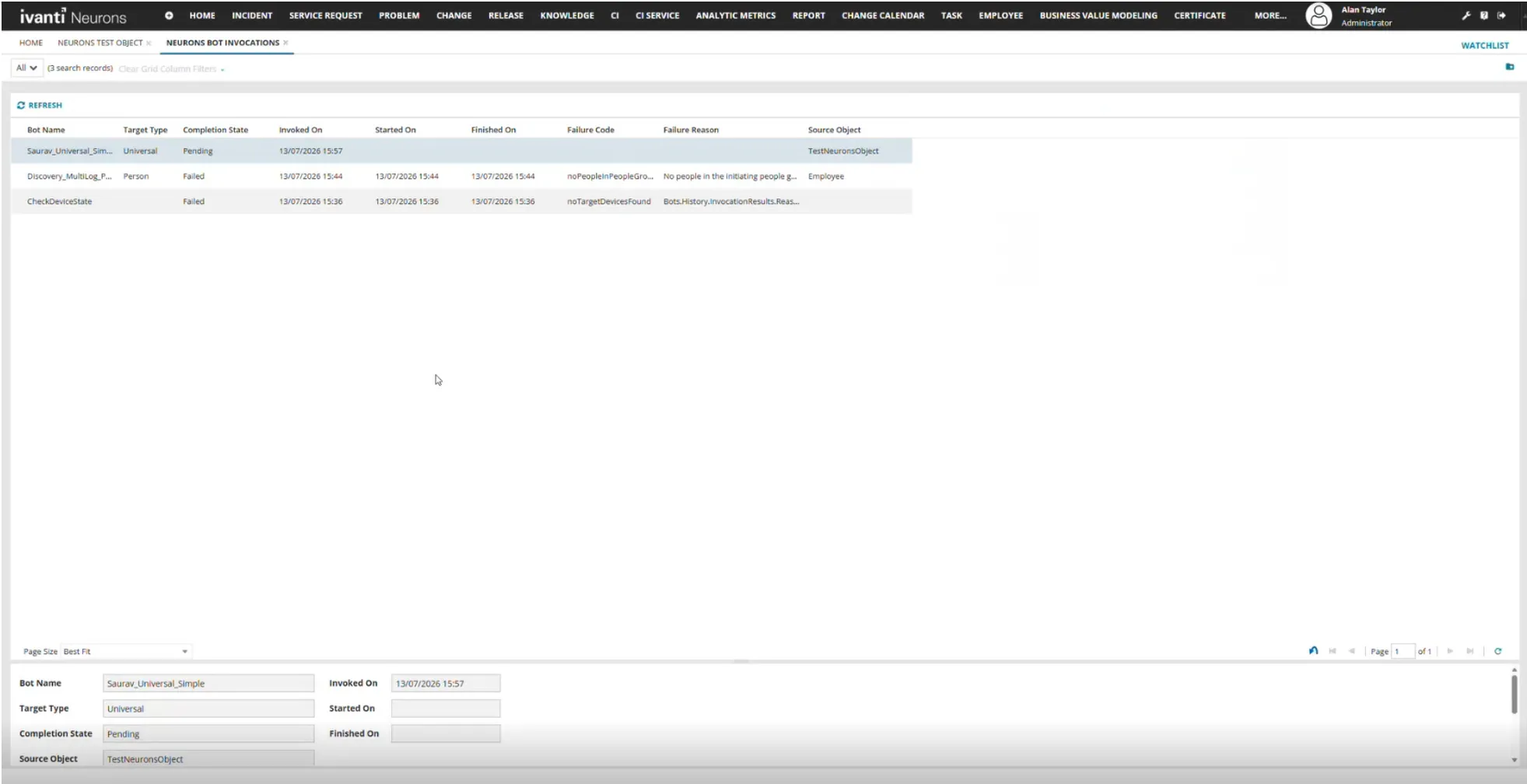
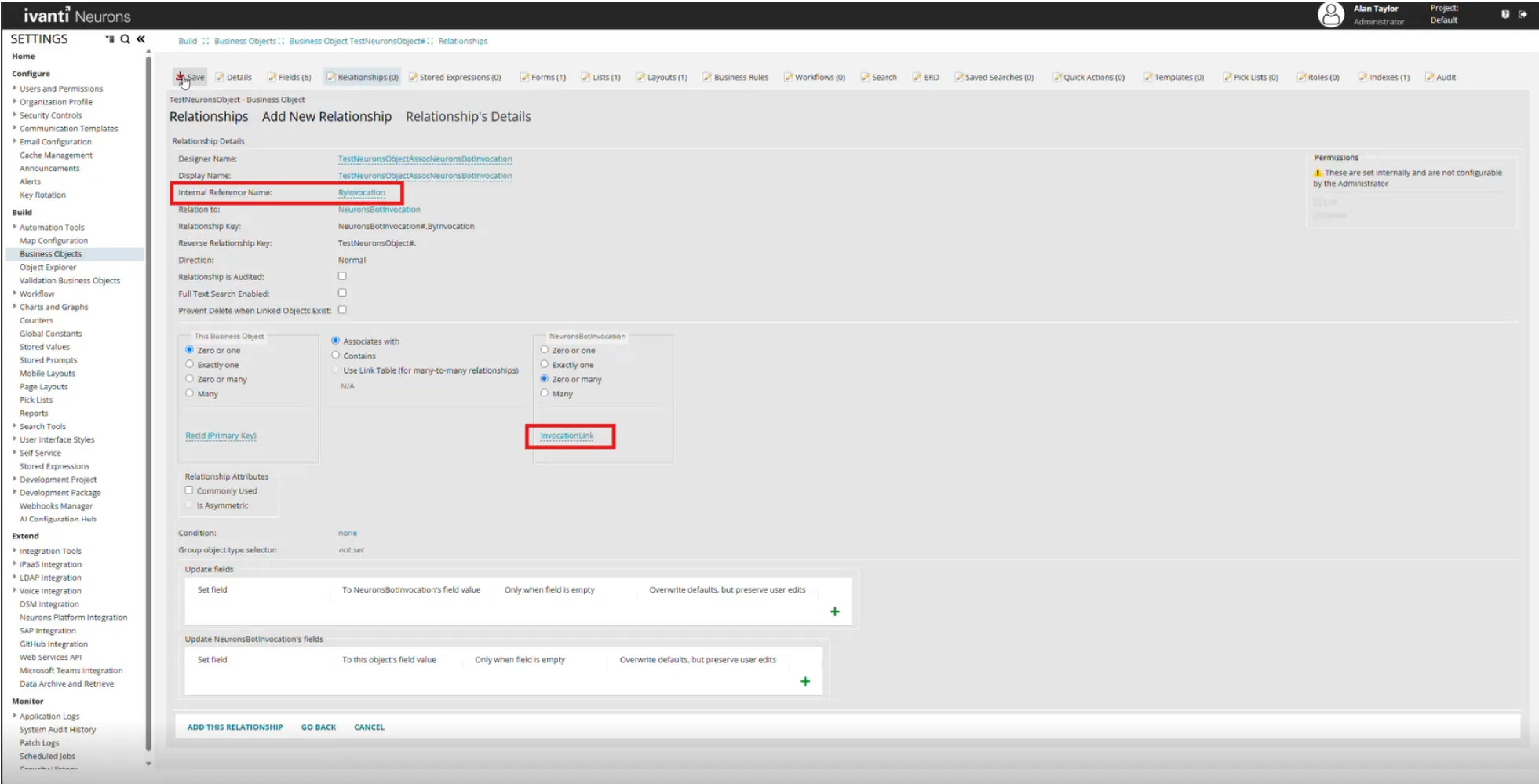
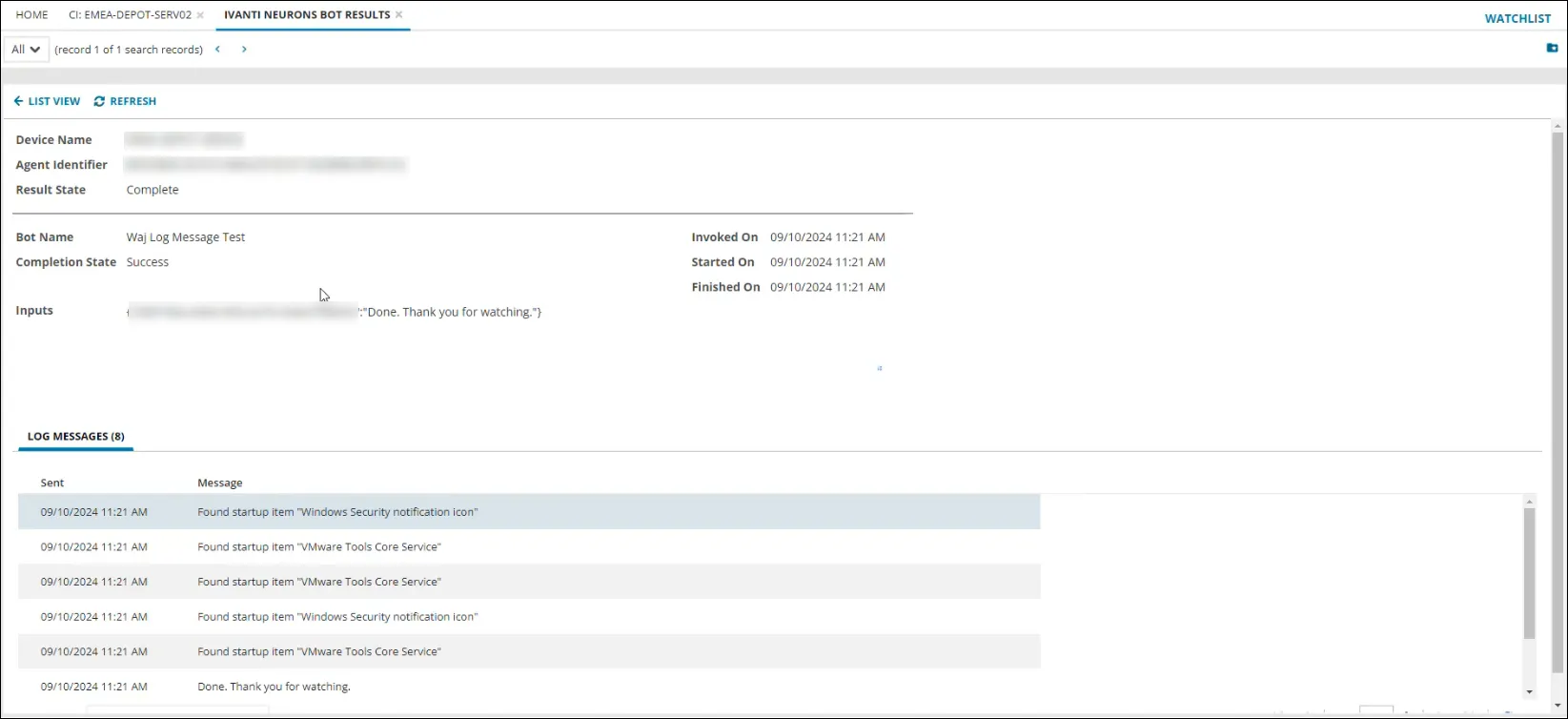
Once a Neurons Bot is invoked, you can check the invocation status and results from the related CI business object record.