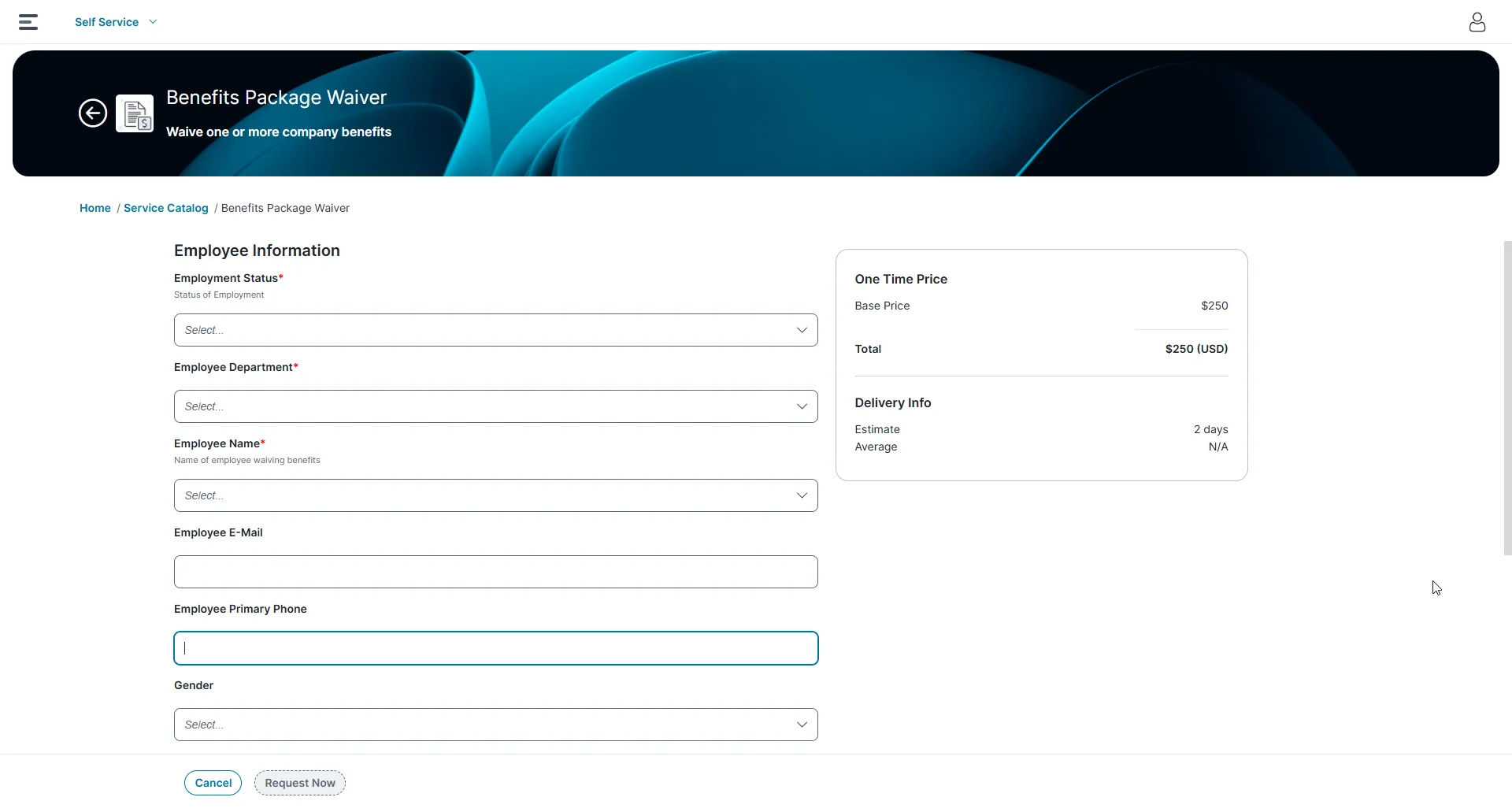
Working with Request Offerings
A request offering is an item that describes the item, assistance, or action available to users in the Self-Service portal from the Service Catalog. Request offerings are normally placed in logical groups of services. Both services and their request offerings are available to users in the Self-Service portal when the status of the request offering is set to published and if the user has been assigned a corresponding Neurons for ITSM role. Only users who have been assigned a user role associated with a Service Catalog group that contains Service Catalog items can use the Self-Service portal to access the Service Catalog.
Service owners create request offerings, which are used by Self Service users in the Service Catalog.
After you define a service, Self Service users do not see the service itself. Instead, they see and request certain aspects of a service (called request offerings), which are features of the service being defined and published. The choices and configurations you make here, such as displaying or hiding costs, are for each request offering service type such as Mobile Communication, Printing Service, or Data Service. You can show or hide information from Self Service users.
For example, one of the default services is Mobile Communication. However, users in the Self-Service Portal cannot place a request for the Mobile Communications service. Instead, they can select a request offering such as Mobile Phone Request or Mobile Smartphone Request from the Service Catalog. You can choose to display the costs that will be incurred by the users in the Self-Service portal for this request offering such as the price of the phone or the recurring cost per month charged by the carrier. These request offerings are based on the Mobile Communications service, but have different costs, fulfillment workflows, and other aspects of the service.
Icon | Description |
|---|---|
 | Request Offering |
 | Form Offering |
 | External Offering |
Viewing Request Offerings
Only service owners and administrators can view the list of request, form, and external offerings unless the administrator has provided another role with this access.
- Log in to the Service Desk console.
- Open the Request Offerings workspace.
A list of request offerings is displayed.
- Double-click an item to view details.
- You can sort the request offerings by name, status, or owner by clicking the arrow in the header next to the Name, Status, or Owner headings. You can sort either ascending or descending.
Performing bulk updates on request offerings
Bulk updates are supported only in the Classic UI and UI v3 versions.
Prerequisite
- You must enable the UnconditionallyOn feature in the configuration database:
- In Config DB, go to Feature Management > RequestOfferingBulkUpload, and select the UnconditionallyOn checkbox.
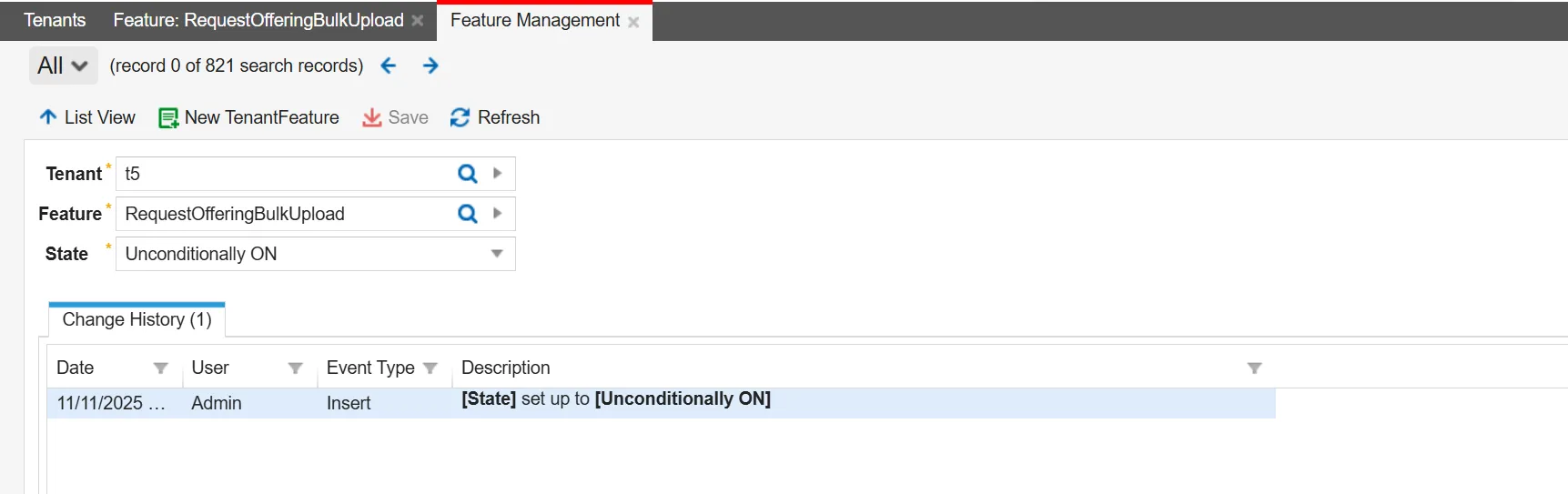
Request Offering Bulk Upload option
- In the Request Offerings workspace, select the checkbox next to required request offering you want to update.
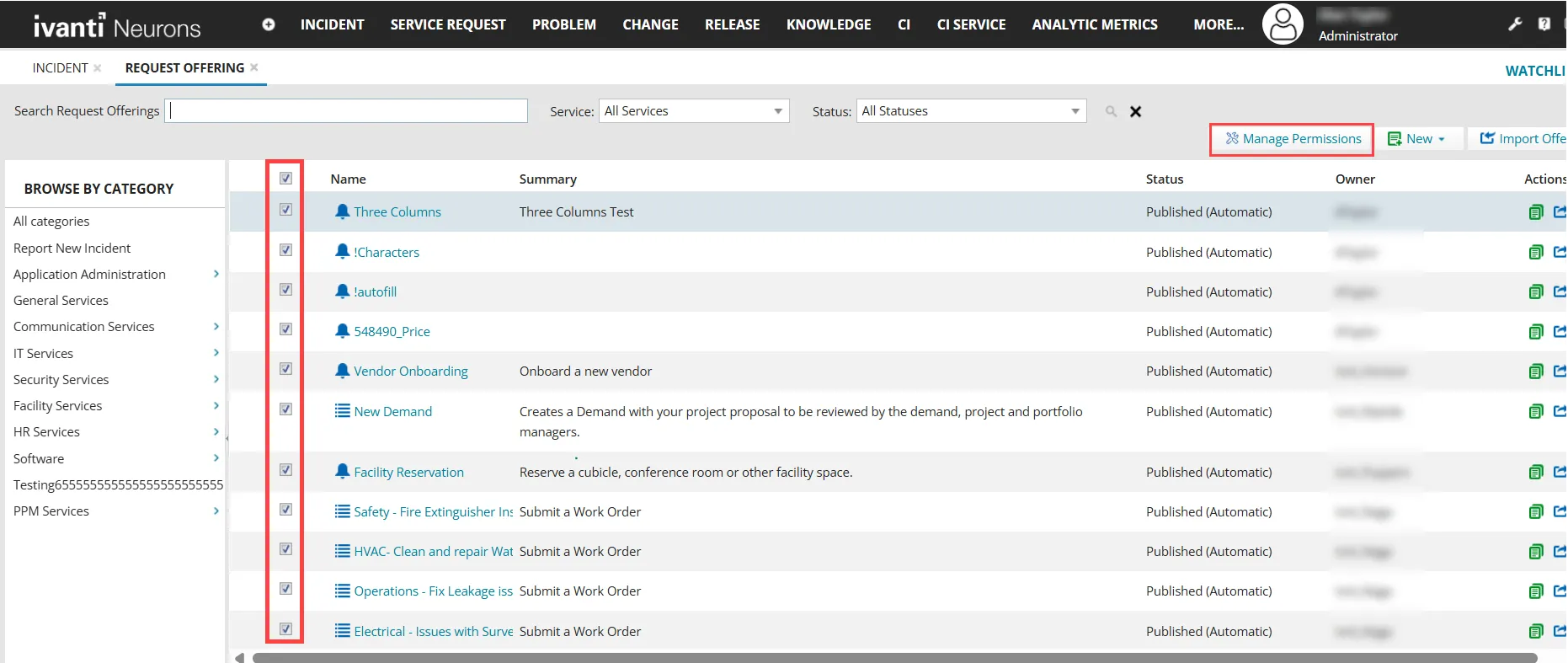
- Click Manage Permissions.
The Manage Permissions window appears.
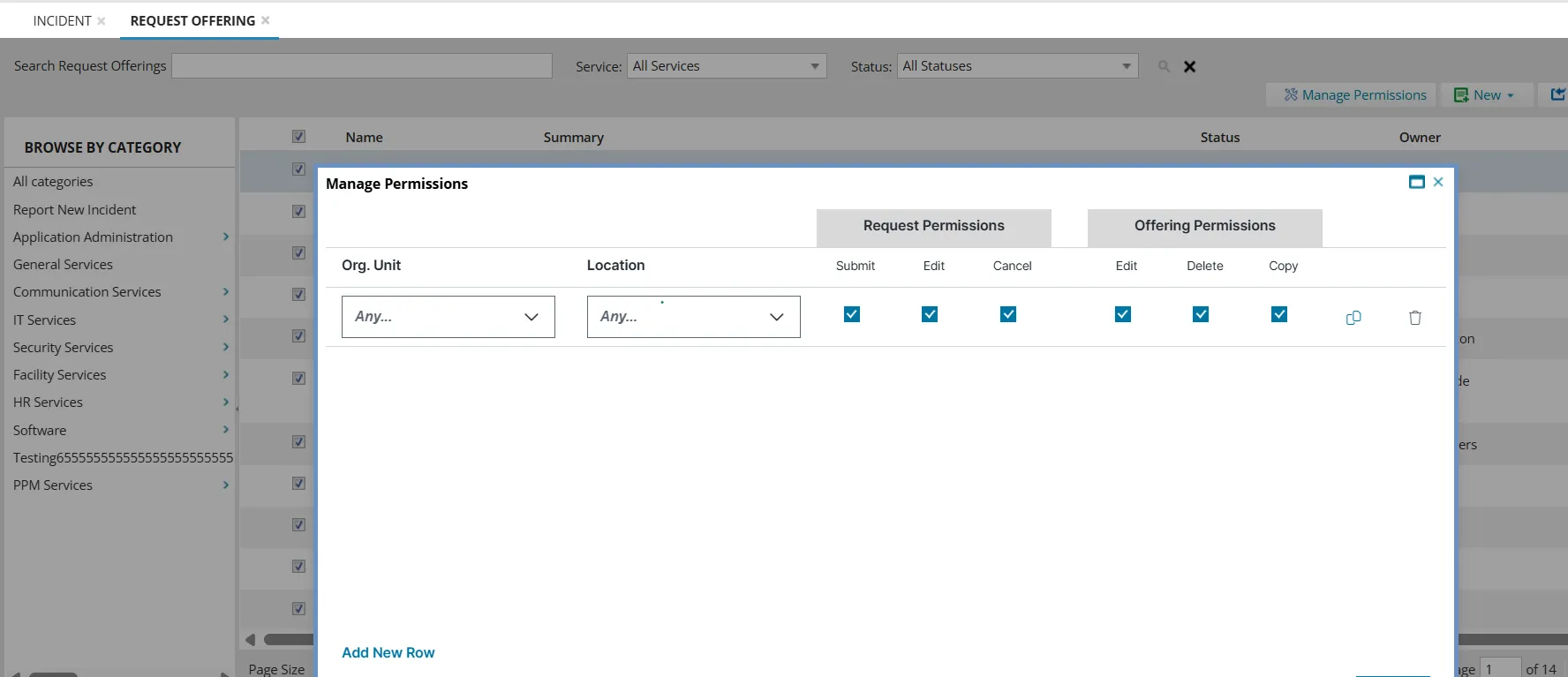
Manage Permission window
- Select the required permissions to assign and click Save.
Share Direct Link of Request Offering
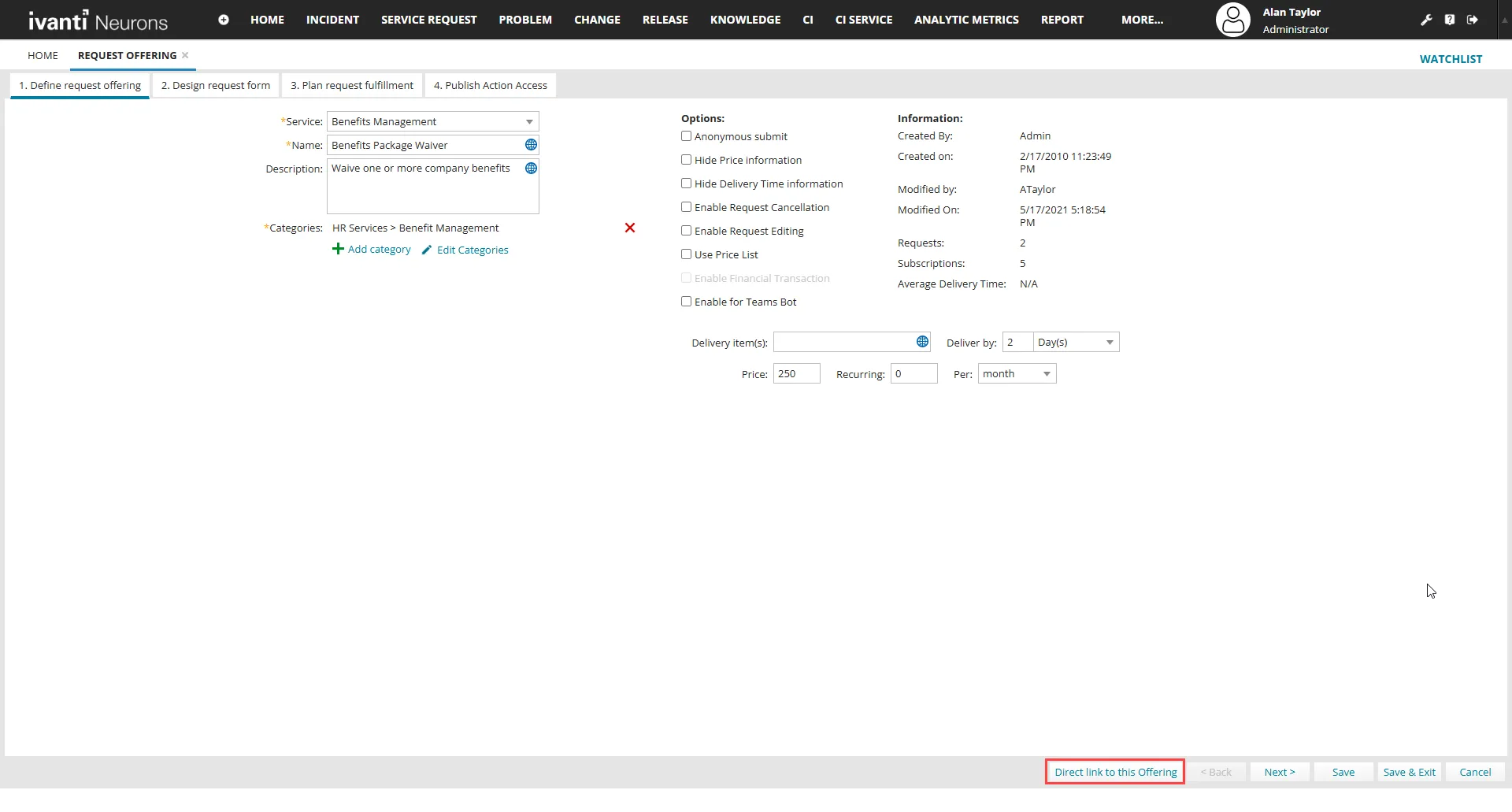
In the bottom of the Request Offering form select Direct link to this offering button that prompts the direct link to the offering.
Direct link to this offering button in the Request Offering form
Prompt of direct link of the offering
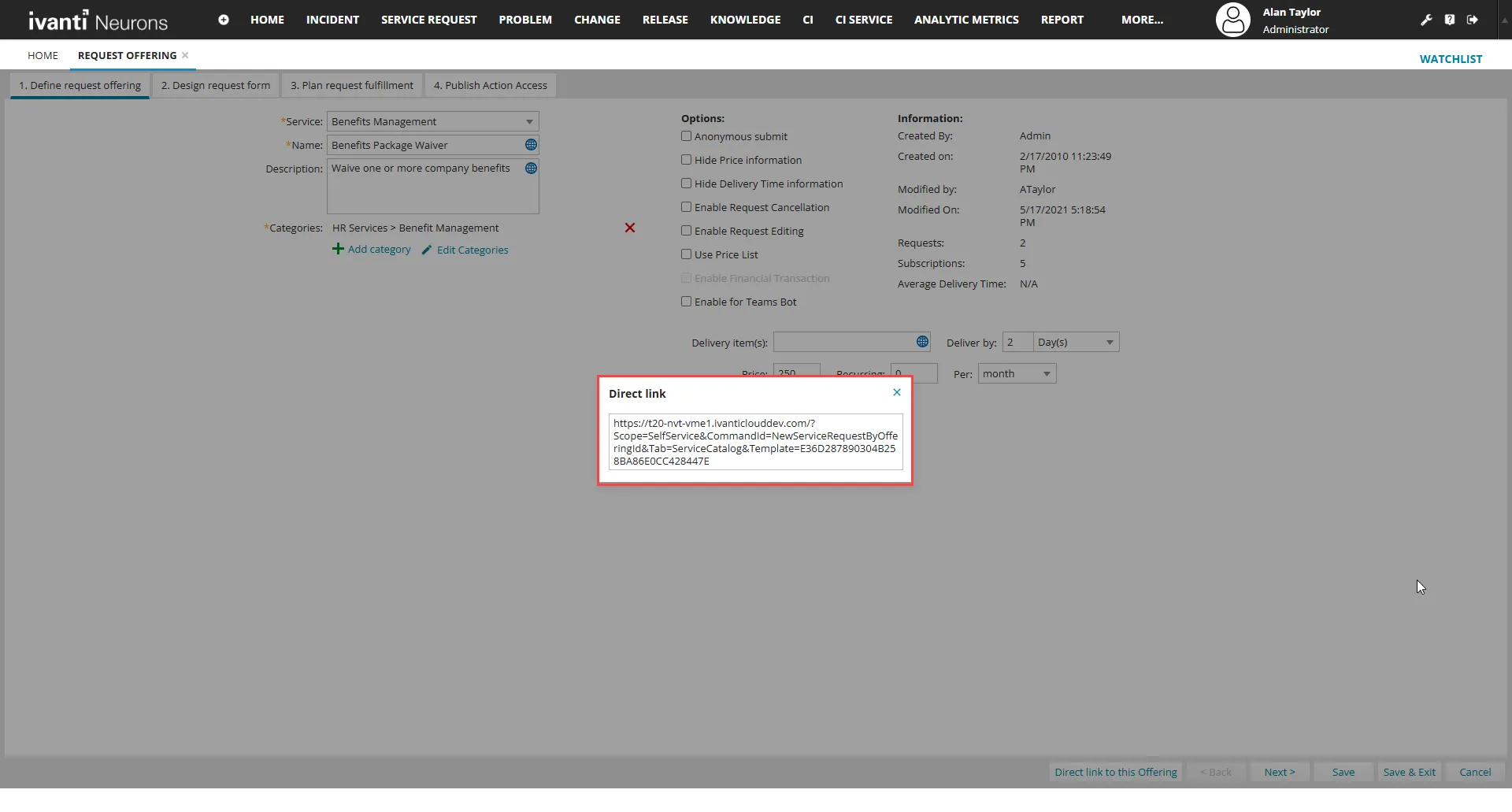
This Direct Link point straight to the Self Service request form of the Service Catalog.