
App login and navigation
This topic describes the two navigation views available when you sign in to Neurons for ITSM.
- Classic view
- Unified navigation
Classic view
Classic View is the traditional interface used in Neurons for ITSM platform. It features a familiar menu layout and navigation style that long-time users are comfortable with. It provides easy access to core ITSM modules using a structured and detailed format that supports efficient service operations.
Available to all legacy ITSM users prior to version 2024.3.
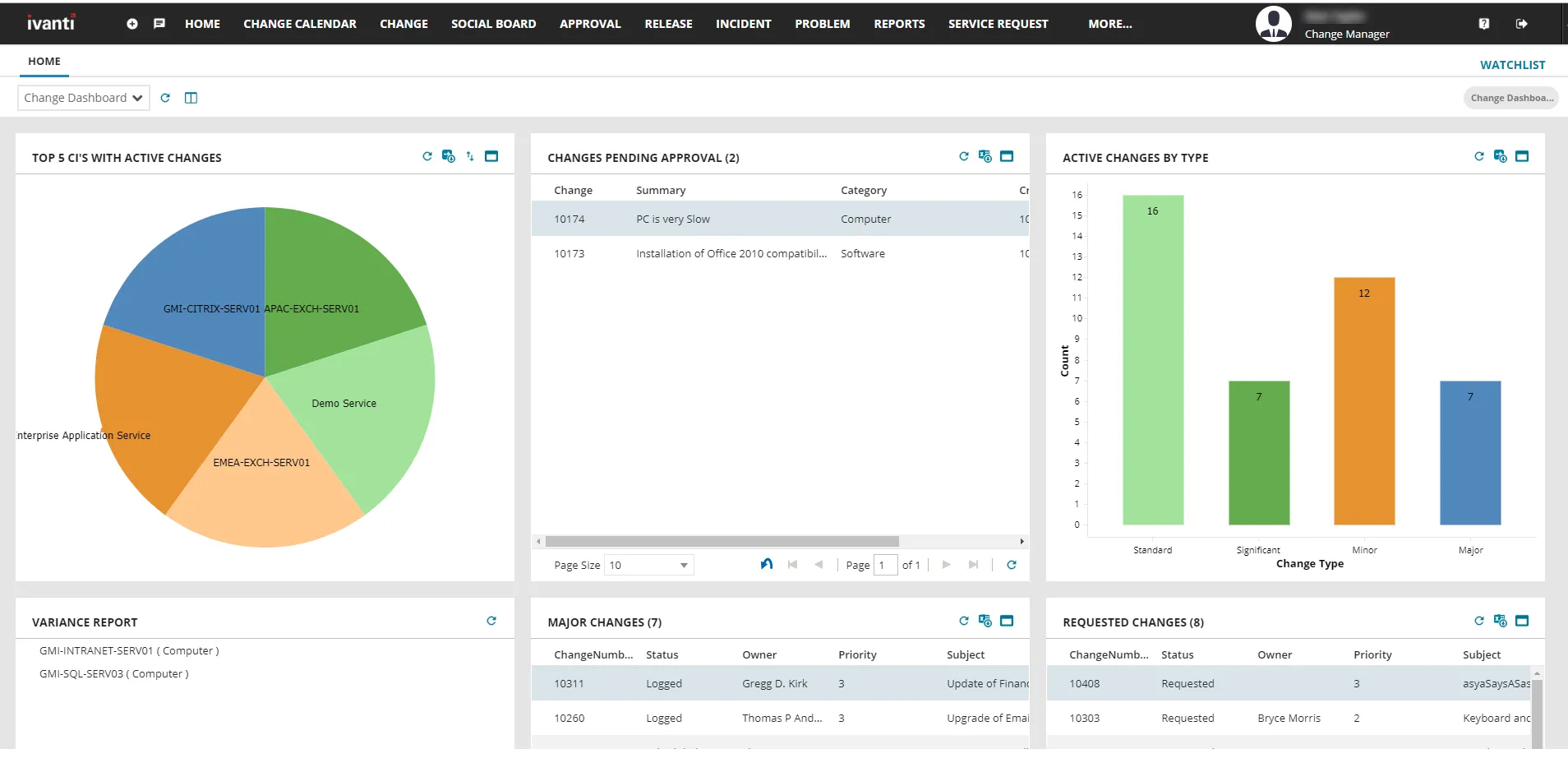
For more information, see Classic view.
Unified navigation
Unified navigation is the modern navigation experience available in Neurons for ITSM. It provides an improved layout that makes it easier for you to navigate the product. It also introduces the Neurons App Switcher on the top header bar, with which you can easily navigate between Ivanti products without requiring multiple authentications.
Unified navigation is disabled by default, so the Classic view is displayed when you sign in to Neurons for ITSM. To enable unified navigation, contact Ivanti Support.
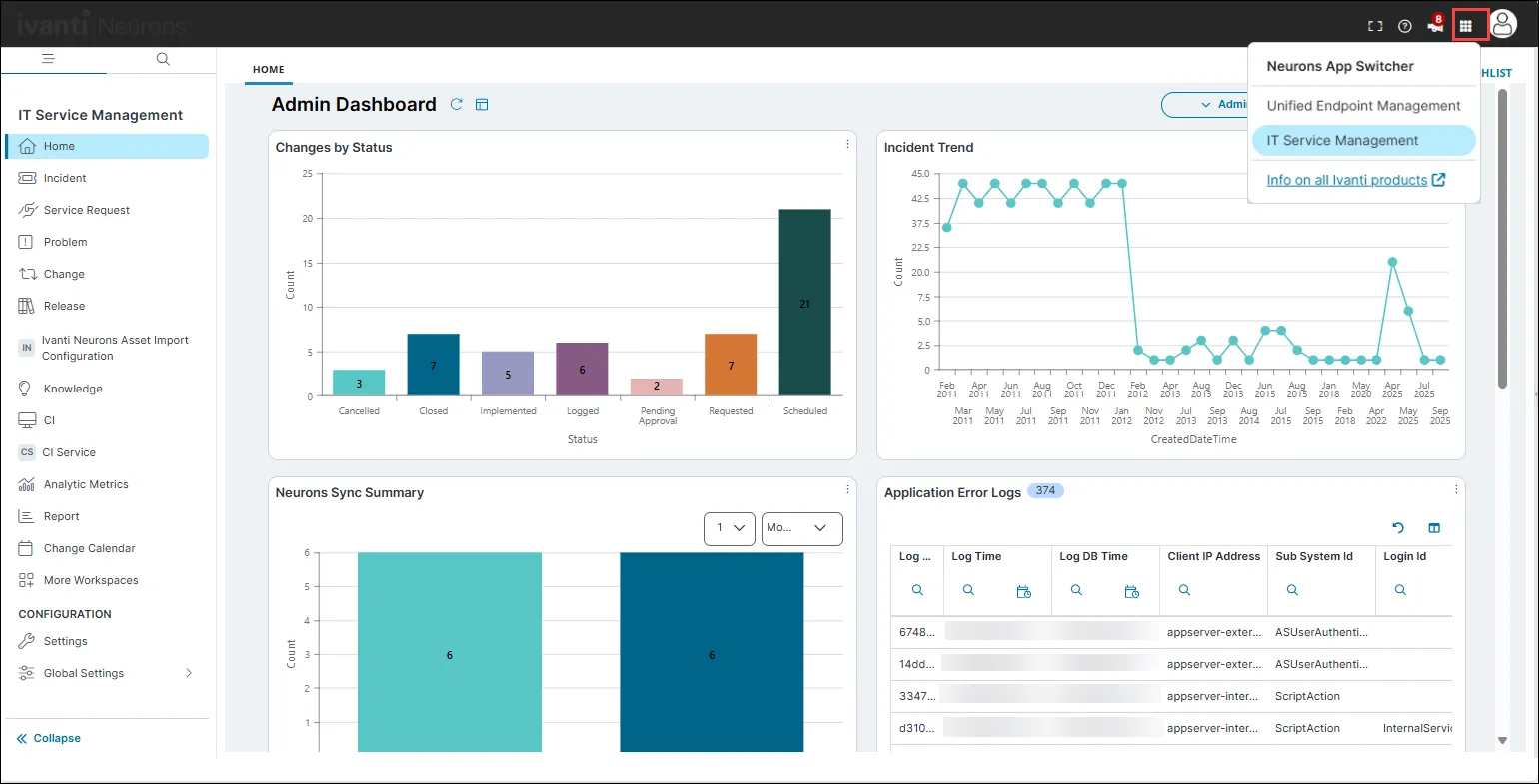
For more information, see Unified navigation.