
Viewing Ivanti Voice Agent Groups and Agent Skills
Ivanti Voice has many parts, and therefore, many workspaces.
- Log into the Service Desk Console.
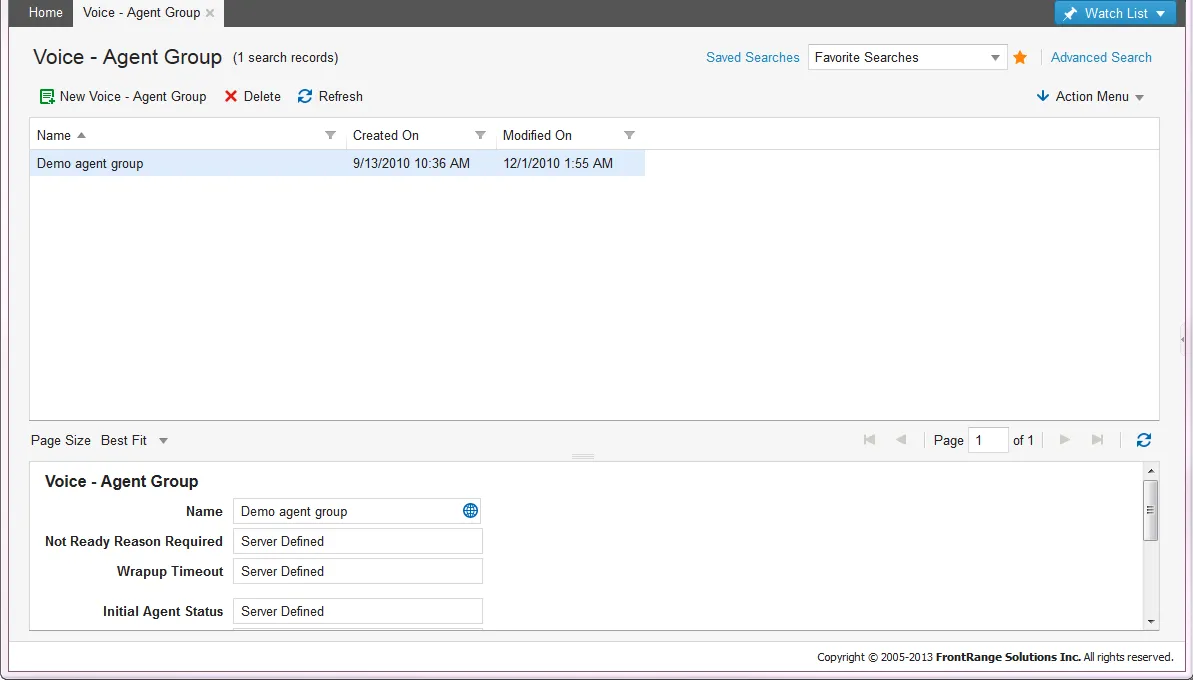
- Open the Voice - Agent Group workspace. The system displays a list of voice records.
- Double-click a record to view details.
Ivanti Voice - Agent Group
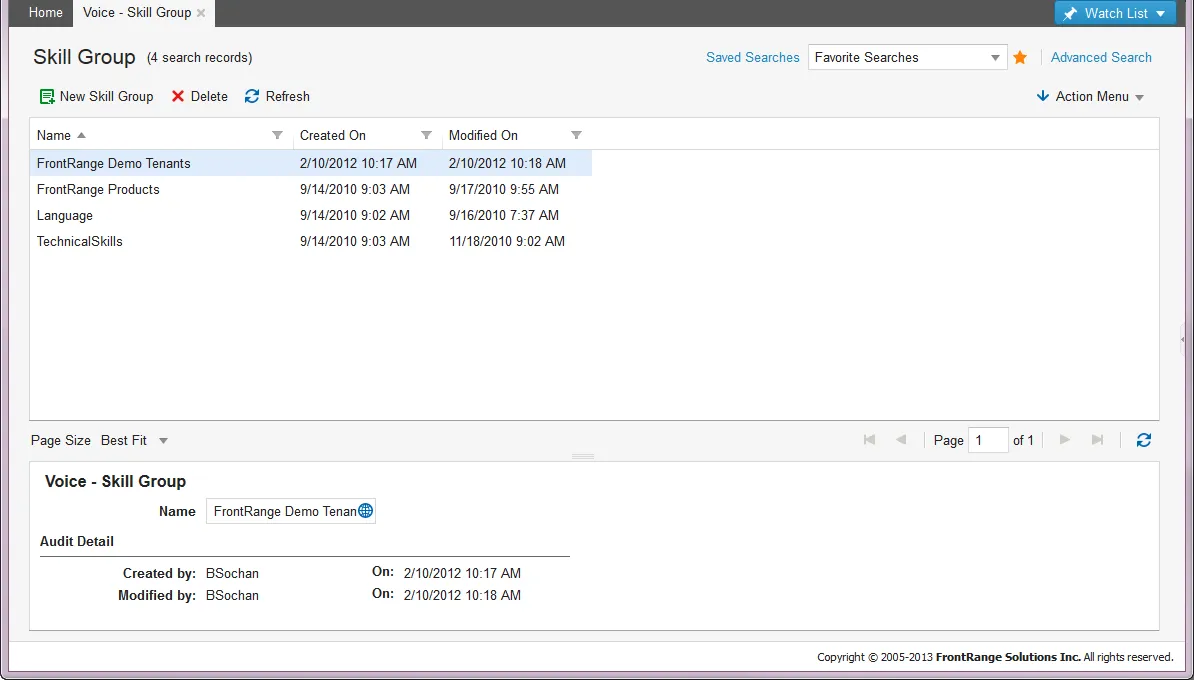
- Open the Voice - Agent Skill workspace. The system displays a list of voice records.
- Double-click a record to view details.
Ivanti Voice - Skill Group
Creating Incidents Using Ivanti Voice
Viewing the Voice Activity Log
- Open the incident instance created from the phone call and click the Activity History tab.
- Select the voice record.
- Click Go to to view the details.
You can also configure Ivanti Voice to create a voice message recording that is stored in the Attachment tab of the created incident instance.
Viewing the Voice Attachment File
The .wav file is stored as a URL.
- Open the incident instance created by the phone call.
- Select the Attachment tab.
- Click the attachment link to play the recording on your installed media player.
Ivanti Voice Building Blocks
You can configure Ivanti Voice to create incidents and perform other activities in the Self-Service Portal from phone calls. You can also configure the system to create "screen pops" in Neurons for ITSM when an agent answers a call. You create the "screen pops" by using a set of application building blocks designed to integrate with Neurons for ITSM. For more information about the Ivanti Voice Application Builder, see Voice Application Design.
These building blocks include:
- Create a record: Creates a new record for any business object. You can set both field values and relationships.
- Update a record: Updates an existing record for any business object. You can set both field values and relationships.
- Search for a record: Returns values from existing business objects so that they can be used during the voice application flow, or so that they can be read back to the caller.
- Alpha search for a record: Allows a caller to search for a record using the dial pad of their phone. The system maps the numbers pressed to the equivalent characters (for example, 2 can be A or B or C).
- Reset password: Allows the caller to reset their Microsoft Windows domain password.
- Run quick action: Allows Ivanti Voice to execute a quick action in Neurons for ITSM.
Ivanti Voice Incident Call Flow
Ivanti Voice includes a default application that provides an example of these capabilities. It utilizes the following application flow:
- Identifies the caller based on their caller ID in Neurons for ITSM using the phone number from the employee record. If the system cannot identify the caller based on the caller ID, the user must provide their login ID.
- After the system identifies the caller, the system checks to see if the user has any open incidents.
- If the caller has an open incident, the system asks the caller if they are calling about this incident and if they want to speak to an agent about it.
- If the caller responds yes, the system routes the call to an available agent with priority given to the incident customer. The system automatically opens the incident on the computer of the agent who accepts the call. This is called a screen pop.
- If the caller has no open incidents, the system prompts the caller to choose an action. These actions include the following:
- Talk with a service technician.
- Open a new ticket.
- Call about an existing ticket.
- Reset their Microsoft Windows domain password.
- If an agent is not available to answer a call, the caller can leave a voicemail. The system attaches this voicemail as a .wav file to a new incident.
- All calls generate a voice activity journal. The system attaches the voice activity journal to the incident that the user selected during the call.