
Example: Canceling a Workflow that is Awaiting Approval
1 min
You can cancel a service request, change, incident, or other business object while it is in the pending approval state.
- Log in to the Service Desk Console.
- Open a workspace.
- Open the record that is waiting for approval (pending approval).
- From the Status field, choose Cancelled.
- Click Save. The Cancellation Reason window appears.
Enter Cancellation Reason
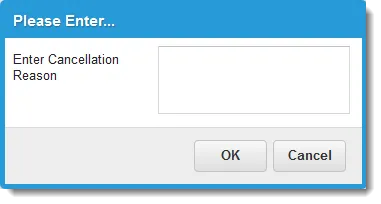
- Enter a reason for the cancellation.
- Click OK. The application cancels the request and terminates the approval workflow.