
Viewing Webhooks
1 min
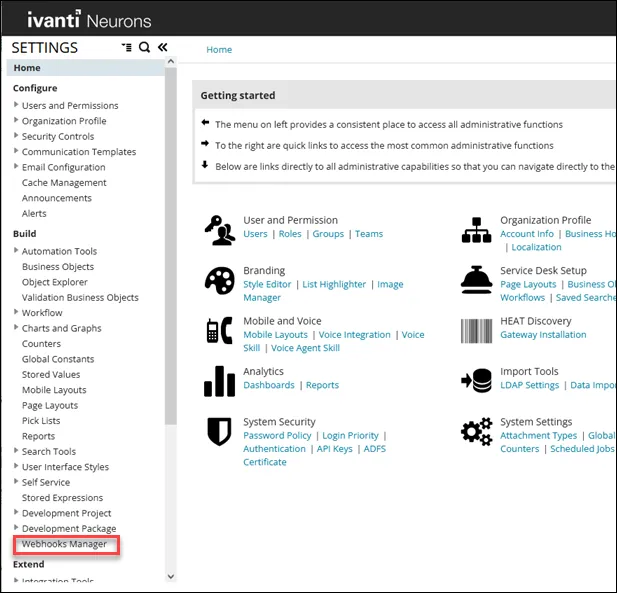
- In the Settings menu, click Webhooks Manager in the Build section.
The Webhooks Manager screen opens. The associated Action name is shown in the second column.
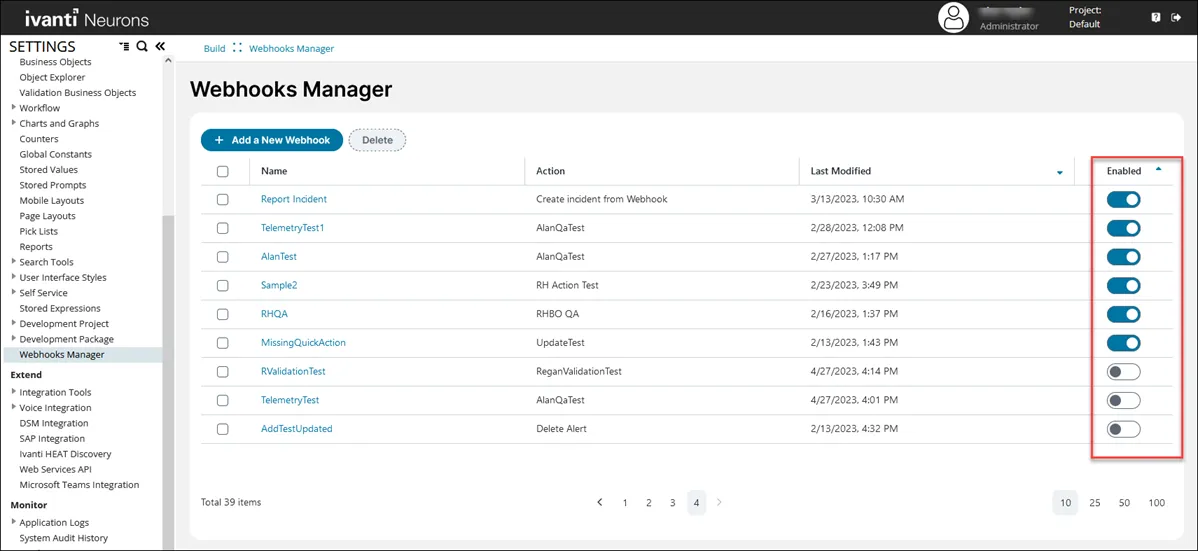
- To enable or disable a webhook, select the toggle for your chosen webhook.
- To show more webhooks on the screen, select 10 25 50 100 at the bottom of the screen.
- To sort a column, hover over a column and select the up/down arrow for the column.