
Viewing the CMDB Baseline Log
0 min
The CMDB Baseline log is included by default and lists the baseline IDs for specific business objects.
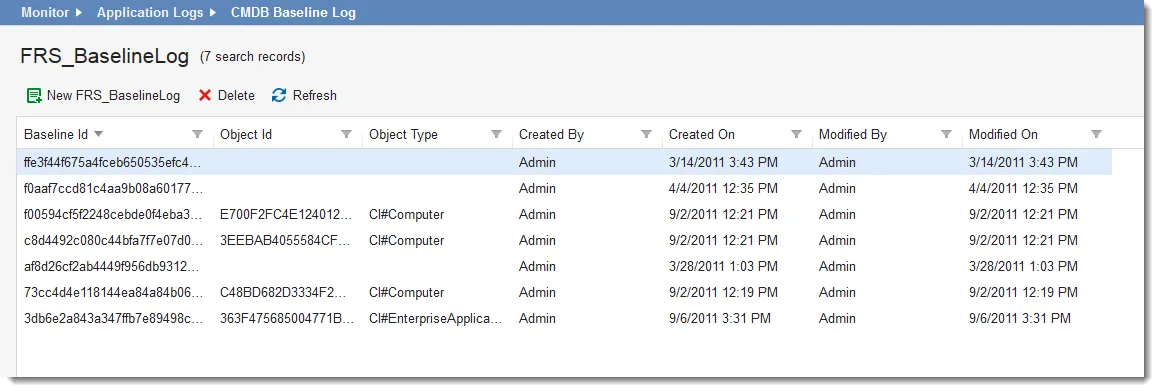
- From the Configuration Console, click Monitor > Application Logs > CMDB Baseline Log to open the CMDB Baseline Log workspace. The list of IDs appears.
Sample CMDB Baseline Log
- To delete a log from the CMDB baseline log, do the following:
a. Select the item to remove.
b. Click the delete icon
