HR Reports
1 min
You can view HR-based reports to get data and statistics that help you get a big picture of the organization's Human Resource Management.
The following HR Reports are available:
- Open HR Cases by Category
- Open High Priority HR Cases
- HR Case SLAs by Assigned User
- HR Cases Opened Last Month by category
- HR Cases Opened this month by category
- HR Cases with breached SLA
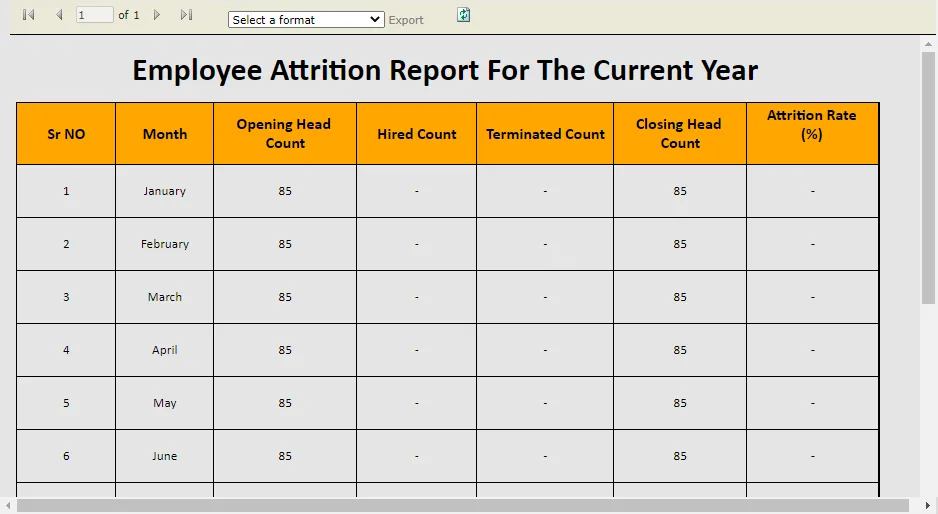
- Employee Attrition Report
Accessing and downloading HR Reports
- Open the Report workspace.
- Click the report link you wish to view.
The report is displayed in a new window.
- Select the format you wish to download the report in and click Export.
The report is downloaded in the selected format on your system.
Sample Report