
Editing or Deleting a Webhook
2 min
To Edit a Webhook:
- In the Settings menu, click Webhooks Manager in the Build section.
The Webhooks Manager opens.
- Click anywhere in the row for your chosen webhook.
- On the Update Webhook page, edit the information in the fields.
Note: The endpoint extension is case-sensitive.
- Click Save.
A confirmation message appears saying Webhook successfully updated.
To Delete a Webhook:
- Select one or more webhooks to be deleted.
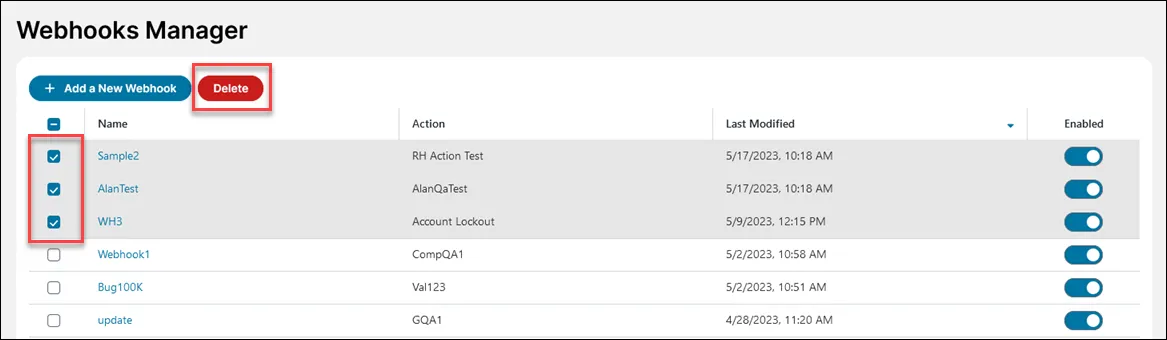
- Select Delete.
- Confirm the deletion when prompted.