
Installing the Operations Console
Installing the Operations Console
You install the Operations Console when you install Ivanti Service Manager. You can find complete instructions for installing Ivanti Service Manager in the Installation and Deployment Guide for Ivanti Service Manager.
We highly recommend that you only install the Operations Console in the staging landscape, and not in any other landscape. For migrating data, you only need to install the Operations Console in one landscape; you should not install it in more than one landscape.
The following is a summary of the installation steps:
- Access the installation folder on the Ivanti Software product CD or download folder and run IvantiServiceManager.exe. The system displays the Welcome dialog box.
- Click Next. The system displays the License Agreement dialog box.
- Select I accept the terms in the license agreement and click Next. The system displays the Destination Folder dialog box.
- Click Next to accept the default installation folder. The system displays the Setup Type dialog box.
- Do one of the following:
- Select Complete for the installation type. The installation program installs all of the Ivanti Service Manager components including the Operations Console.
- Select Custom for the installation type. Choose the components to install but ensure that you select Operations Console under Setup/Tools.
- Click Install in the Ready to Install the Program dialog box.
The installation begins. The system displays a status dialog box, showing the installation progress of each component over the next few minutes.
- If prompted, click Run to run the file.
Accessing the Operations Console
The Operations Console has the following default login credentials:
- User name: admin
- Password: manage
We highly recommend that you change the administrator password the first time that you access the system.
After installing Ivanti Service Manager, do the following to access the Operations Console:
- Either click Start > All Programs > HEAT Software > HEAT > Ops Console or access the Operations Console from a URL in a browser. The system displays the Operations Console login page. See Operations Console Login Page.
Operations Console Login Page
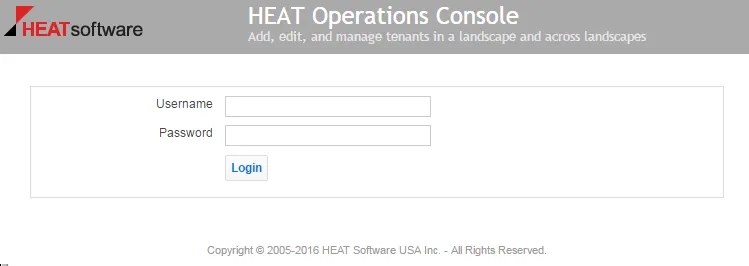
- Enter the Operations Console user name and password.
- Click Login.