
Initially Configuring the System
2 min
As part of the Neurons for ITSM installation, you must configure the system using the System Configuration Wizard.
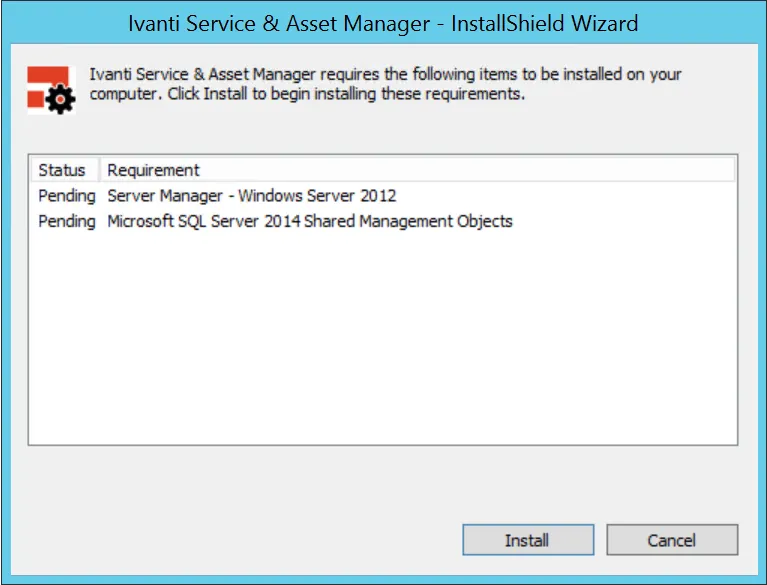
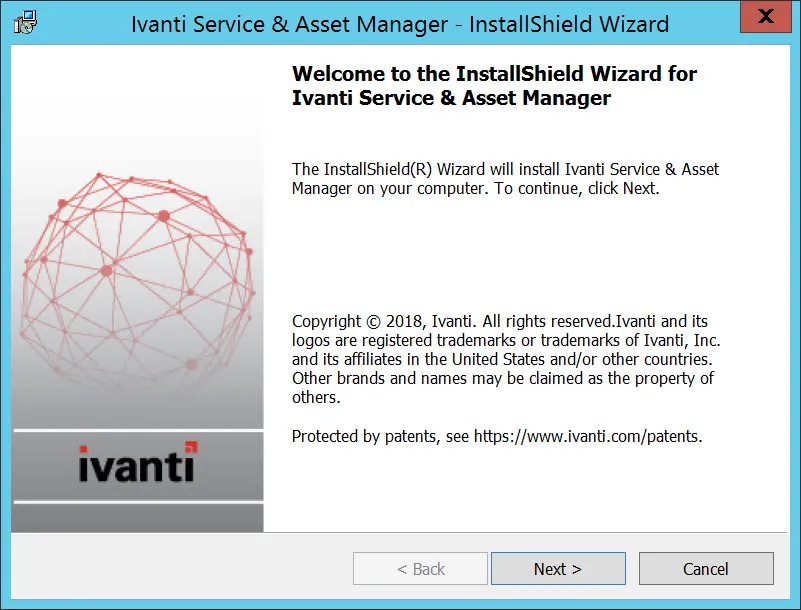
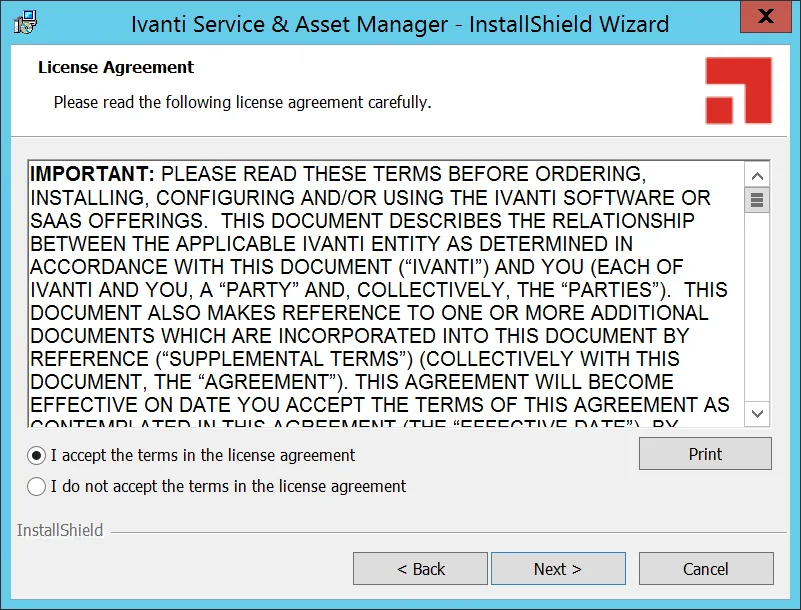
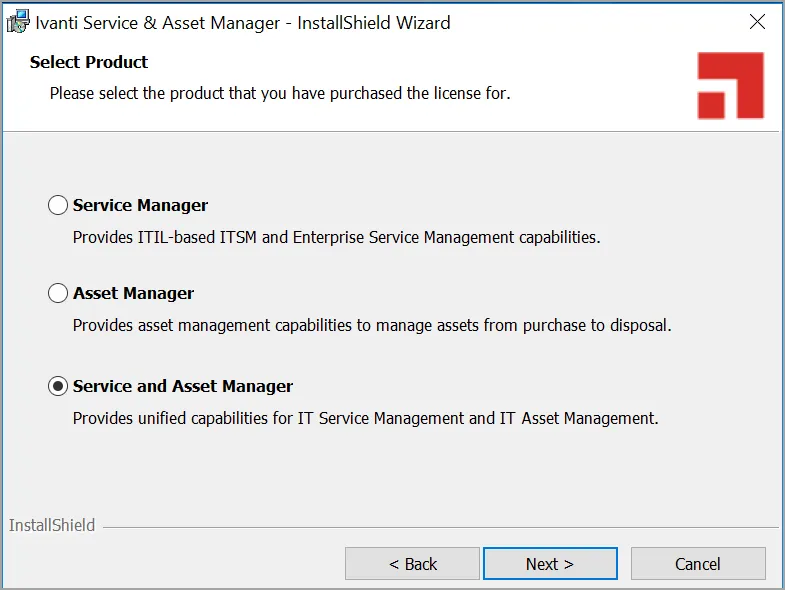
The wizard walks you through the first-time set up and configuration as shown in the screen shots below.
- Click Install to begin the installation.
- Click Next.
- Click Next to continue the installation process.
- Select one of the options, Service Manager, Asset Manager, or Service and Asset Manager.
For more information on Asset Manager, see Ivanti Asset Manager.
- Select the Custom or Complete options.
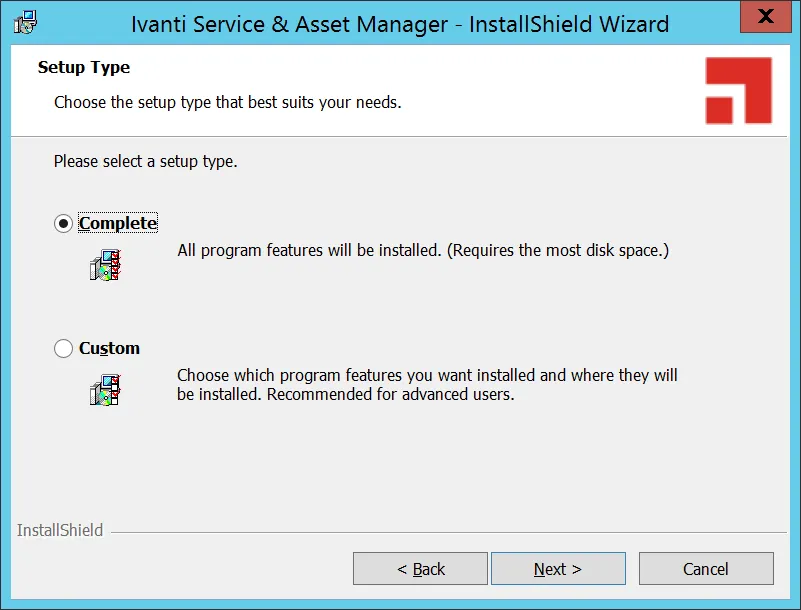
- Click Next.
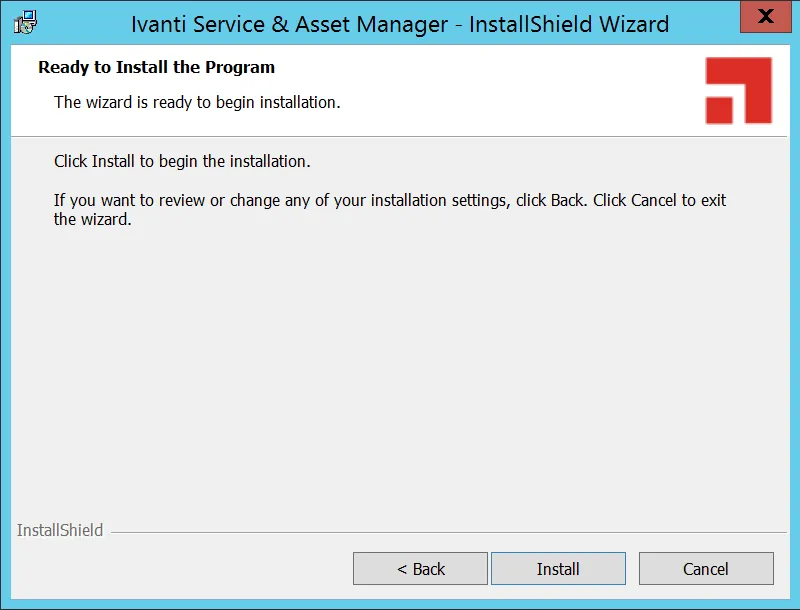
The tabs that you see in the wizard depend on which components that you installed. You may see all of the tabs or you may just see a subset of them.
See the following sections: