
Performing Actions on Patches
2 min
You can easily search for patches contained in the middle pane. All searches are performed using the Search tool. To initiate a search you type into the box the alphanumeric characters that you want to find. Only those patches matching the search criteria are displayed; all other patches are hidden. For tips on using the Search tool, see Searching for Machines.
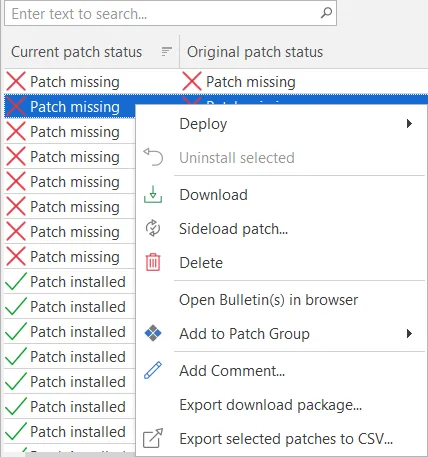
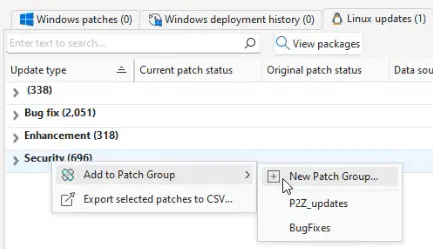
In addition, you can right-click on any patch on the Windows patches or Linux patches tabs and perform a number of different actions.
Keyboard Shortcuts
The following keyboard shortcuts are available:
- Ctrl+A: Selects all patches.
- CTRL+click: Multiple patches can be selected by holding down the CTRL key while selecting patches.
- SHIFT+click: A contiguous group of patches can be selected by holding down the SHIFT key while selecting the starting and ending patches in the list.
- SHIFT+PAGE UP: Selects a range of patches from the one currently selected to the top of the table.
- SHIFT+PAGE DOWN: Selects a range of patches from the one currently selected to the bottom of the table.
- HOME: Moves to the top of the table.
- END: Moves to the bottom of the table.