
Creating a Custom Patch
The Custom Patch File Editor is not used to create the actual patch file. The patch itself is provided by a vendor (e.g. Microsoft) or is created by your organization. When you create a custom patch within the Custom Patch File Editor you are simply defining how to detect if the patch is missing from target machines and how to deploy the patch.
- To create a custom patch, within Custom Patch File Editor select Insert > Add Patch or click the Add Patch toolbar icon (
 ).
The new custom patch is selected and the patch characteristics are displayed in the right pane.
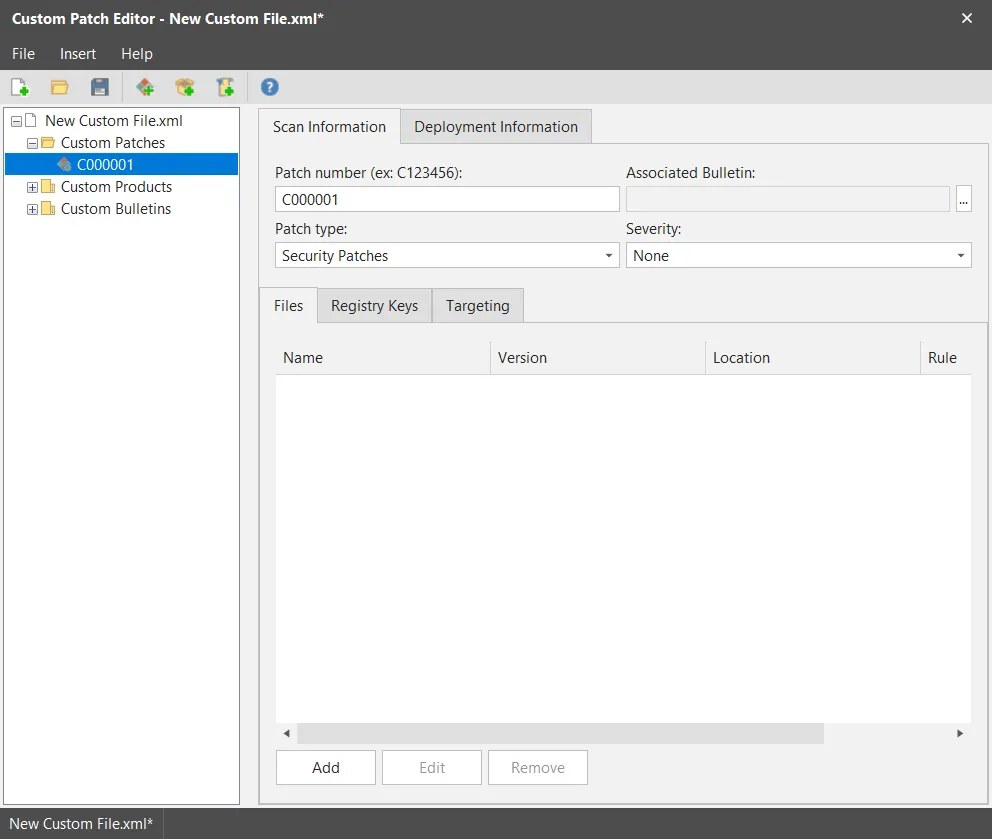
Use the options in the right-hand pane to create the new patch. Two major tabs are used in the right-hand pane. For detailed information about the options on these two tabs please refer to the following topics:
IMPORTANT! You should avoid creating a custom patch that requires user interaction. This is because this is no guarantee how the patch installation process will react if there is no response to a user prompt. The most likely scenario is that it will wait a number of hours before eventually timing out. Use command line switches if necessary.