
Exporting Reports
1 min
After a report is generated, it can be exported to a different format from the report viewer.
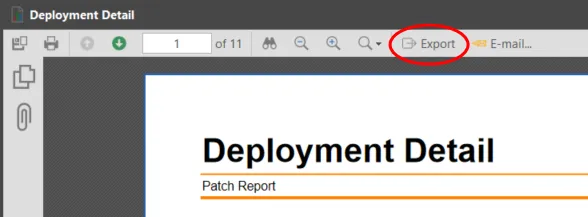
- Click Export on the toolbar.
The Export dialog is displayed.
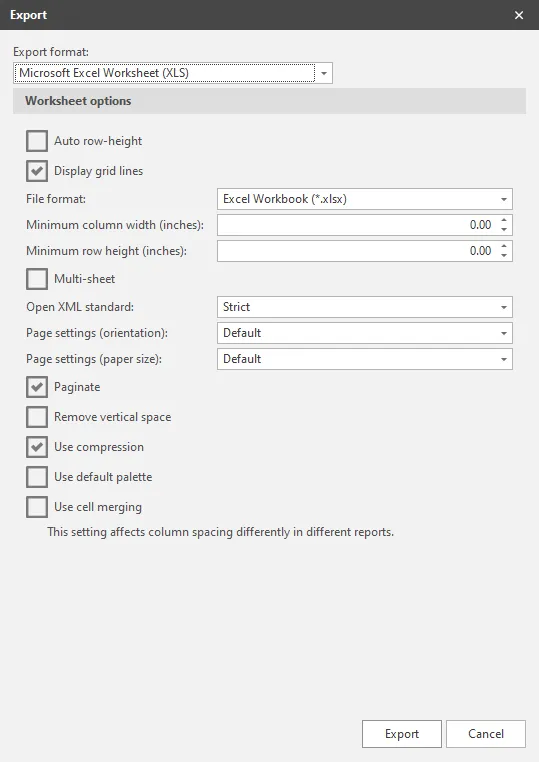
Select the export format and any available options and then click Export. The Save As dialog appears.
- Specify the name and location of the report file and then click Save.