
How Do I . . .?: Generate Reports
1 min
There are a number of different reports you can generate to view the state of the machines in your network.
- Select Tools > Create report from the main menu.
- Select a report from the drop-down list at the top of the Reports dialog.
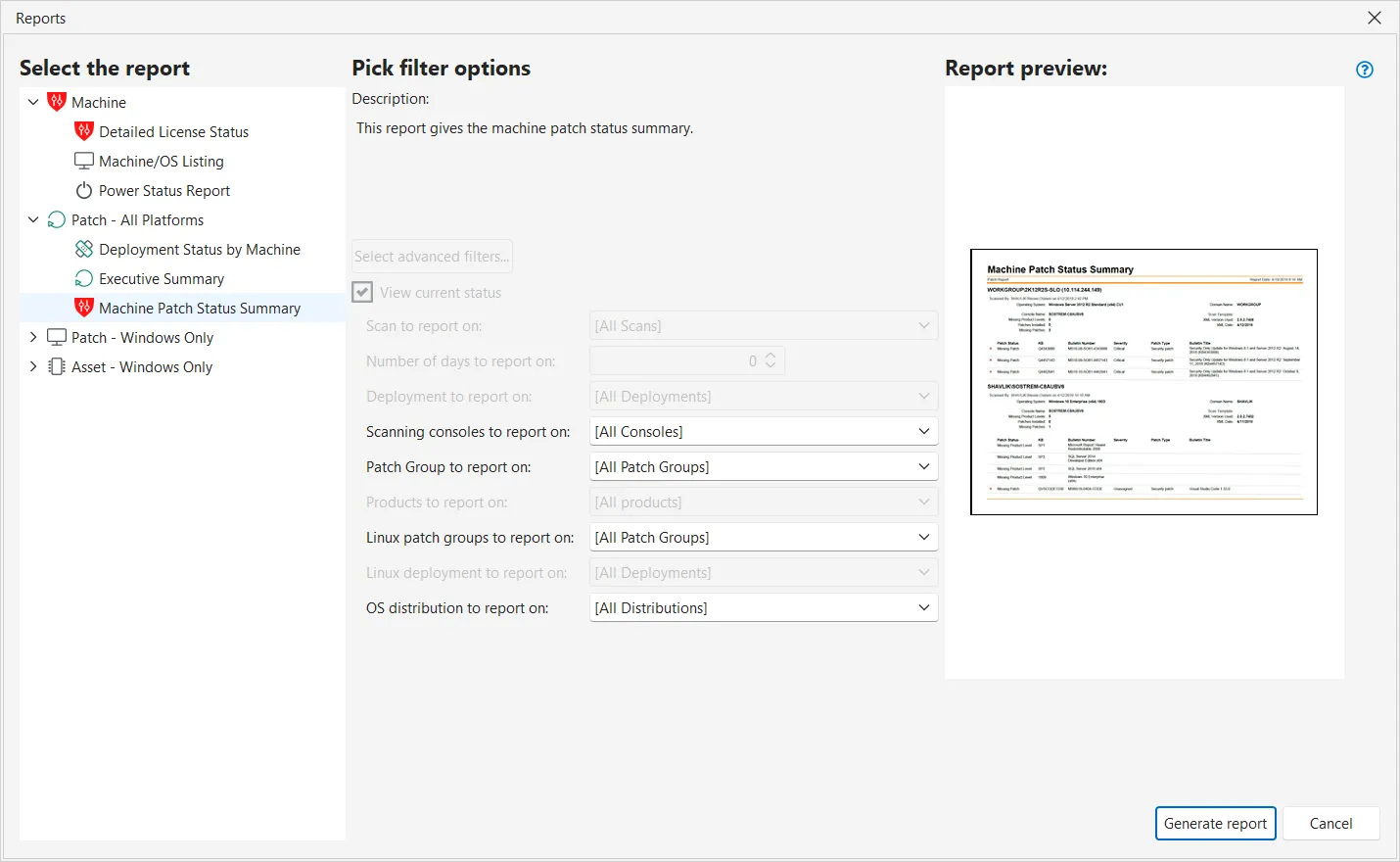
For a list of all available reports, see Overview of Reports. Select your filtering options. For details, see Report Gallery.
- Click Generate report. The report is generated and displayed within the report viewer.
- (Optional) If you elected to use advanced filtering, specify the advanced filtering options. For details, see Advanced Filtering.
- If desired, export the report to a number of different formats. For details, see Exporting Reports.