Manually Installing Security Controls Agent
4 min
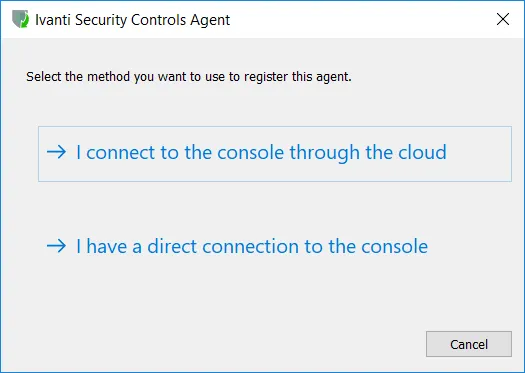
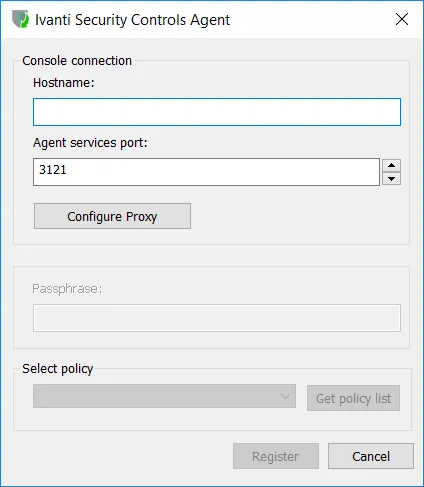
You must manually install Security Controls Agent on machines that are guarded by a firewall. You do this by copying the agent installation files to the desired target machines and then running the Security Controls Agent installation wizard on each machine.
Show Me!
A video tutorial is available on this topic. To access the video, click the following link:
Requirements
- The target machines must be able to communicate with the console.
- You must configure at least one Security Controls Agent policy before manually installing an agent. See Preparing to Use Agents for details.
- You must specify how the agent will authenticate itself to the console during the registration process. See Agent Options for details.
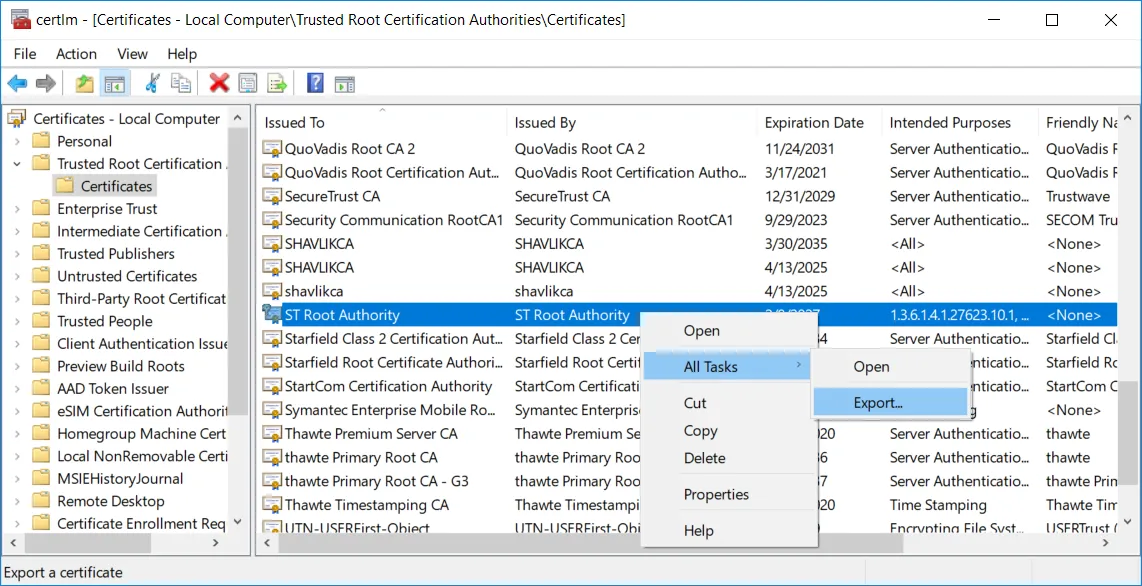
- The Security Controls issuing certificate must be in each target machine's certificate store to ensure a secure connection to the console.
- Installing an agent on a distribution server is a special case that requires the server machine's SYSTEM account to have read access to the distribution server folder. See Configuring System Account Permissions for details.