
Knowledge Base
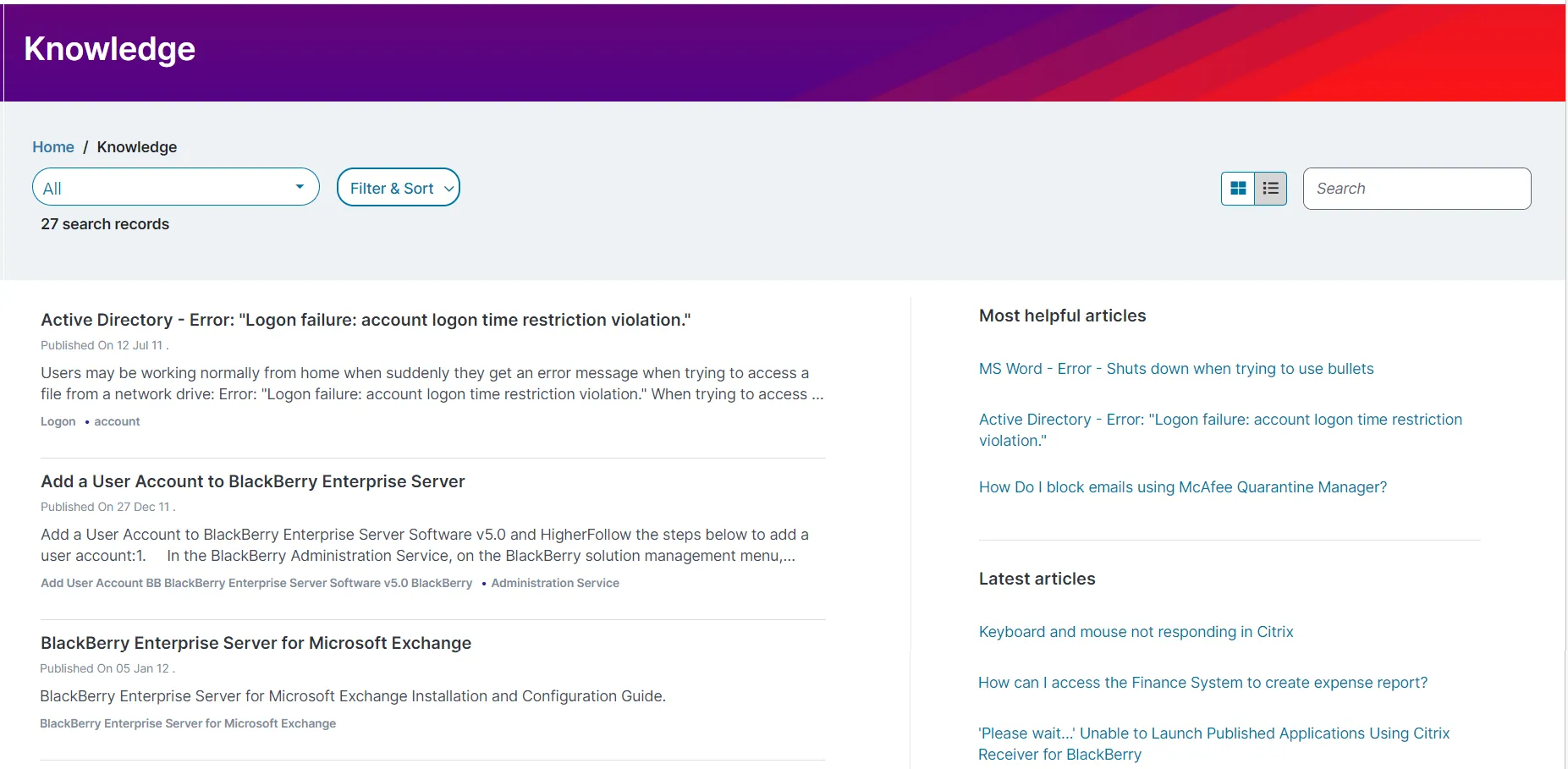
The Knowledge Base workspace allows you to access all the articles available in Knowledge Center to find a solution or workaround for the issues you are facing. The workspace displays the most helpful and latest articles so help to to troubleshoot your queries.
Marking a knowledge article helps you to quickly find your most referred to articles . The ones marked as favorite appear at the top of the list.
From the Knowledge Base workspace, tap the Favorite icon  for a knowledge article.
The icon changes to  , a pop up message appears with a message that the selected knowledge article is marked as Favorite and the article is moved to the top of the list along with existing articles that are marked as Favorite. The Favorite feature is available only if your administrator has enabled it.
You can rate and give feedback on knowledge articles.
- From the workspace menu, click Knowledge Base.
- Select an article to rate.
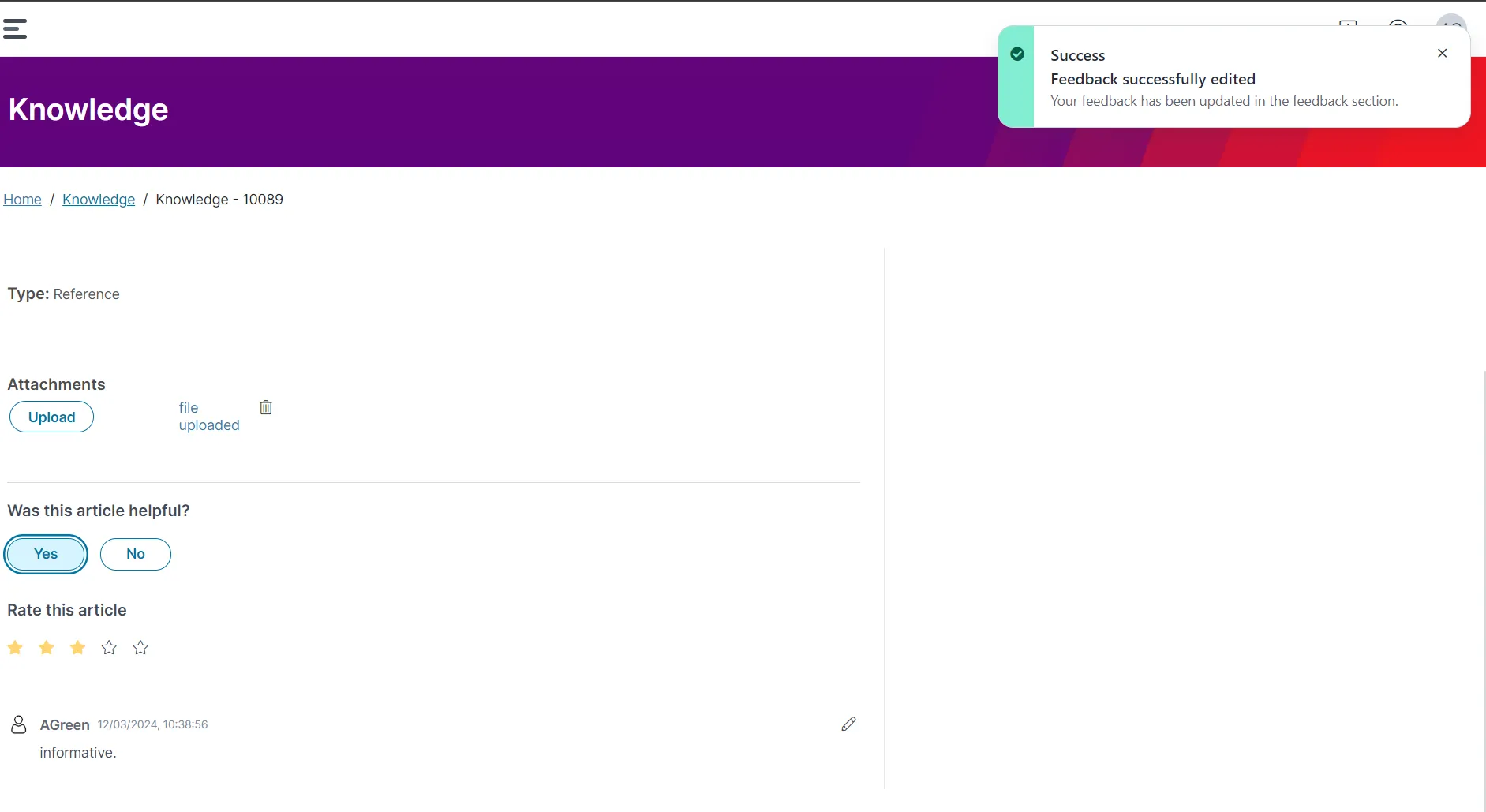
- Under Rate this article, select the number of stars that reflect your rating (one star being "not useful," up to five stars for "exactly what I was looking for"). A pop up message displays with a nessage that your rating for this article is submitted.
- Click Yes or No under Was this article helpful? You can also add feedback in the Feedback section.
- After entering your feedback, click Submit feedback.
- Optional. If you want to modify your feedback at any point, click the Edit icon make the needed edits, then click Update feedback.
- Log in to Neurons for ITSM.
- From the workspaces menu, click Knowledge. A list of knowledge articles are displayed.
- Click on a knowledge article to view the information.
To search for a specific knowledge article, enter a keyword in the Search field (upper-right corner of the page) and press the ENTER key. The matching results are shown.
- Log in to Neurons for ITSM.
- From the workspaces menu, click Knowledge.
- Click Filter & Sort drop-down list. The Filter by and Sort by options appear in the drop-down list. You can use the Sort by option to view the articles in ascending or descending order, and based on Title, Description, Published Date, and Keywords.
- Select the filter option, and click Apply. The knowledge articles based on your search criteria appear.
- Log in to Neurons for ITSM.
- From the workspaces menu, click Knowledge Base.
- Click All in the drop-down list, and select the favorites knowledge articles created only to view specific articles from a list of views.