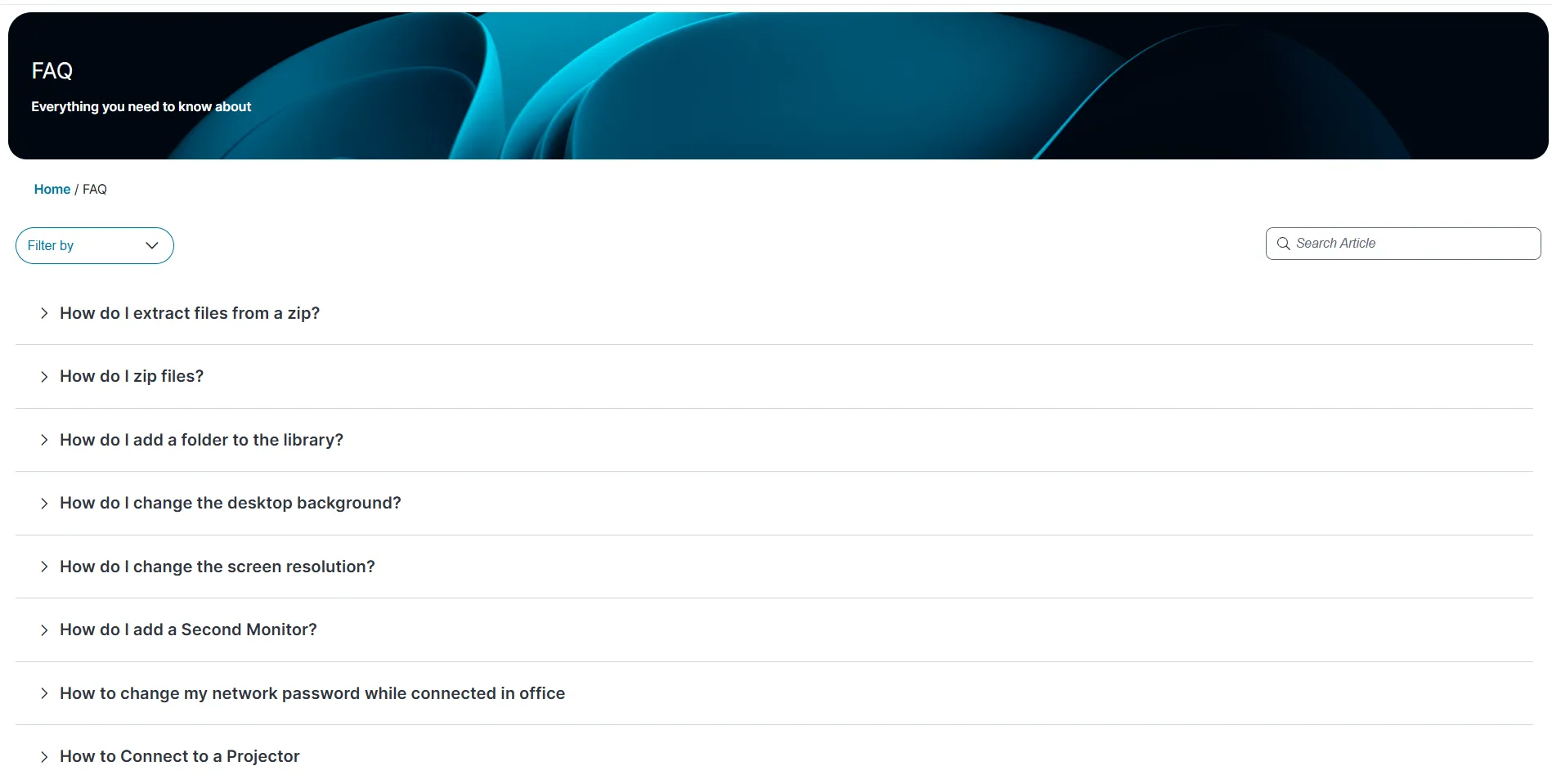
FAQ
2 min
the faq module is not available ootb this workspace appears only if your administrator has configured it for your role the faq workspace helps you find answers to frequently asked questions you can use this workspace to identify solutions or workarounds for common issues before raising an incident browse all published faqs log in to from the left menu, select faq the list of all published faqs appears click the expand icon next to any faq to view its full content click a number in the lower right corner to display the corresponding set of faqs on the page search for a specific faq in the faq workspace, go to the search article box enter a keyword related to your issue, and press enter the system displays matching faqs filter faqs by category in the faq workspace, click filter by dropdown list select the category you want to view from following options all category hardware software telephony