Alerts
2 min
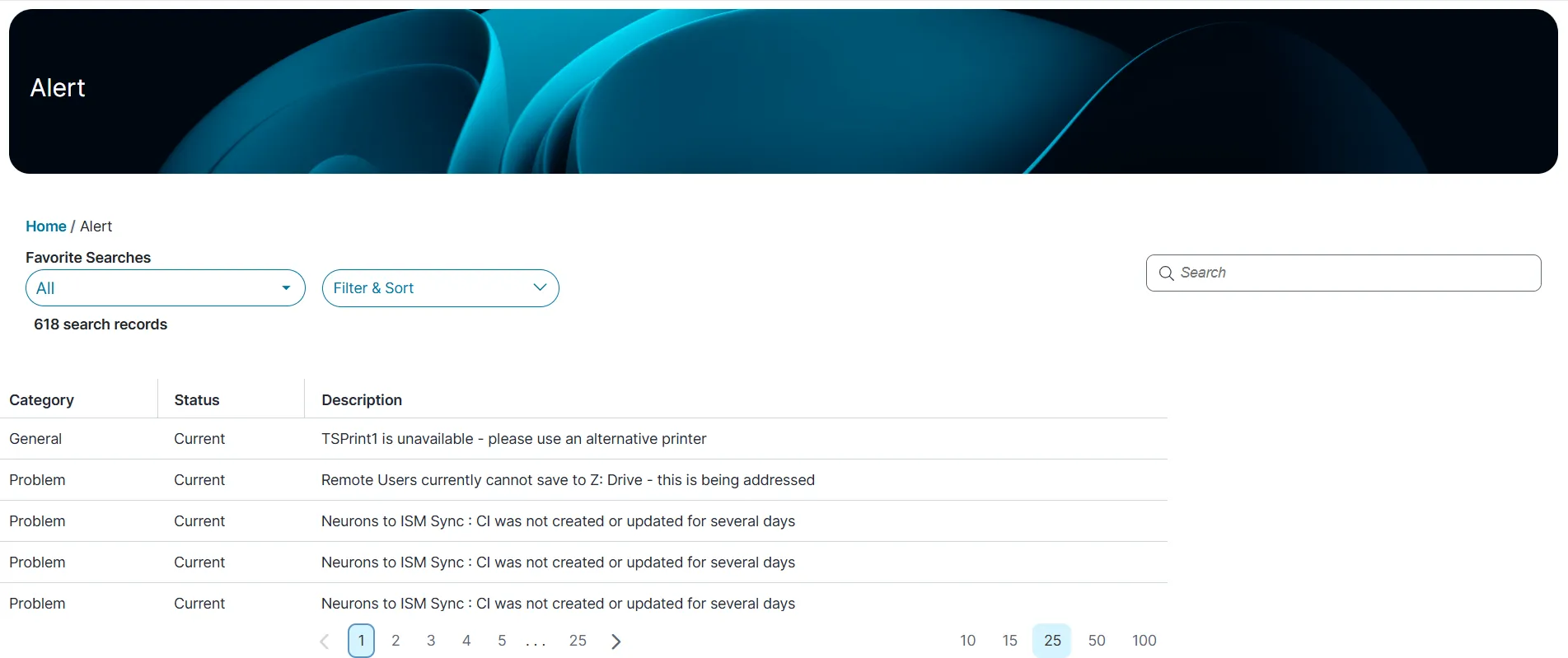
the alerts module is not available ootb this workspace appears only if your administrator has configured it for your role the alerts workspace allows you to view important notices, including system or application errors (such as performance issues or application shutdowns) warnings informational messages alerts help you proactively identify and address issues before they affect users accessing alert workspace log in to from the left menu, select alerts the list of alerts display showing key details such as the category, status, description click a number below to display the corresponding set of alerts on the page view and managing alerts view alert details click the alert you want to view the following details are displayed category status detailed description severity created by last modified by created date last modified date sort alerts click filter & sort dropdown list choose one of the following sort orders ascending descending choose a field to sort by category status description click apply , to sort the list to remove sorting, click reset all search alerts in the search box, enter a keyword click enter the list updates and matching alerts are displayed customize alert view in self service mobile application in the alerts workspaces, click all from dropdown list click the tile view icon to display alerts as tiles (or bricks) the tiles optimize space and readability of data click the list view to view the records in list records view the list records view shows records as rows