Announcements
1 min
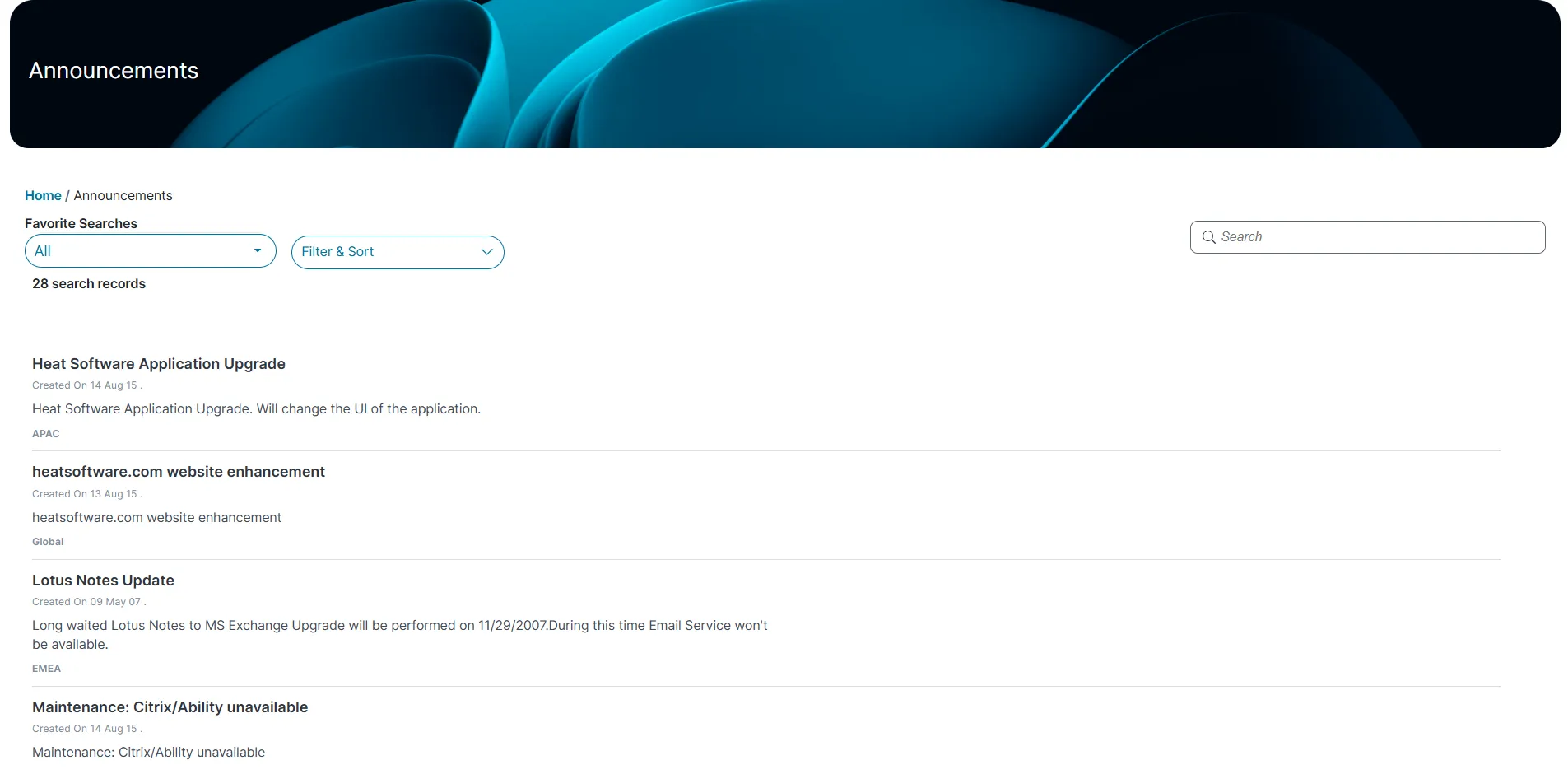
the announcements workspace allows you to view the latest messages and alerts, such as downtime notices, maintenance schedules, upgrade notifications, virus threats, and other bulletin type communications shared across your organization you can view announcements only can create or edit them viewing announcements log in to from the left menu, select announcements the list of announcements are displayed click an announcement to view the following information description urgency region created by effective date expiration date created on search for an announcement in the announcement workspace, go to the search text field, enter a keyword related to the announcement press enter the workspace displays announcements matching your keyword filter and sort announcements in the announcement workspace, click filter and sort from the dropdown list choose one of the following sort orders ascending descending choose a field to sort by subject urgency created date time description region click apply to sort the list to remove sorting, click reset all if the admin has configured the modern page layout for this workspace, you can view it in either gallery view or grid view, which improves usability use favorite search filter this feature is available only if your administrator has enabled it in the announcements workspace, click all from the dropdown list choose a specific announcement, such as urgent announcements , hr announcements , or published announcements , to filter the list the workspace display based on your selection