
Watchlist
1 min
In many of the Ivanti Neurons for ITAM workspaces, you can pin important items to a watchlist (such as individual assets, purchase orders, Product Catalog items, and so on) that you want to access with a single click. The watchlist also includes links to items that you've recently created or updated.
To pin items to the watchlist
- Select an item in a list, such as an asset in the Hardware Assets workspace.
- Above the list, click the
 icon. The item is added to the watchlist.
To access items in the watchlist
- At the top right of the page, click Watchlist. The watchlist displays, listing all of the items you've added or recently created or updated.
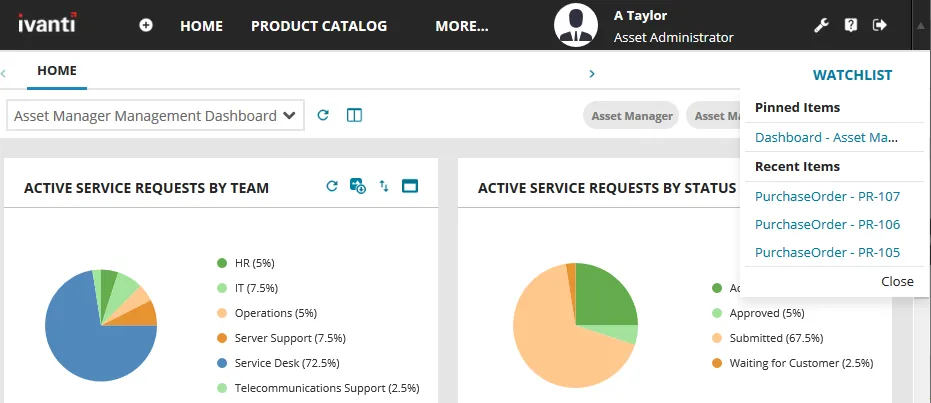
- Click the required item to display it.
Remove items from the watchlist by clicking the x icon alongside the item you want to remove.