Installing TeamViewer on your desktop
1 min
This section explains how to install the TeamViewer full version software on your Windows or macOS computer.
Procedure
- Download the installation package for the TeamViewer full version for Windows or macOS from the following location: https://www.teamviewer.com/en/download/
- Launch the TeamViewer installation program.
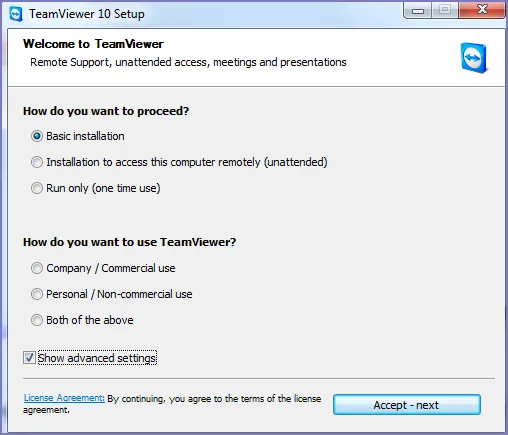
- Select Basic Installation.
- Select Company / Commercial use.
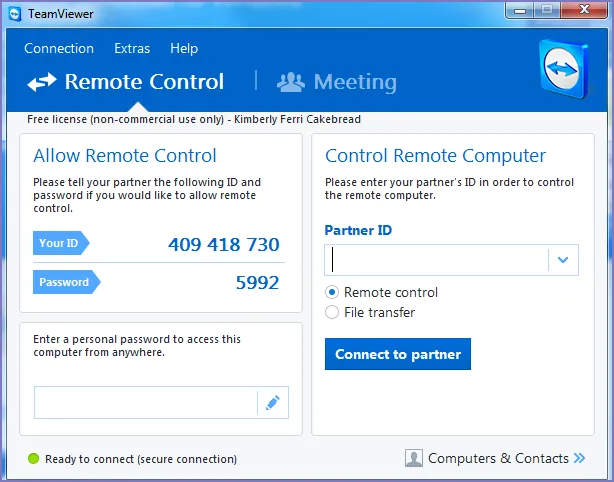
- Click Accept - next. When the installation is complete, the following screen displays.