
To tag multiple CIs
1 min
You can define a tag for identifying CIs according to their process.
- At the top-right corner of the page, click Admin. Under the SACM heading, click the Process Tags icon. The Process Tags dialog displays.
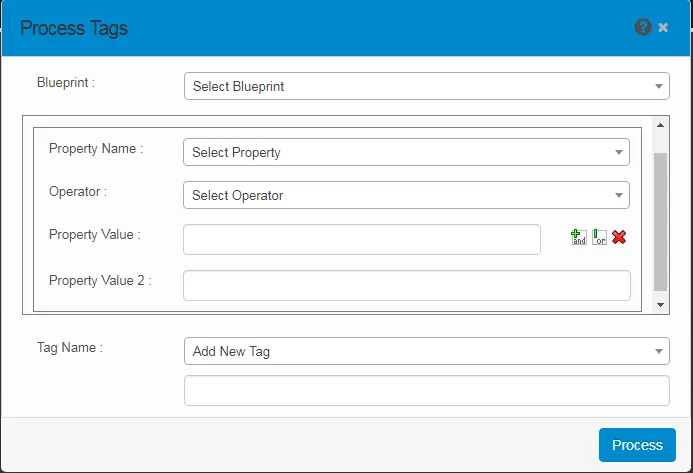
- From the Blueprint drop-down, select the required blueprint. The values of the property name and operator parameters display according to the selected blueprint type.
- In the Property Value boxes, enter values using the icons as needed.

- In the Tag Name drop-down, select a name for the tag. Click Process. A notification is sent to the configured user when tag processing is completed.