Search
K
Ivanti Neurons for Service Mapping
Add CIs to the application
Create departments and locations
Create user groups, roles, and users
Configure discovery options
Setting up an enterprise service map
Create the CI blueprint types
Identify underlying assets and their IP addresses
Add CIs through Auto Discovery
Move CIs to the CMDB
Create and view CI relationships
Tag the CIs
Business rules
Dashboards
Reports
Data export
Docs powered by
Archbee
Ivanti Neurons for Service...
Tag the CIs
To view CI grouped tags
0 min
In the left navigation pane, click
ITSM > Configuration Management > Tags
.
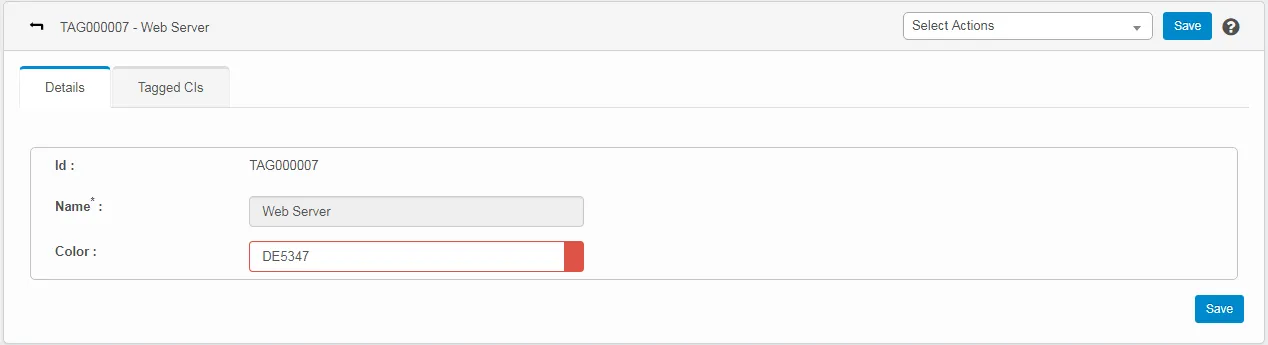
Click the configured tag to view the details. The Details CI page displays.
Click the
Tagged CIs
tab to view the tag details.
PREVIOUS
To tag multiple CIs
NEXT
Business rules
Docs powered by
Archbee
Docs powered by
Archbee