To enable editing for CI records
1 min
You can edit CI records to update the properties, associations, relationships, etc. When a CI is moved to the CMDB, the edit feature is disabled, so you must first enable the editing function.
- In the left navigation pane, click ITSM > Configuration Management > Configuration Items.
- Click the CI record you want to edit.
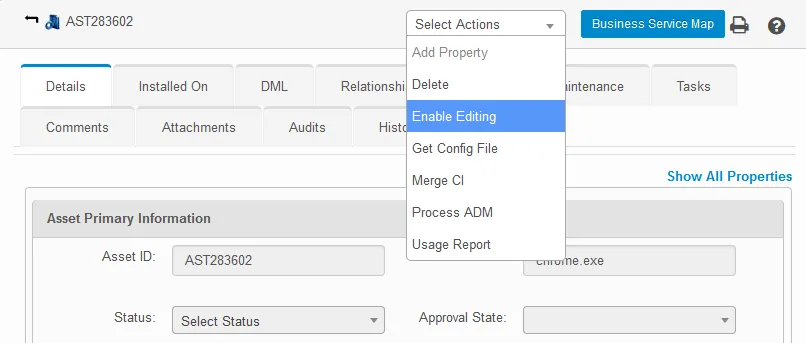
- From the Select Actions drop-down, select Enable Editing, then click Yes. This action enables you to edit the CI record’s values for its disabled parameters.