To add new CIs manually
1 min
You can add new CI records manually without importing via a data file or performing a discovery scan.
- In the left navigation pane, click ITSM > Configuration Management > Configuration Items.
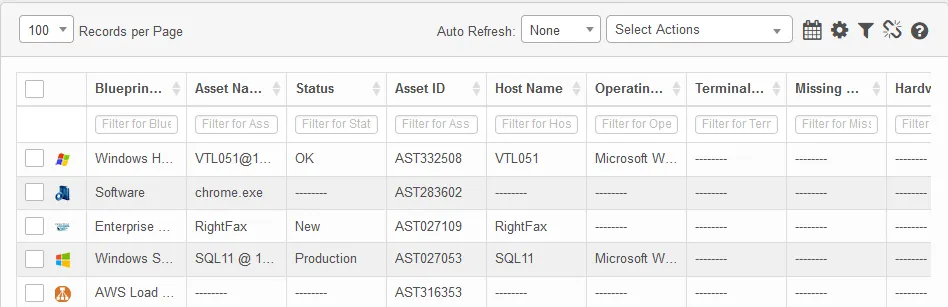
- From the Select Actions drop-down, select New.
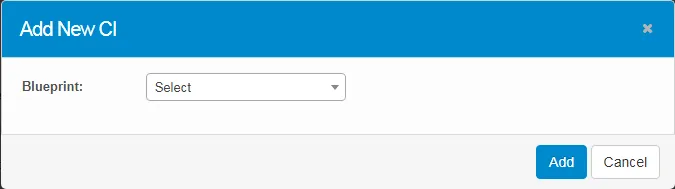
- Select the required blueprint, then enter the appropriate values for this blueprint type. Note that parameters display according to the selected type. A notification email is sent to the configured user regarding the CI creation.