
To add a location
0 min
Add locations to the system, which you can then associate with your CIs and discovery scans.
- At the top-right corner of the page, click Admin. Under the Organizational Details heading, click the Locations icon. The Locations page displays.
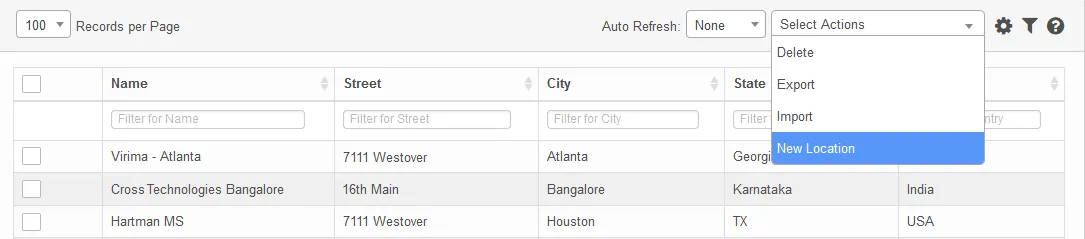
- From the Select Actions drop-down, select New Location.
- Enter the location name, a location type, the entire address, a contact number, and email address.
- When finished, click Add.