
To add a department
0 min
Use departments to categorize users, groups, and assets.
- At the top-right corner of the page, click Admin. Under the Organizational Details heading, click the Departments icon. The Departments page displays.
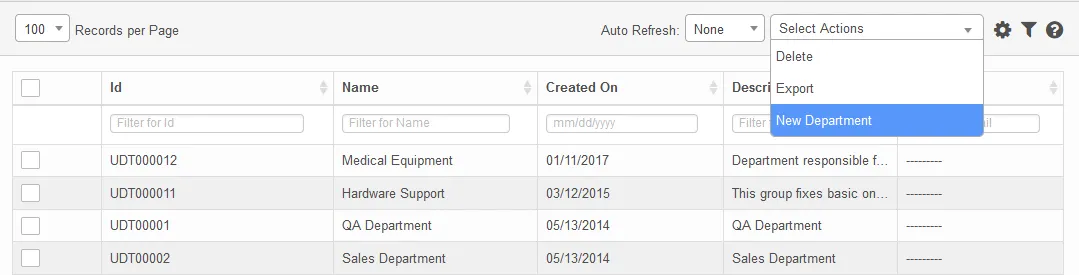
- From the Select Actions drop-down, select New Department.
- Enter the department name, a description that includes relevant information about the department, and the email address of the department. Click Add.