
To associate a location with a CI manually
1 min
You must first enable editing for a CI record before following this procedure. For details, see the “Add CIs to the application” section above.
- In the left navigation pane, click ITSM > Configuration Management > Configuration Items.
- Click a CI record to open it.
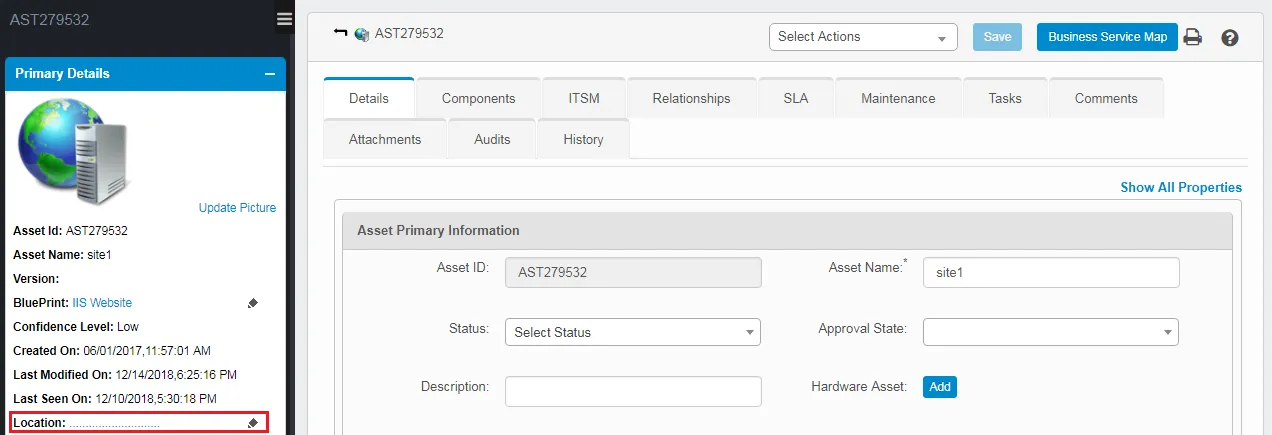
- Click the Locations icon to open the Location dialog.
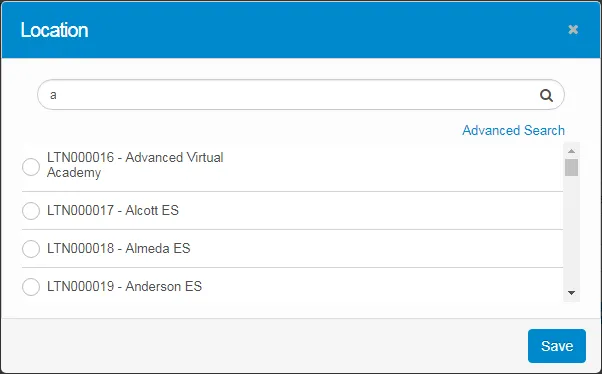
- Search for a location, select one from the list, then click Save.