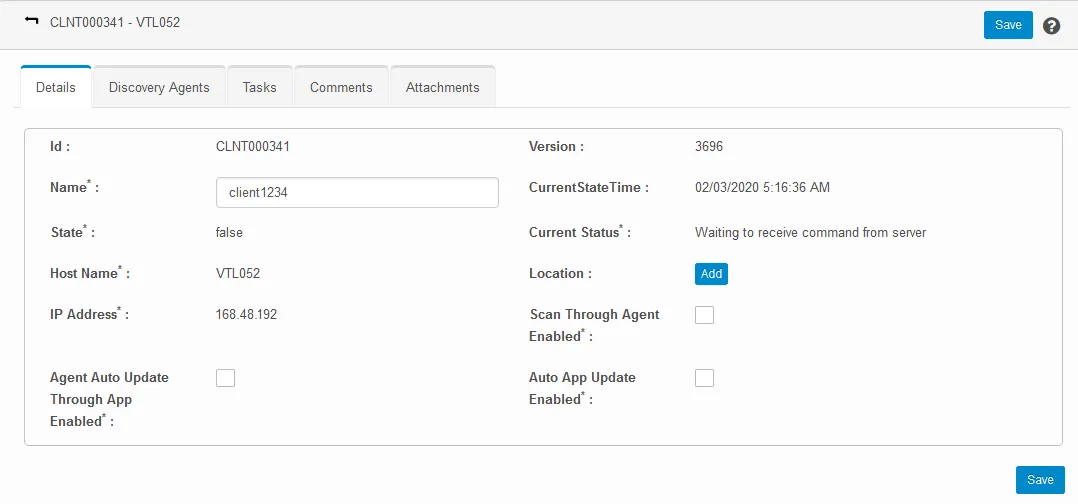
To edit client discovery options
1 min
The discovery agent discovers each client host’s communication method within your enterprise network. If you have multiple data centers in different locations, the discovery agent must be installed on one server at every data center.
- At the top-right corner of the page, click Admin. Under the Discovery heading, click the Client icon. The Client page displays.
The state of the client can be false, meaning the discovery agent isn’t currently functional, or true, meaning the agent is functional.
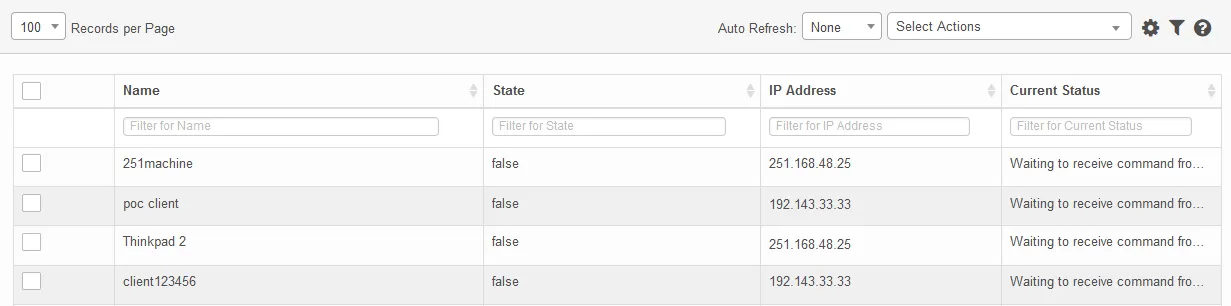
- Click a client in the list to view and modify its details. If a location is absent, click Add to provide one.
- When finished, click Save.