
To add a new client credential
0 min
You must define the authentication of servers and other network components in your monitored network environment to confirm their identity.
- At the top-right corner of the page, click Admin. Under the Discovery heading, click the Credentials icon.
- From the Select Actions drop-down, select New Credentials. The New Credentials page displays.
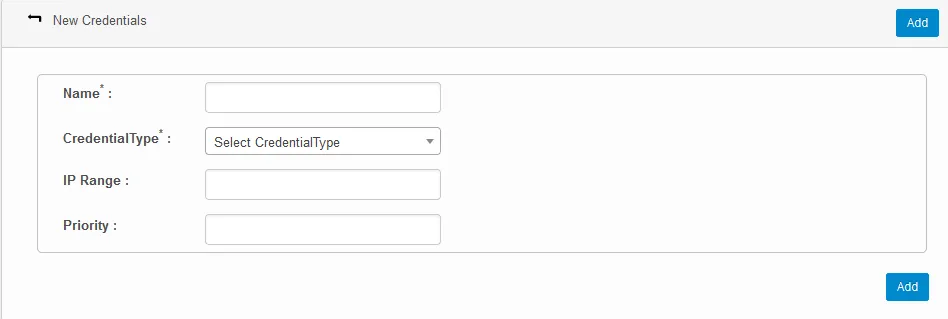
- Enter a name for the credential and select the required type from the Credential Type drop-down.
- Optional settings include the IP range and priority.
- Click Add.