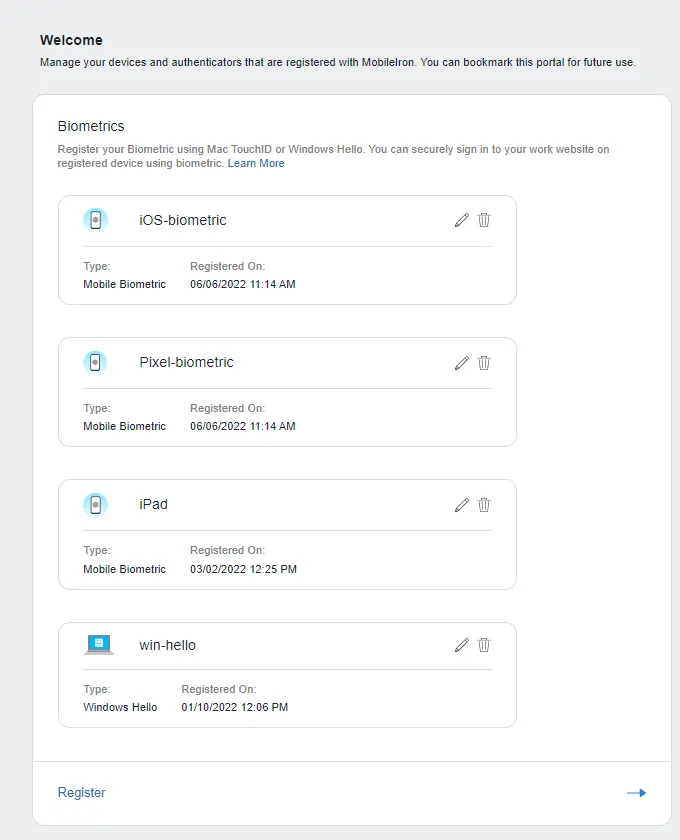
Accessing service provider using security key or biometric
1 min
You can access the service provider using the security key that was created.
Prerequisite
- Verify that you have enabled Security Key and Biometric authentication in Access > Zero Sign-On > Zero Sign-On Settings > Security Key and Biometrics. For more information, see Setting Zero Sign-on security and user experience.
Procedure
- Open the appropriate service provider from your browser. The authentication window opens.
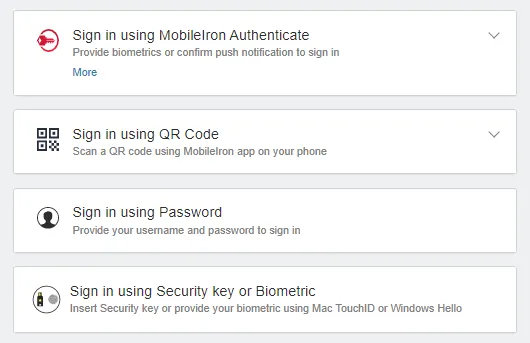
- Click Sign in using Registered Security key or Biometric.
- Click Continue and follow the instructions
- For Security key: Touch the Key and enter the Security Pin. For Biometric: Touch the pad to authenticate using fingerprint. Only fingerprint biometric is supported for 2FA authentication.
- The authentication completes and user is successfully logged in to the service provider.
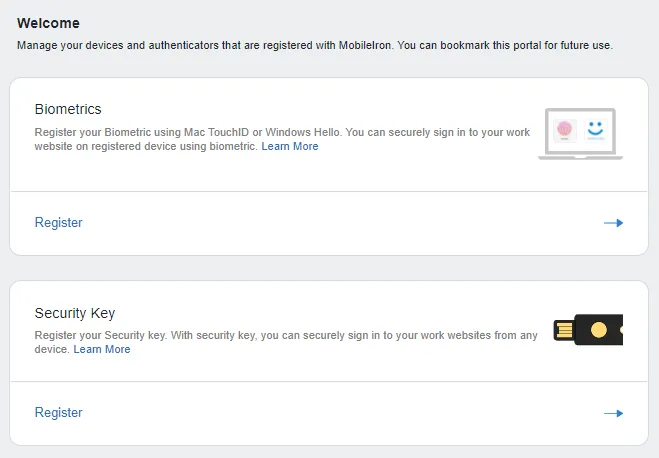
Biometric authentication is now available on iOS and Android devices for registration.