
Activating Action Service
3 min
Action Service can only be enabled per tenant.
Enabling Action Service
- Set the EnableActionService option in Global Constants as True.
- Ensure the ActionServiceUsage option is Disabled in the Central Config. By default it is Disabled.
Verifying the functioning of Action Service
- Login to a Neurons for ITSM tenant.
- Navigate to the Incident workspace and open an existing Incident.
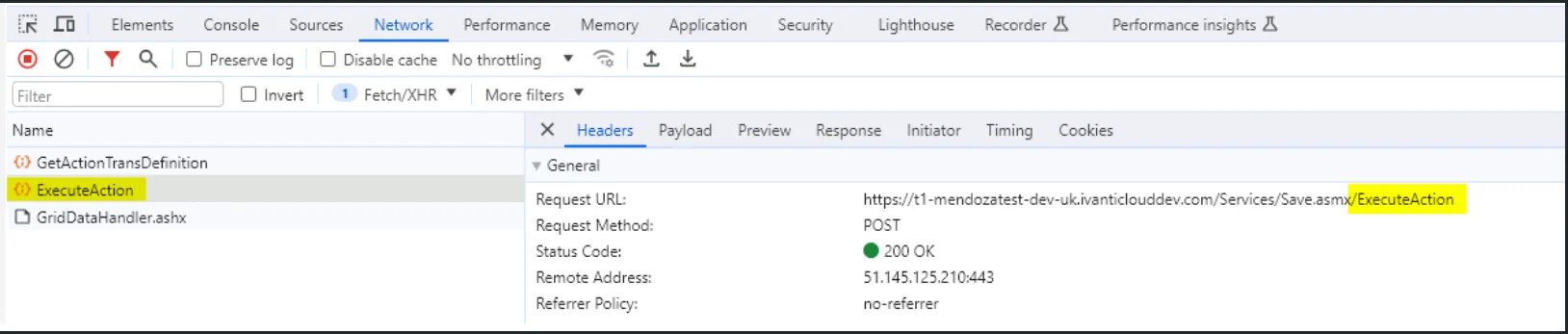
- Open the chrome console > Network > Headers.
- Execute a converted quick action. For example, OOTB > More > Form Actions > Assigned Incident to Me.
- Verify if the below endpoint is being called.
Troubleshooting
Problem
After Upgrading, the Action Service is not working when the installation is using Windows Authentication Option.
Resolution
- Check IIS settings > Application Pool > HeatActionServicePool.
- Check Identity Column to ensure the Identify Property has the same value as all other services.