To view the CI relationships in an enterprise service map
1 min
- In the left navigation pane, click ITSM > Configuration Management > Configuration Items.
- In the Records per Page drop-down, select All.
- In the Blueprint Name search box, type Enterprise and press Enter to display a list of the configured enterprise CIs.

- Click the required enterprise to view its details.
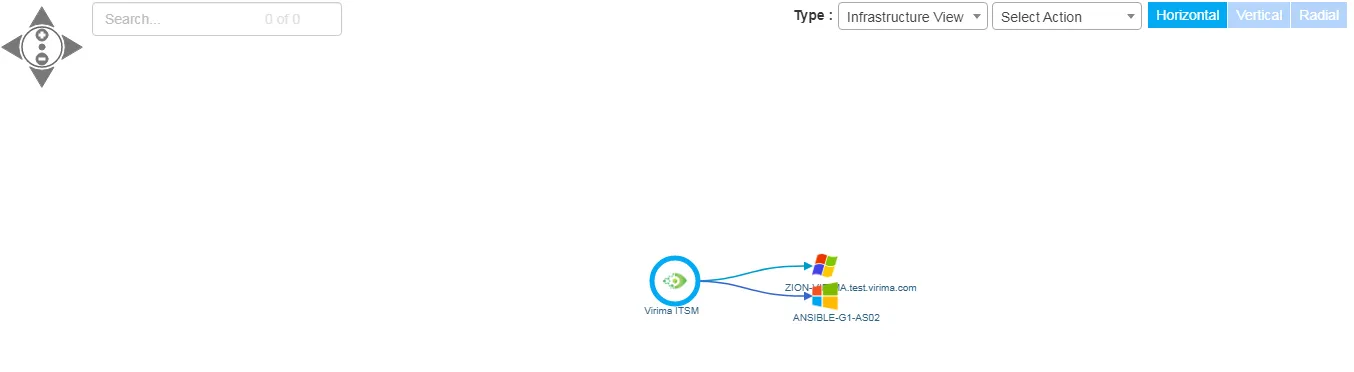
- Click the Relationships tab, then click the Business Service Map button to view the relationship in graphical format in a separate browser window.
A sample enterprise service map looks like this: