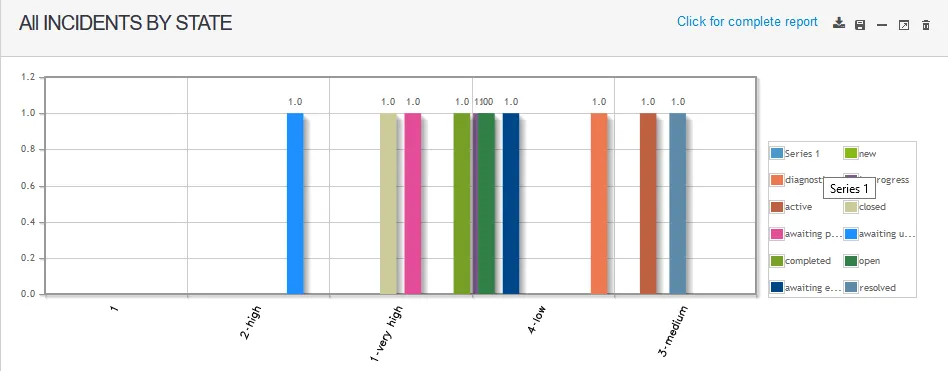
To view a dashboard
1 min
- In the left navigation pane, you can access dashboards one of several ways:
- Click My Dashboard.
- Click Discovery Scan > Dashboard.
- Click ITSM > Configuration Management > Dashboard.
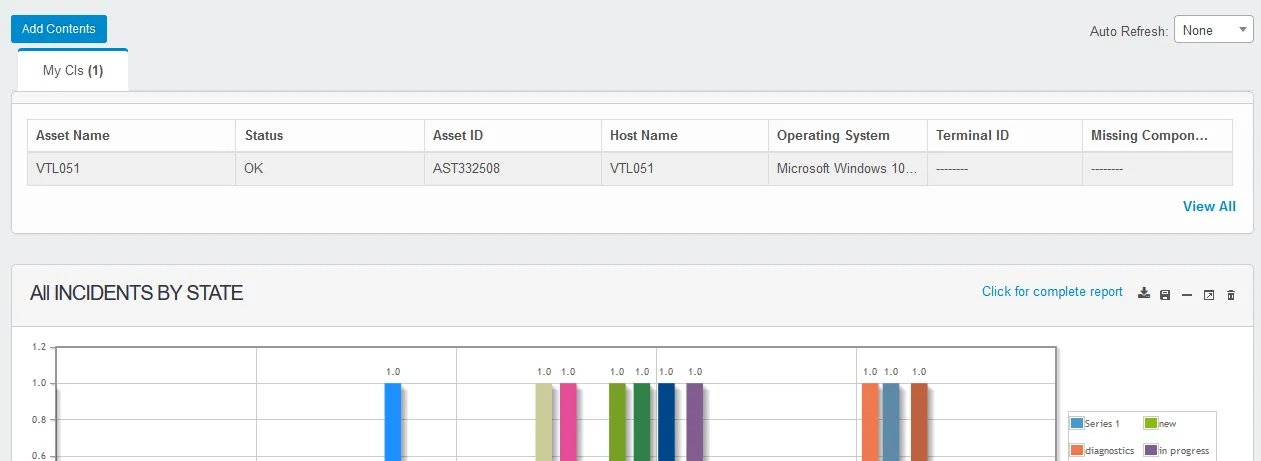
- In the top-left corner of the page, click Add Contents. The Search dialog displays.
- From the Search For drop-down, select a report type.
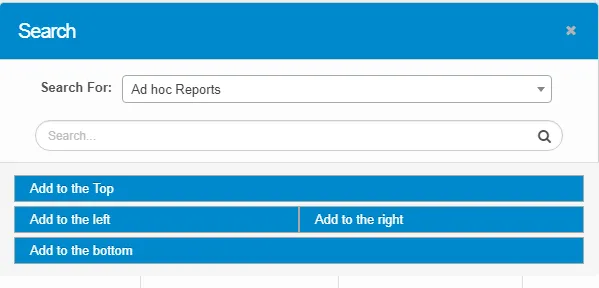
- Enter the search criteria in the given text box, then click the icon. The results will display as per the given search criteria.

- Click an item, then select one of the options to align the report to the top, bottom, left, or right of the Dashboard page.
A sample dashboard looks like this: