
To move CIs to the CMDB
1 min
- In the left navigation pane, click Discovery Scan > Discovered Assets. The Discovery Assets page displays.
- Select individual CIs to move or click the top checkbox to move all of the CIs in the list.

- From the Select Actions drop-down, select Move to CMDB.
- Confirm the action to move the CIs.
Discovered assets that are moved to the CMDB display on the Configuration Items page. Navigate to that page by clicking ITSM > Configuration Management > Configuration Items.
Click an asset in the list to view its details as shown below:
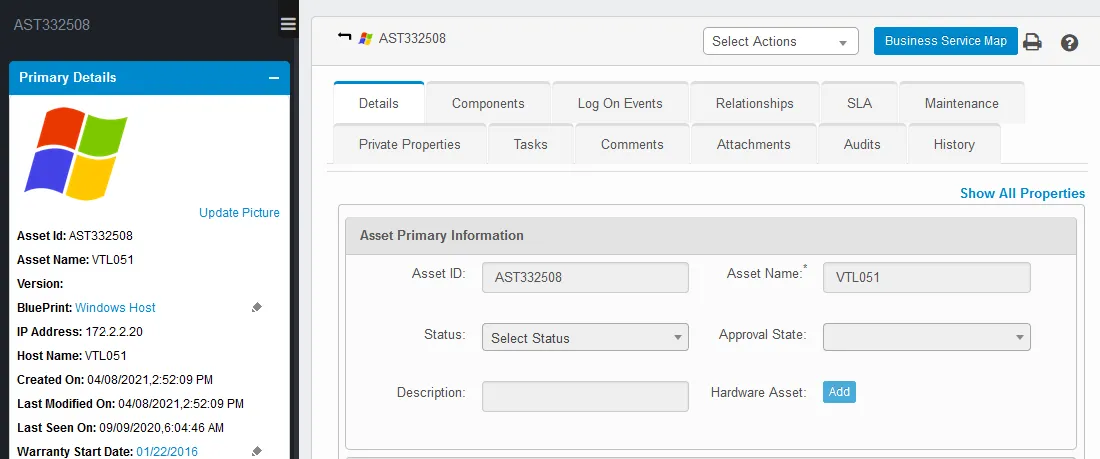
The CI page also includes tabs that provide information related to components, relationships, SLAs, etc.