
To create CI relationships
1 min
- At the top-right corner of the page, click Admin. Under the SACM heading, click the Relationship Types icon. The Relationship Types page displays.
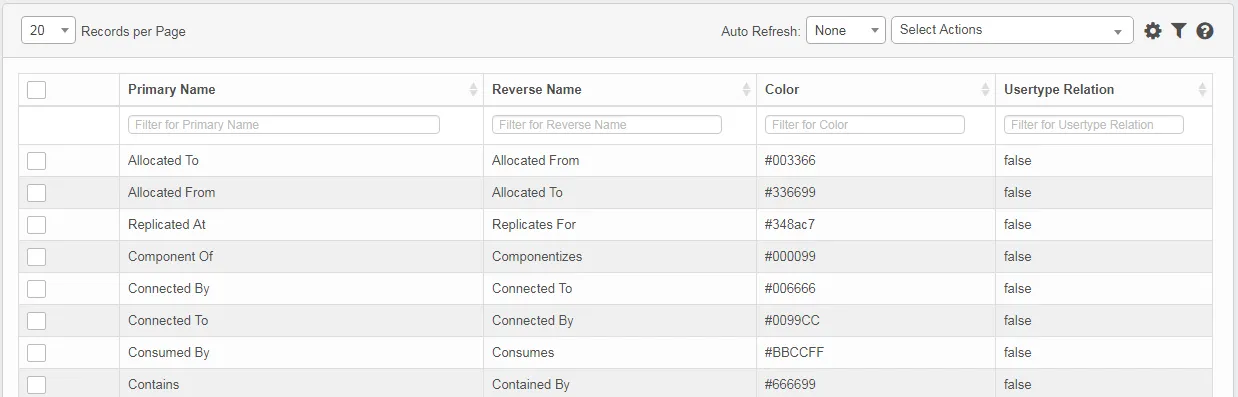
- From the Select Actions drop-down, select New Relationship Type.
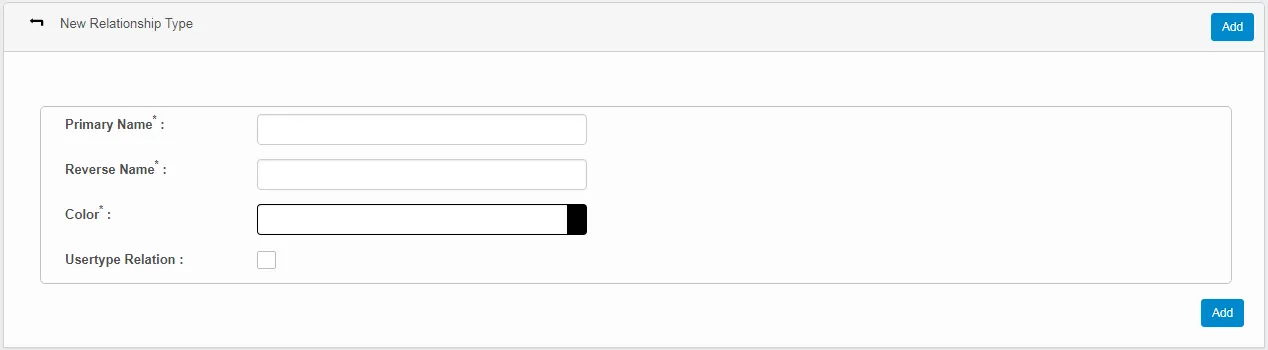
- Enter a primary name, which defines the relationship from the source to the target.
- Enter a reverse name, which defines the relationship from the target to the source.
- Set the color to represent the relationship between the source and target and vice versa.
- Select the Usertype Relation option to associate the relationship with the relevant user. If this option is not selected, the corresponding relationship cannot be associated with any user.
- Click Add to update the relationship and display the updates on the Relationship Types page.