
Retrieving the NSA API Details Using Browser
1 min
To view and download the NSA rest APIs, perform the following:
- Log in to NSA using any of browser for example: Chorme, Mozilla).
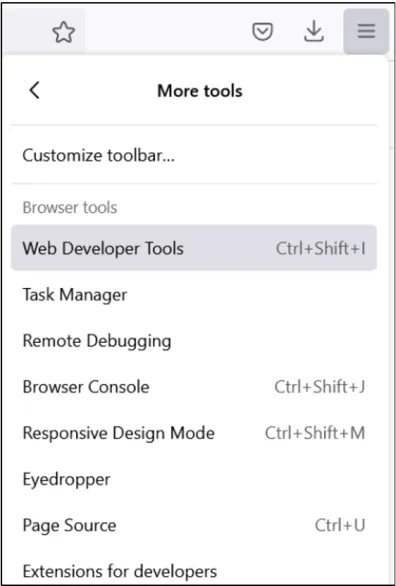
- In your browser, click on the Right Corner 3 Vertical Dots > More Tools > Developer Tools as shown in the below image.
- Select Network tab, this list all the APIs which are in use to load a UI Page.
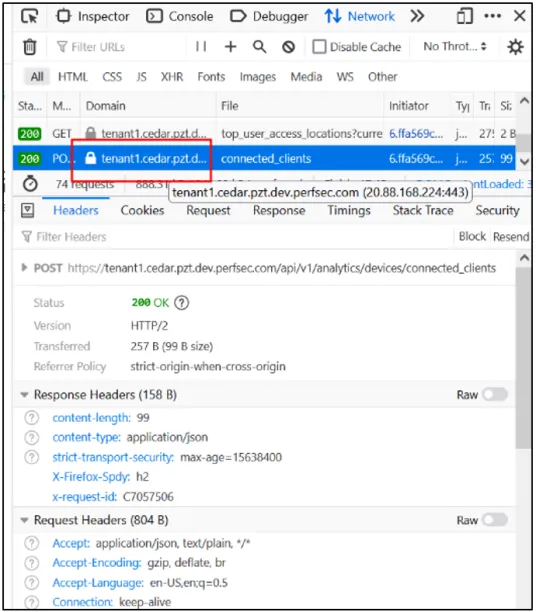
- Click Request tab to see the payloads and Response tab to see the return value.
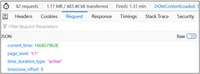
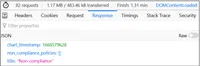
- Click on the link, shown in step 3 figure and you can see Json, Raw Data, and Headers tabs. You can Save and Copy.

For NSA API details, see NSA REST API Solutions Guide.