NSA AI Chat Interface (Preview)
The NSA AI chat interface is an AI-powered assistant in Neurons for Secure Access (NSA) that helps tenant administrators quickly access tenant, gateway, licensing, and operational information using natural language queries. It delivers contextual, read-only responses. It will be available for tenants that have necessary subscriptions / licenses, and will be enabled for ICS Gateways only.
The NSA AI chat interface is available only to administrators, and not end users.
All the APIs used by this feature are Read-Only by design, and hence no explicit user consent is required. In future phases, human-in-the-loop ability will be added when advanced features are supported.
Key Capabilities
- Ask questions and interact with the AI assistant. It can answer general questions and assistance on ICS gateways.
- Use the NSA AI chat interface in two display modes:
- Full-screen view
- Floating view
- View and use suggested prompts
- Chat Sessions
- Display chat sessions (maximum 20)
- Rename existing chat sessions
- Delete chat sessions
- Delete History
- Provides tenant and user Isolation
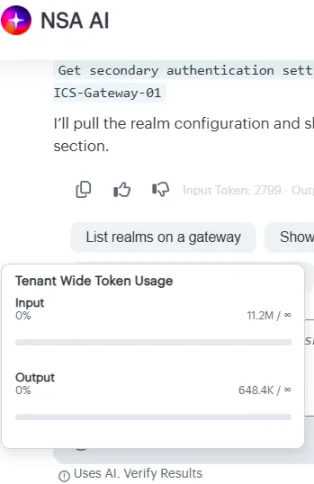
- Token usage to monitor costs
- Ease of use: supports copy/paste, auto scrolling
- Provide feedback on NSA AI responses
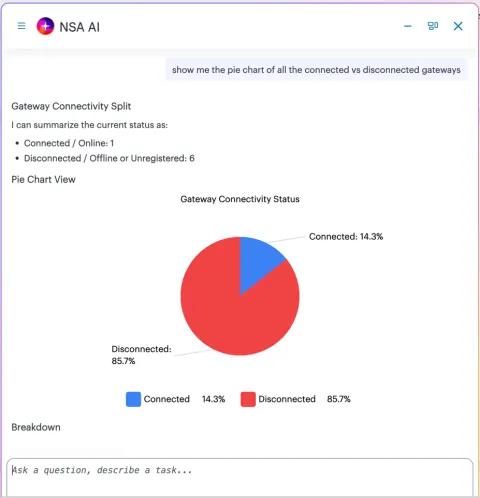
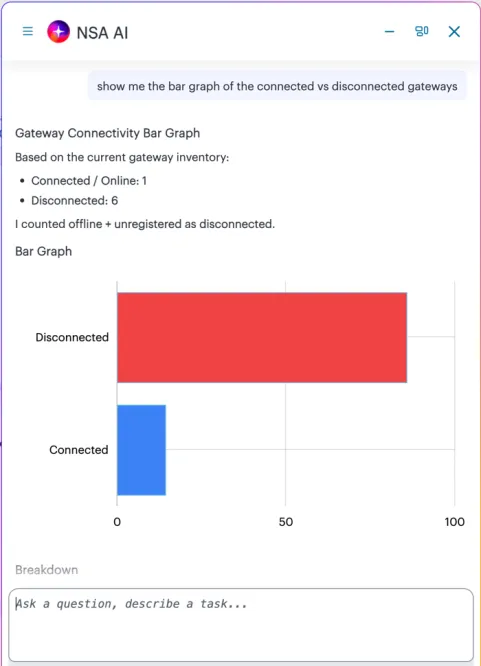
- View AI-generated visual representations / charts when supported by the response
Using NSA AI Chat Interface
To use NSA AI chat interface:
- Click the ASK AI icon provided at the top-right-corner of the NSA ICS page.

NSA AI assistant window appears with the greeting message, frequently asked questions (dynamic), and suggested prompts.
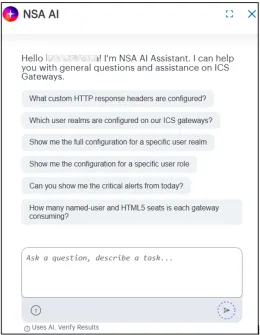
Suggested prompts:
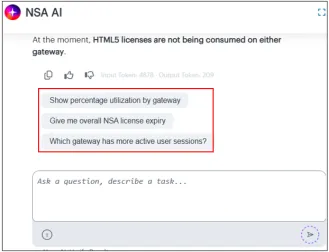
- The NSA AI assistant window supports two display modes: Full Screen and Floating. Use the Switch to option to select the mode that you are comfortable with.
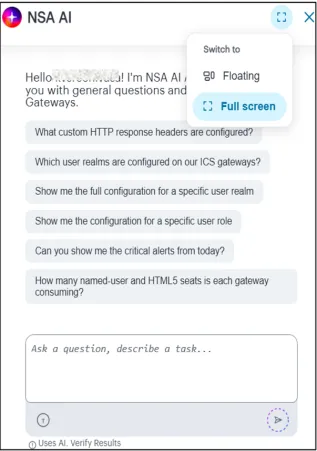
Full Screen Mode: The chat and the sessions are listed together. The left panel shows the session listing and the right display area shows the chat history and user prompt field.
Use the  button to close the sessions tab and the
  button to reopen the sessions tab.
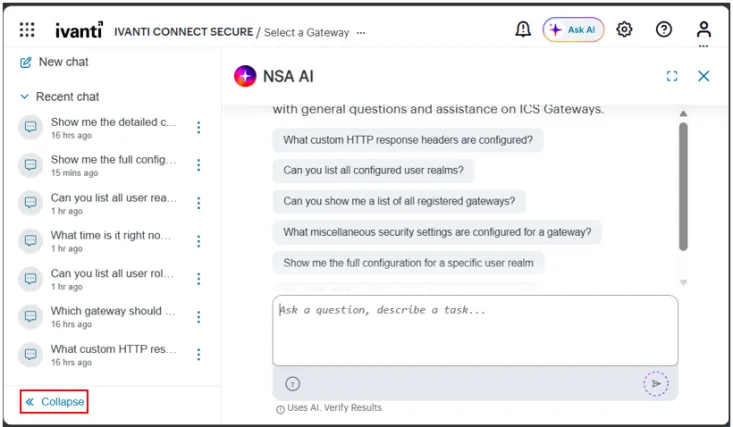
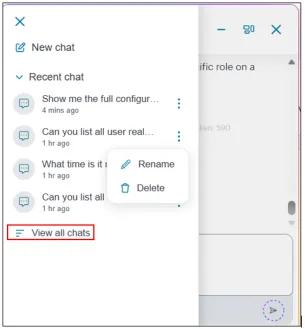
Floating Mode: To view the sessions list, click the icon in the upper-left corner of the window..
- Select View all chats to search for a session. From this window, you can also Rename or Delete a session.
- You can re-size the floating window by adjusting its width and height.
- You can minimize the floating window or drag it anywhere on the screen.
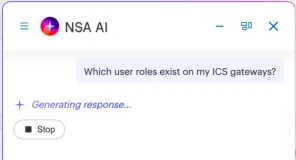
- In the Ask a question prompt box, enter your question. A Generating responses message appears briefly, followed by a relevant answer.
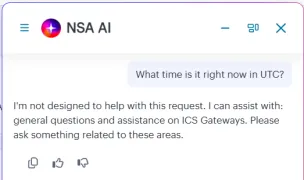
For questions not related to NSA / ICS Gateways, NSA AI assistant shows the following message:
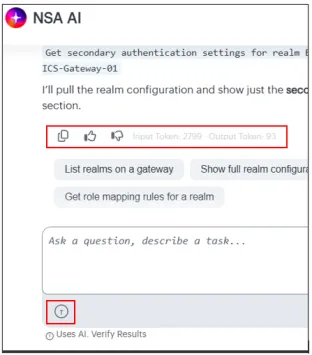
- After you receive an answer, you can provide positive or negative feedback with additional comments. You can copy the response to the clipboard and can also view the token usage.
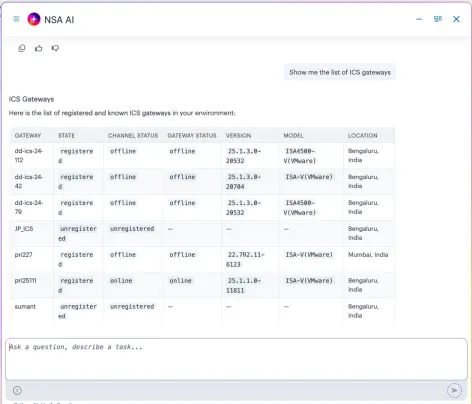
- The responses include tables, charts and bar graphs. Some examples are shown below.