Recipe Lifecycle Management
3 min
Recipe Lifecycle Management lets you plan, test, and then deploy your integrations for a seamless experience. It also enables teams to collaborate and contribute to recipe development.
The process of Recipe Lifecycle Management involves moving recipes as packages from a development/testing environment to a production environment, which enables moving only tested and stable recipes for integration into production. Packages can be imported and exported, which contain recipes, lookup tables, templates, and more.
Recipe Lifecycle Management Process
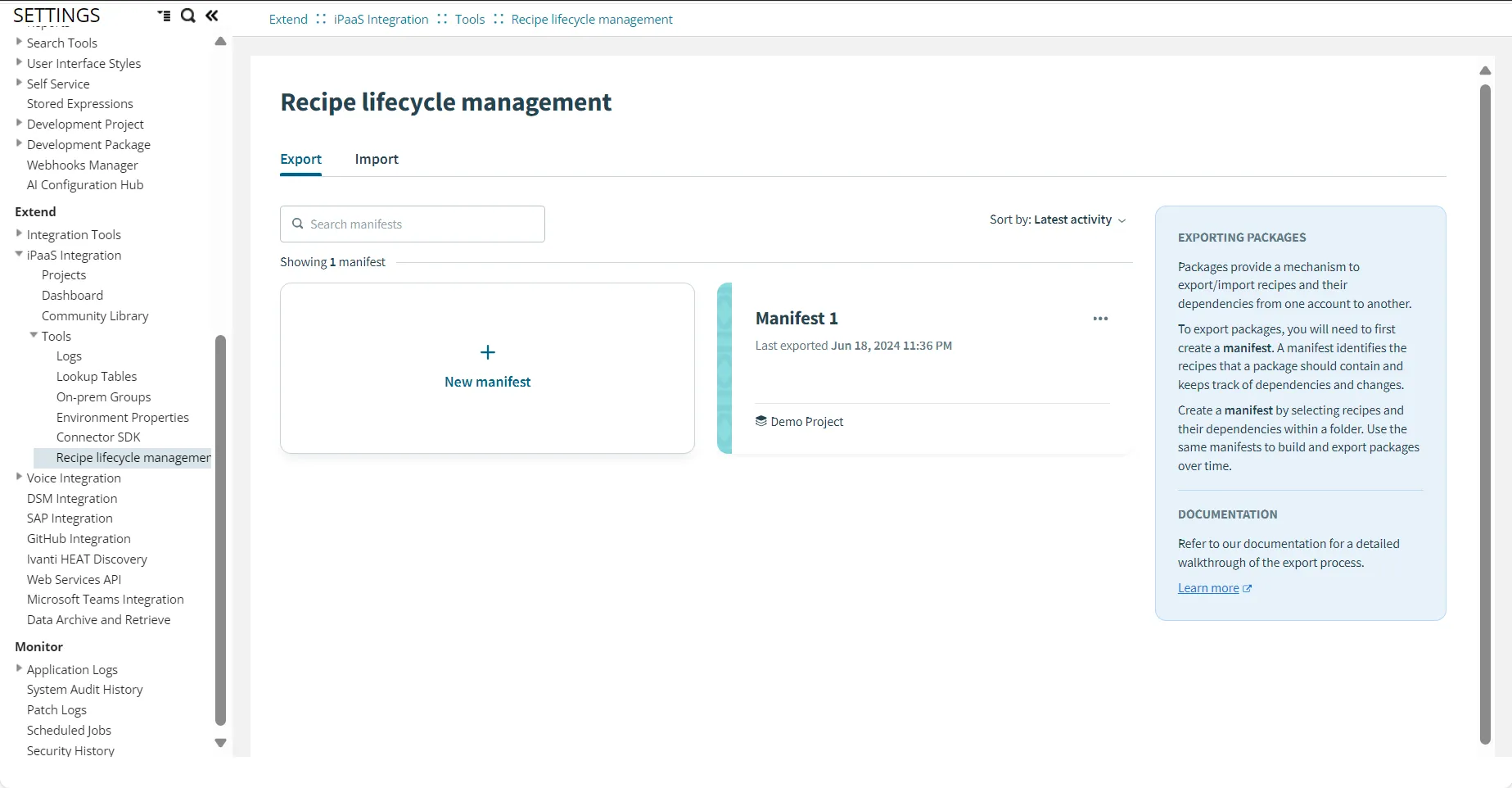
- Export - Create a Manifest --> Choose the Asset to include in the Manifest --> Export the Package.
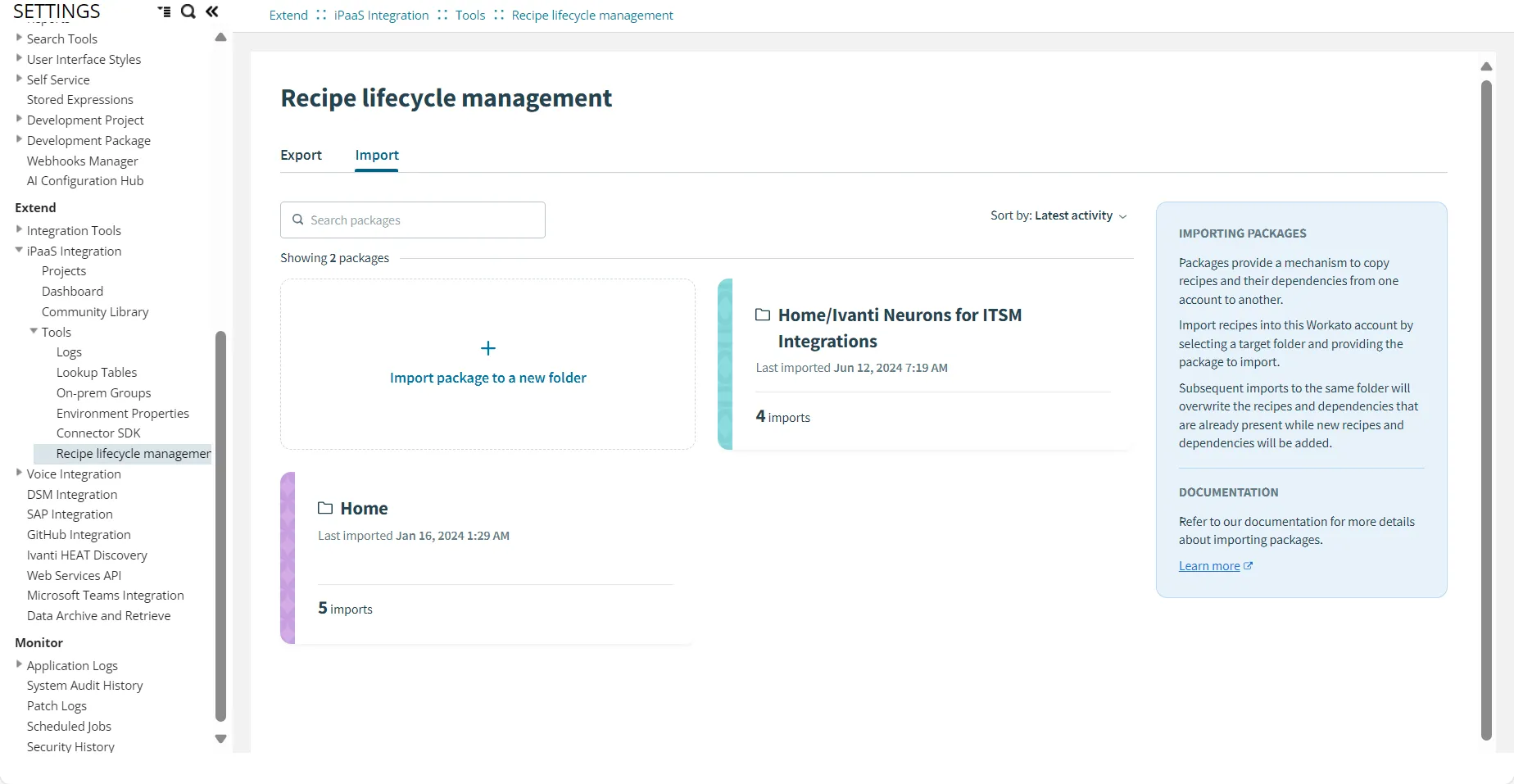
- Import - Import Package --> Review Package --> select or clear Assets, Projects, Lookup tables to be included --> Complete the import.
Export a Package
- Log in to Neurons for ITSM as an Administrator.
- Open the Configuration console, select Tools > Recipe Lifecycle Management > Export.
- Select New Manifest.
- Enter required details in the wizard.
- Click Next > Create a Manifest.
The Manifest is created, which can be exported as a package.
- Click Build and export package.
The package is downloaded on your local device in a zip format.
Import a Package
- From the Configuration console, select Tools > Recipe Lifecycle Management > Import.
- Select Import package to a new folder.
- Import the zip file.
- Review the package content - select or clear the assets, projects, connections, and lookup tables to be included in the import.
- Import the package.
The package is successfully imported.