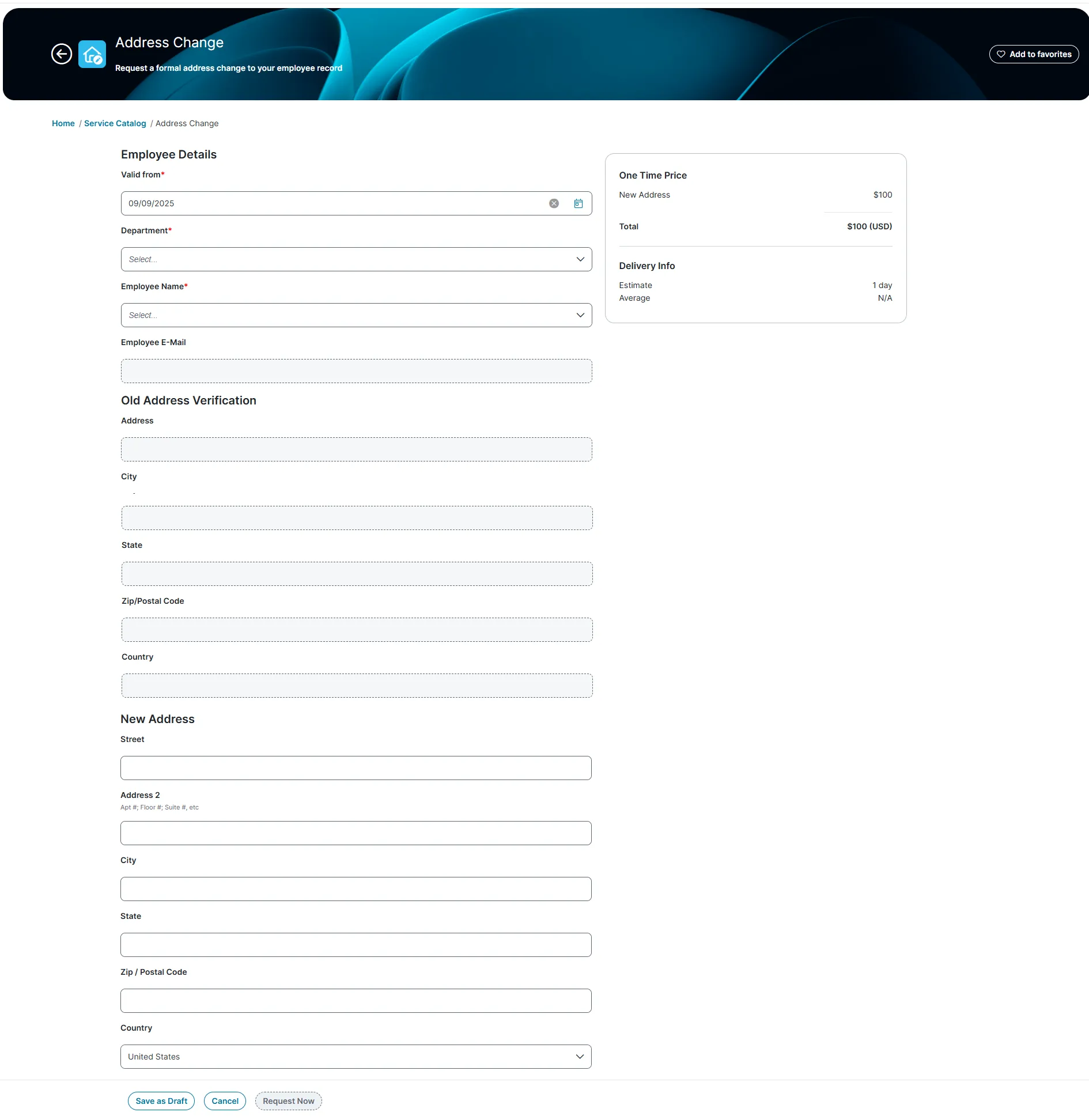
Service Catalogue
3 min
Overview
The Service Catalogue workspace allows you to request, view, and manage Request Offering and Incidents. It lists all products and Request Offering available to you, such as requests for software, computers, or email, and groups them by category. You can track the progress of your requests through their lifecycle.
Service Catalogue workspace
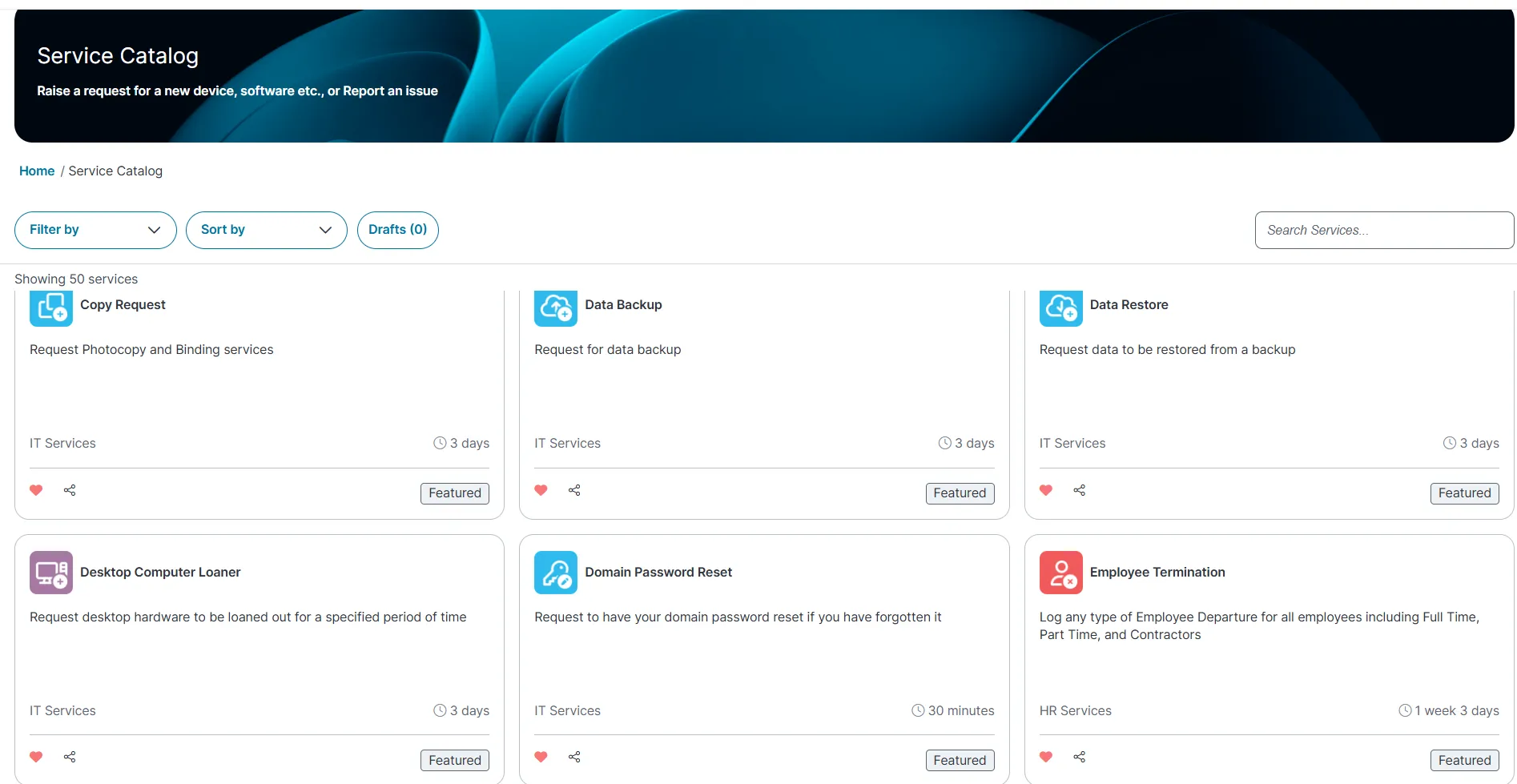
You can use the following features to view records within the workspace:
- Filter by category or presets : Filter Request Offering by department, Most popular, or Favourite (lists Request Offering marked as favorites) or preset to define the category such as (HR Services, Most Popular Request Offerings, New Incidents, IT Services, Facility Services).
- Group by category : Organise Request Offering by their category to streamline your search such as ascending or descending order.
- Save as draft : Save Request Offering as drafts to complete and submit later. Unsent requests appear as drafts at the top-right of the page.
- Search by keyword : Use the Search bar to find Request Offering using specific keywords.
You can also track the progress of your requests and incidents from theMy Items workspace.