
Rule Management
Purpose
On the Rule Management tab you can monitor which rules vWAF currently uses as a result of Vulnerability Management.
Future versions will also show the rules created as a result of Malware detection here.
Opening
To access Rule Management:
- In the navigation area, select the application for which you want to manage external services rules.
- Activate the External Services | Rule Management tab.
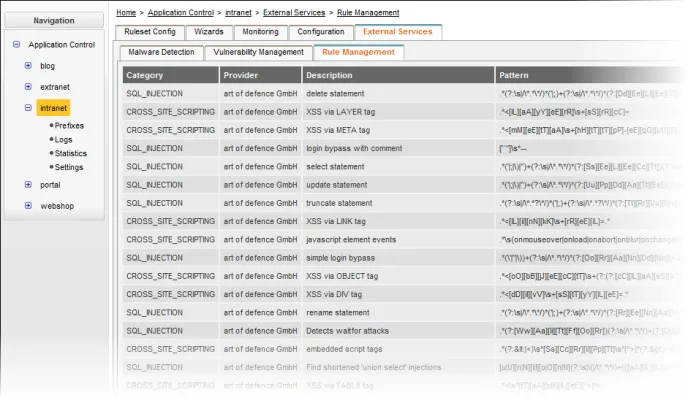
Information displayed
Column | Meaning |
|---|---|
Category | Shows which category of attack may be carried out via the identified vulnerability. The category name is provided by the external service used. |
Provider | Shows who provides the mitigation rule. Mitigation rules may either be provided by the report file that you’ve imported from your external service provider, or by vWAF Baseline Protection. |
Description | Contains a more detailed description of the particular attack vector. The text is provided by the external service used. |
Pattern | Exact pattern that vWAF looks for in your web application. If this pattern matches with a request, vWAF applies the configured mitigation rules for this request. |