
Event Log
Purpose
The Event Log displays a table of all status changes. These include, for example, going online or offline of cluster nodes, or errors due to invalid settings. Also the Event Log holds a copy of all alerts, no matter to which Event Destination they were sent (see Configuring Alerts). For a detailed list of all log file entries possible, please refer to Entries in the Event Log.
Opening
To open the Event Log, select the menu item Administration > Event Log.
You can select the time range, and you can sort and filter the table (see Monitoring Attacks, Statistics, Log Files, Reports for a description of the log files).
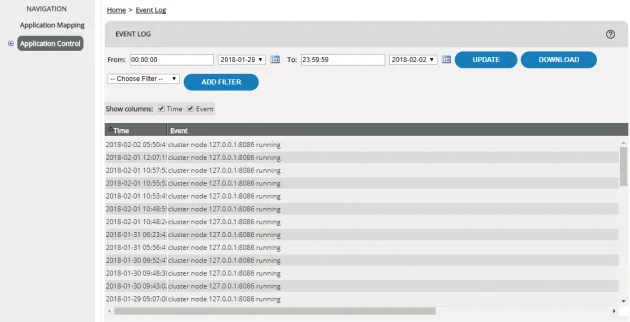
Data displayed
Column | Meaning |
|---|---|
Time | Date (YYYY-MM-DD) and time at which the action was carried out. |
Event | Specific record of the event (see Entries in the Event Log). |