
Targets
1 min
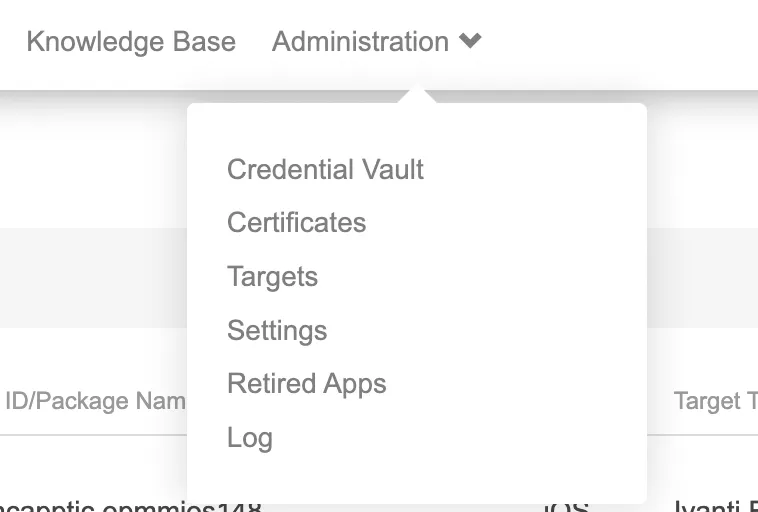
In Ivanti incapptic Connect, from the top menu click Administration to open the Targets page.
Creating a new Target
You can create targets from the Ivanti incapptic Connect.
Procedure
- From the Targets page, click an app. The Targets detail page opens.
- Click Edit Target. The Edit Target page opens.
- When editing target details, you can also choose the options for iOS enabled and Should connect to iTunes features.
- Click Save Target.
- Click Delete Target to delete the target that is associated with any apps.
- Click + New Target. The Select Target Type menu opens.
- Click the drop-down icon to open the list of target types. You can select the target. Click Next.
- The Add Ivanti Target opens. Enter the target type and name of the target. You can also choose the options for iOS enabled and Andriod enabled features.
- Click Save Target.