Knowledge Base
0 min
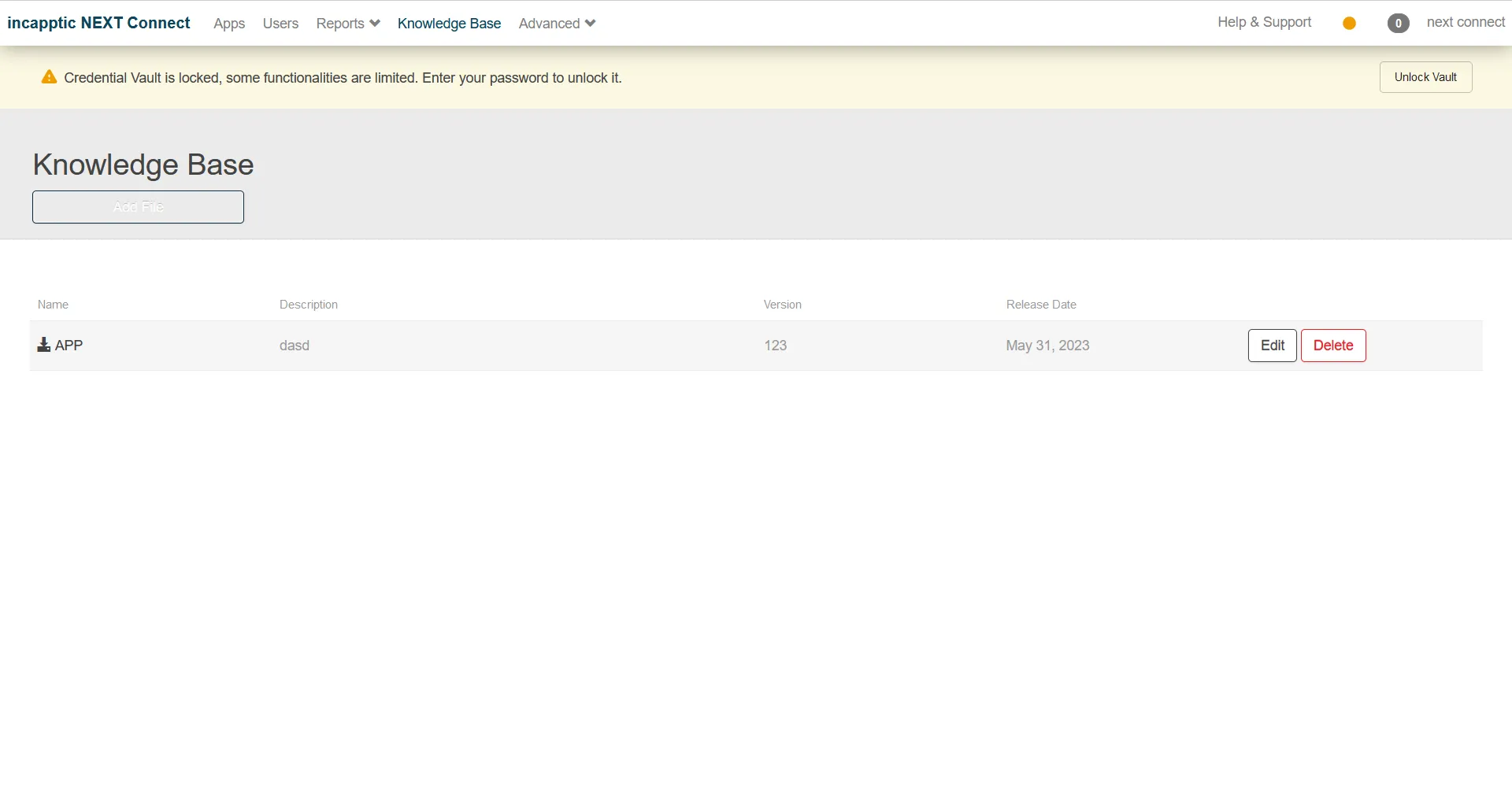
You can add a file from the Ivanti incapptic Connect Knowledge Base page. You can view the list of added app files on the page.
Procedure
- Click Edit. The Please fill in the following fields pop-up menu opens.
- Fill in the details such as name, description, version, and release date.
- Click Save.
- Click Cancel if you don't want to upload a file.
- Click Delete to delete the app file.