Example Configuration: Guest Access with HFCL
2 min
The goal is to provide secure and role-based access control for Guest Access using HCL through Ivanti Policy Secure.
The IPS configurations for Guest access are available at IPS configurations.
While configuring a Radius Client ensure the Radius is selected as standard.
For more information, see HFCL documentation.
Configuring the HFCL WLC
To configure HFCL, perform the following:
- Configuring AAA server
Navigate to Configuration >AAA Servers>ADD and enter the required configuration:
- Configuring Captive Portal
Navigate to Configuration > Captive portal >ADD and enter captive portal details.

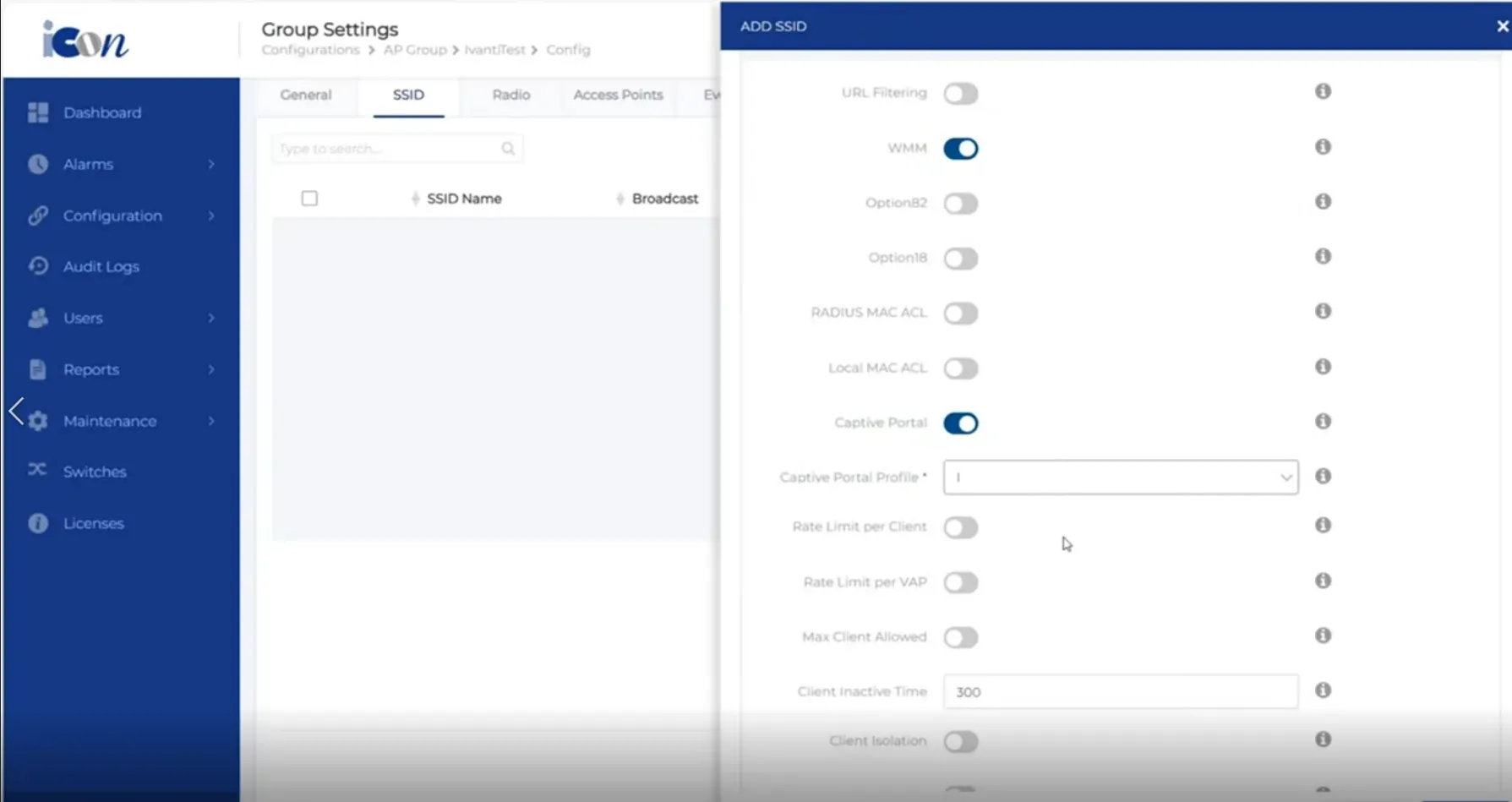
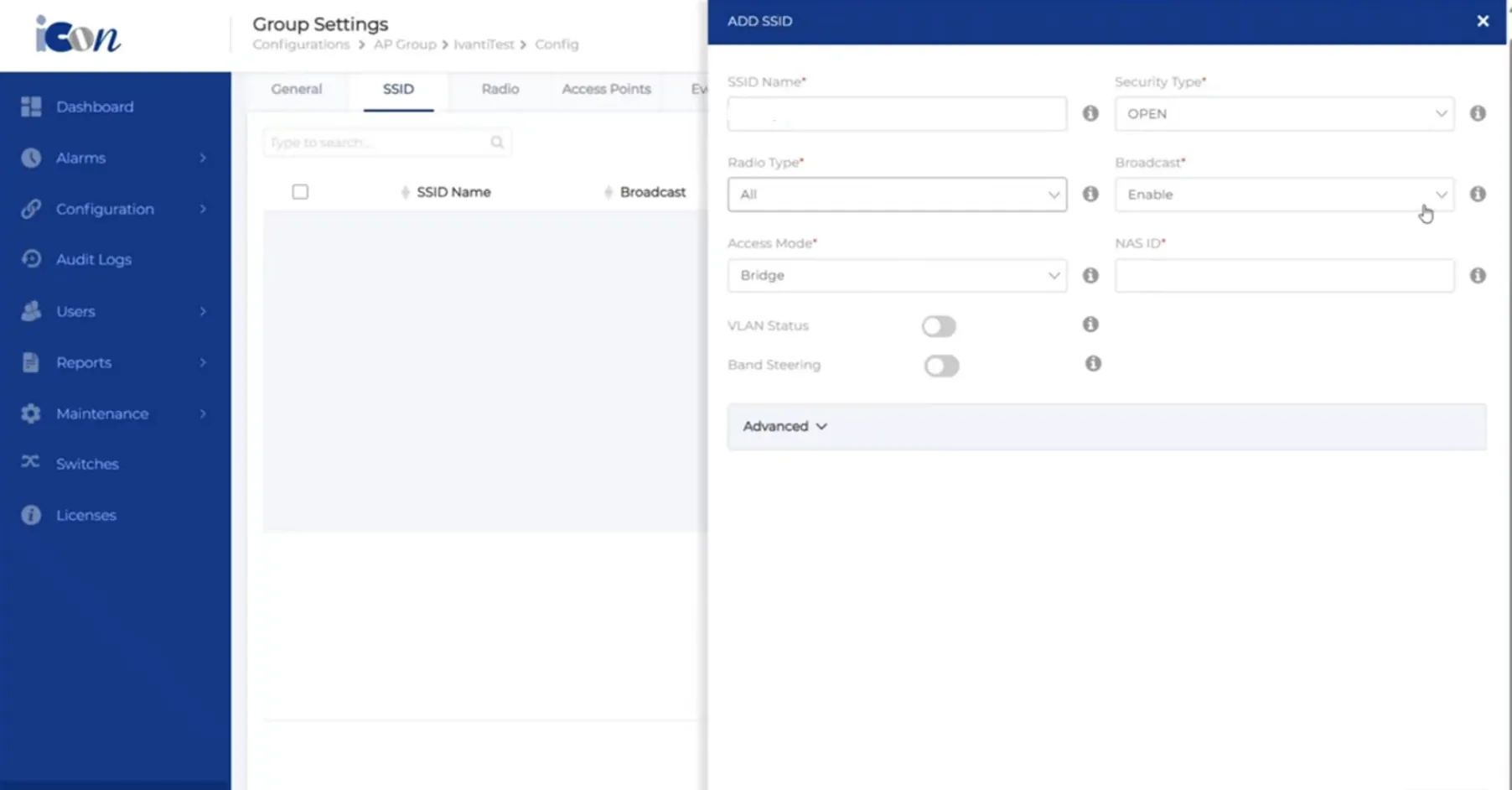
- Configuring SSID Navigate to Configuration>AP Groups> Setting > SSID.