
Creating a conditional access policy in Microsoft Endpoint Manager
1 min
Procedure
- Log in to Microsoft Endpoint Manager https://endpoint.microsoft.com.
- In the Microsoft Endpoint Manager admin centre page, go to Home > Endpoint Security > Conditional Access.
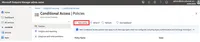
- Click Policies and then click + New Policy.
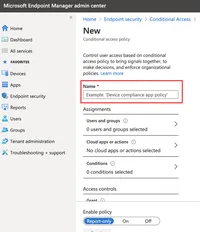
- Enter the Name of the conditional access policy.
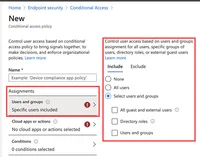
- In Assignments, click to assign the policy to users and groups.
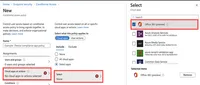
- Click Cloud apps or actions and then click Select. Search for and select the apps required to be protected.
- Click Conditions and then click Device Platform. Select the appropriate device platforms.
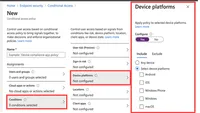
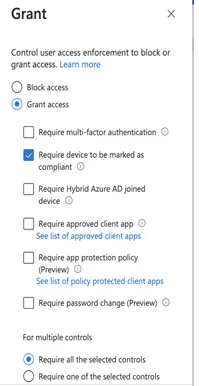
- In the New conditional access policy page > Access controls, click Grant and make the access and block selections.
- To enable the new policy, click On.
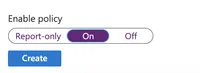
- Click Create.