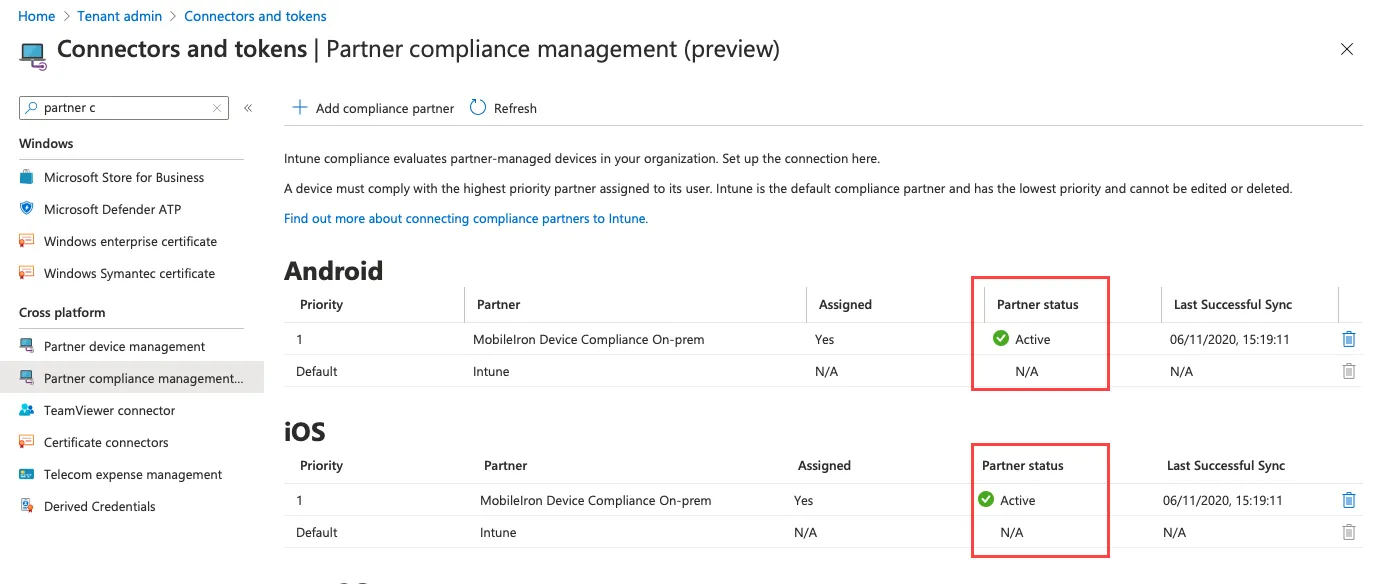
Adding MobileIron as a compliance partner
1 min
Prerequisites
- installed a Microsoft Intune licence. See Apply the Intune licence to device users.
- users created in Microsoft Azure
- groups created in Microsoft Azure
Procedure
- Login into: https://endpoint.microsoft.com.
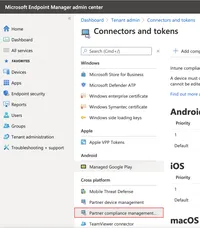
- In the left panel of the Microsoft Endpoint Manager admin centre page, click on Tenant Administrator. Click Connectors and Tokens > Partner Compliance Management.
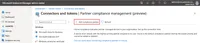
- To the right of the Search field, click + Add compliance partner.
- In the Basics tab, select MobileIron Device Compliance Cloud from the drop-down of the Compliance partner field.
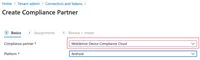
- In the Platform field, select iOS or Android and then click Next.
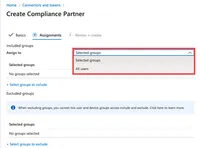
- Click the Assignments tab. In the Assign to drop-down, select the user/group of device users the compliance status is for. Select the user/group that has the licence.
- Select Next.
- Click Create. The new compliance partner appears on the Partner compliance management page.