
Manually triggering Tunnel
2 min
Device users can manually trigger Tunnel on their Windows 10 desktop.
Procedure
| 1. | Go to Setting > Network & Internet |
|---|
Figure 1. Connect Tunnel VPN
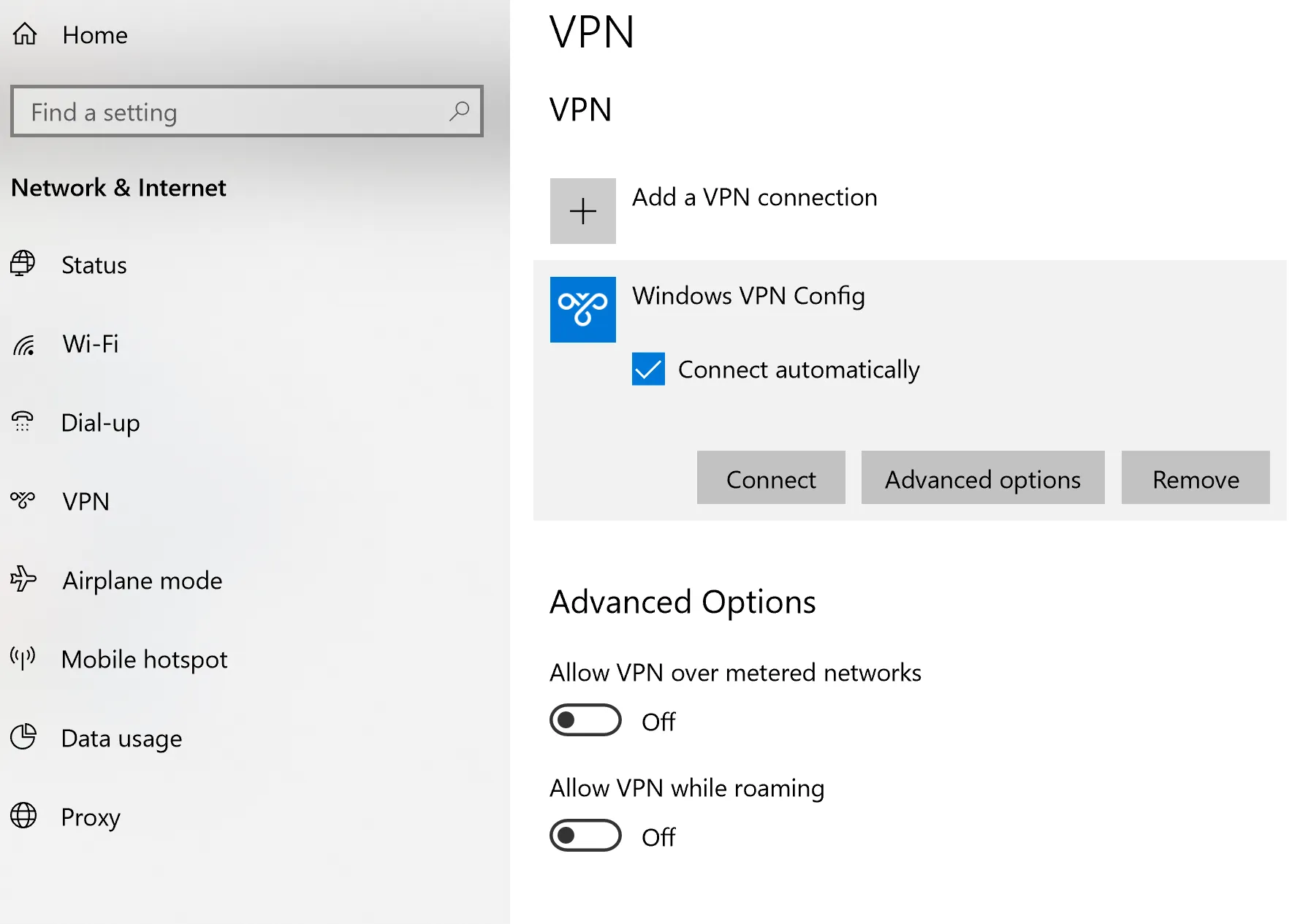
| 2. | Click on VPN |
|---|
| 3. | In the VPN pane, select the Tunnel VPN profile. |
|---|
If there are multiple VPN profiles installed, Ivanti recommends also selecting Connect automatically.
| 4. | Click Connect |
|---|