
Jobs Page: Overview
Summary: High-level overview of the Jobs page in Ivanti Neurons RBVM/ASPM/VULN KB.
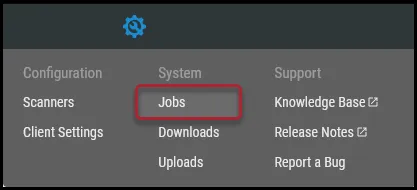
Access the Jobs page by navigating to Configuration ( ) > Jobs in Ivanti Neurons RBVM/ASPM/VULN KB.
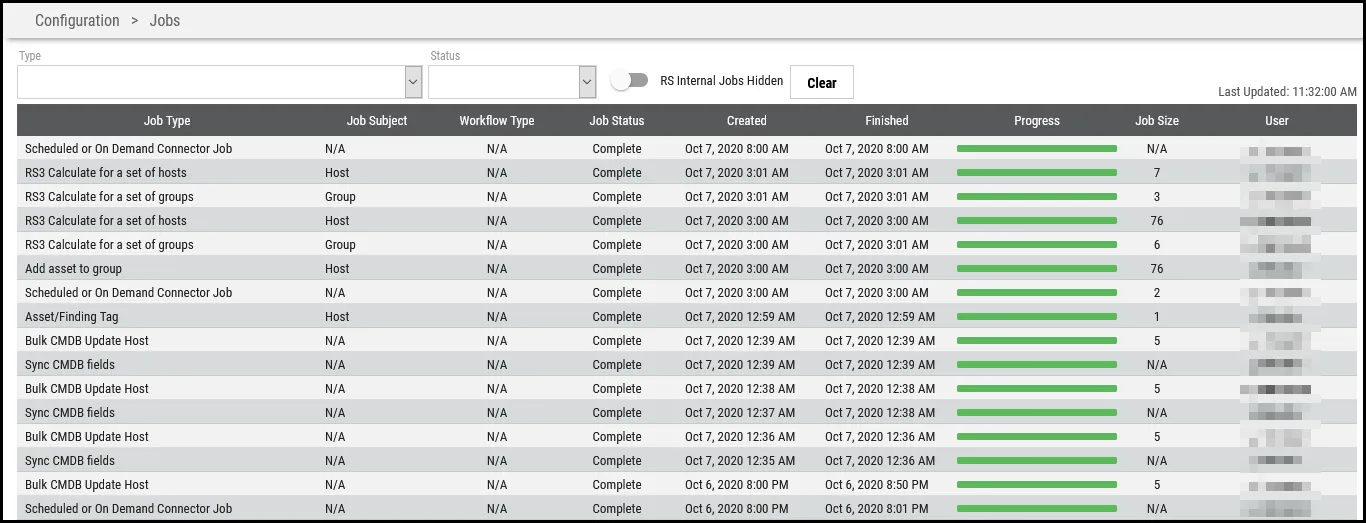
The Jobs page allows users to view the status of all client jobs within the platform. This page is available to all Neurons RBVM/ASPM/VULN KB platform users. This page allows users to filter for specific jobs processing in Ivanti Neurons based on the job’s type and status.
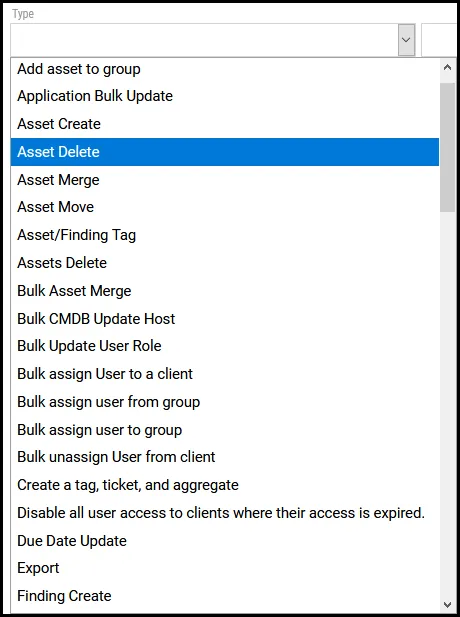
Type: Use the drop-down menu to filter the list view for a specific job type.
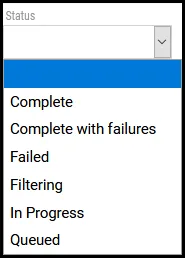
Status: Use the drop-down menu to filter the list view for a specific job status.
RS Internal Jobs Toggle: Click the toggle to show/hide RS Internal jobs.


Clear: Click this button to remove filters from the page.

The following columns are available on the Jobs page.
- Job Type: Type of job.
- Job Subject: The job’s category.
- Workflow Type: Displays the workflow type associated with the job. May be listed as N/A unless directly tied to a platform workflow, such as a remediation job.
- Job Status: Lists the status of the job, i.e., Complete, Complete with Failures, Failed, Filtering, In Process, Queued.
- Created: Date and time job started.
- Finished: Date and time job completed.
- Progress: Bar depicting job progress that gives an approximate estimation of how long the job will take to complete.
- Job Size: Relative job size. Jobs with a higher value take longer to complete than jobs of a lower value.
- User: The Neurons RBVM/ASPM/VULN KB user who initiated the job.